|
VOOZH | about |
|
VOOZH | about |
Debugging is the process of identifying and fixing errors to ensure an application runs smoothly. Node.js provides various built-in tools to help troubleshoot and debug applications efficiently.
Although console.log() is useful for basic debugging, advanced tools provide a more efficient and structured way to debug complex Node.js applications.
While console.log() is commonly used, it's not the most efficient for complex debugging tasks. Instead, you can use the V8 Inspector in NodeJS.
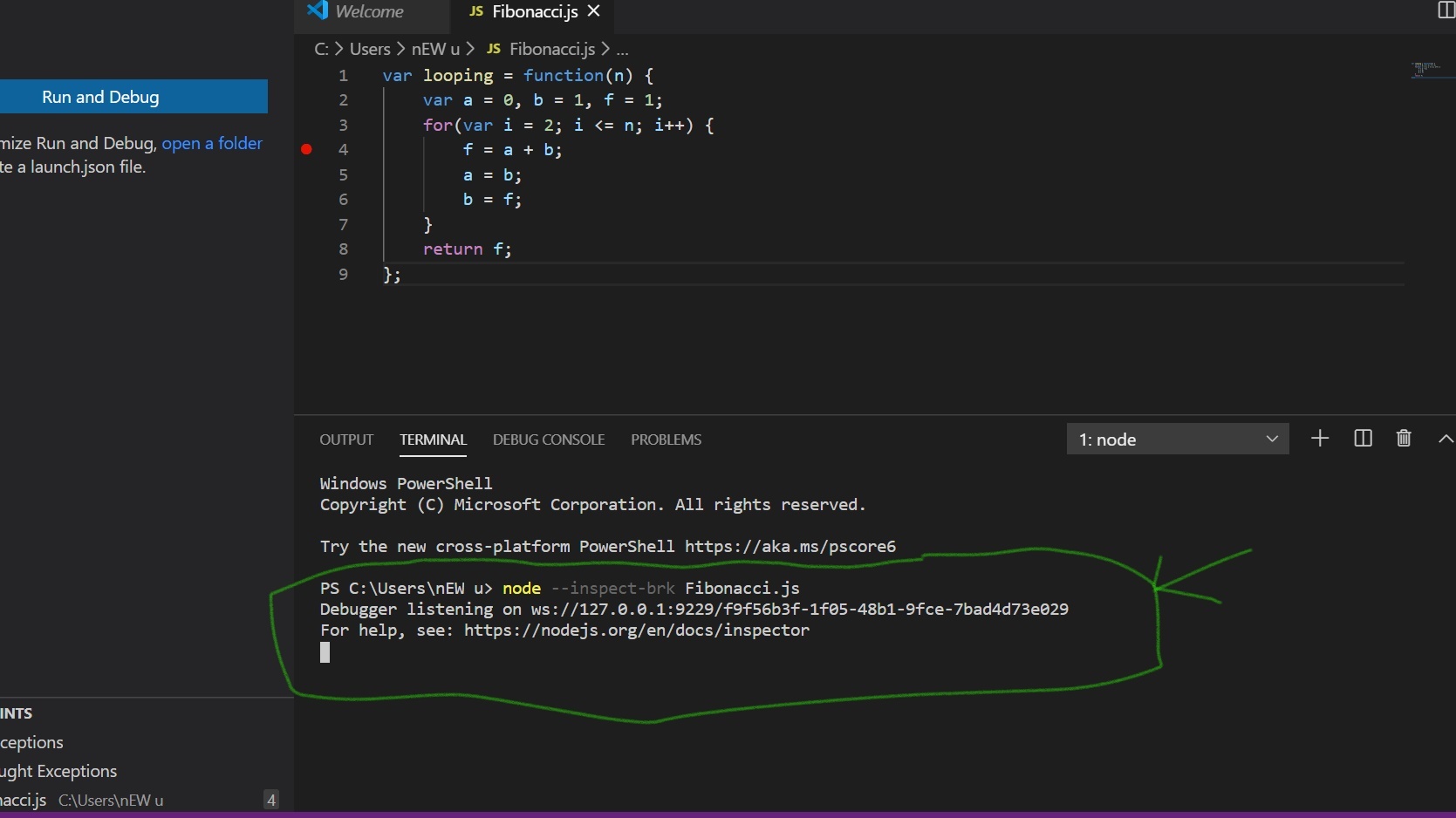
Step 1: Write the following code in the terminal window as shown below:
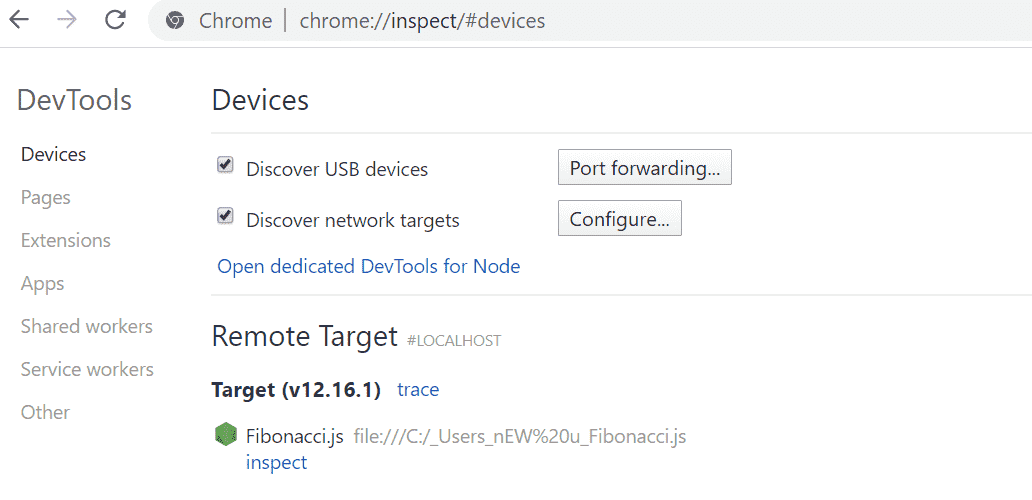
node --inspect-brk filename.js👁 Steps 1Step 2: Open your Chrome browser and write inspect as shown below
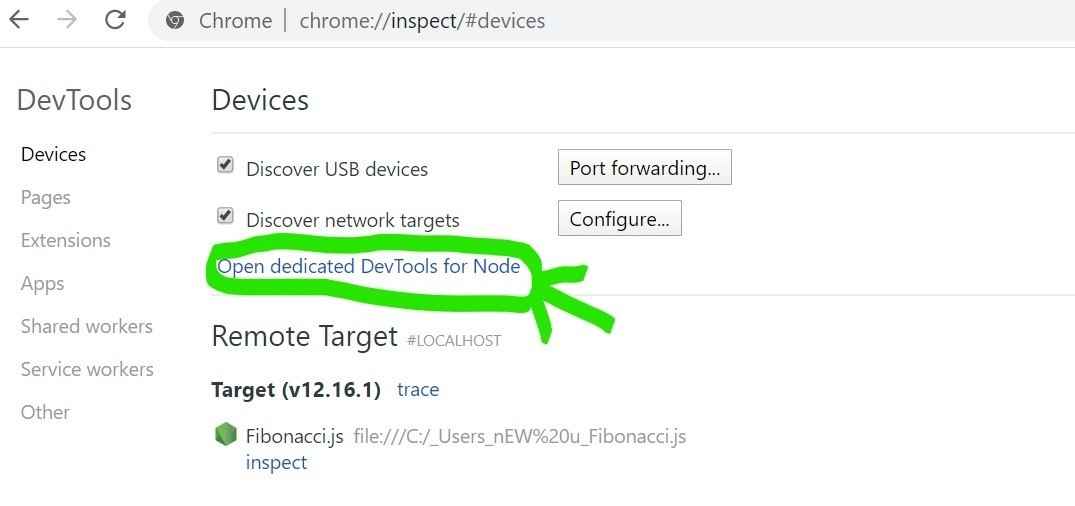
Step 3: Now click on Open Dedicated DevTools for Node.
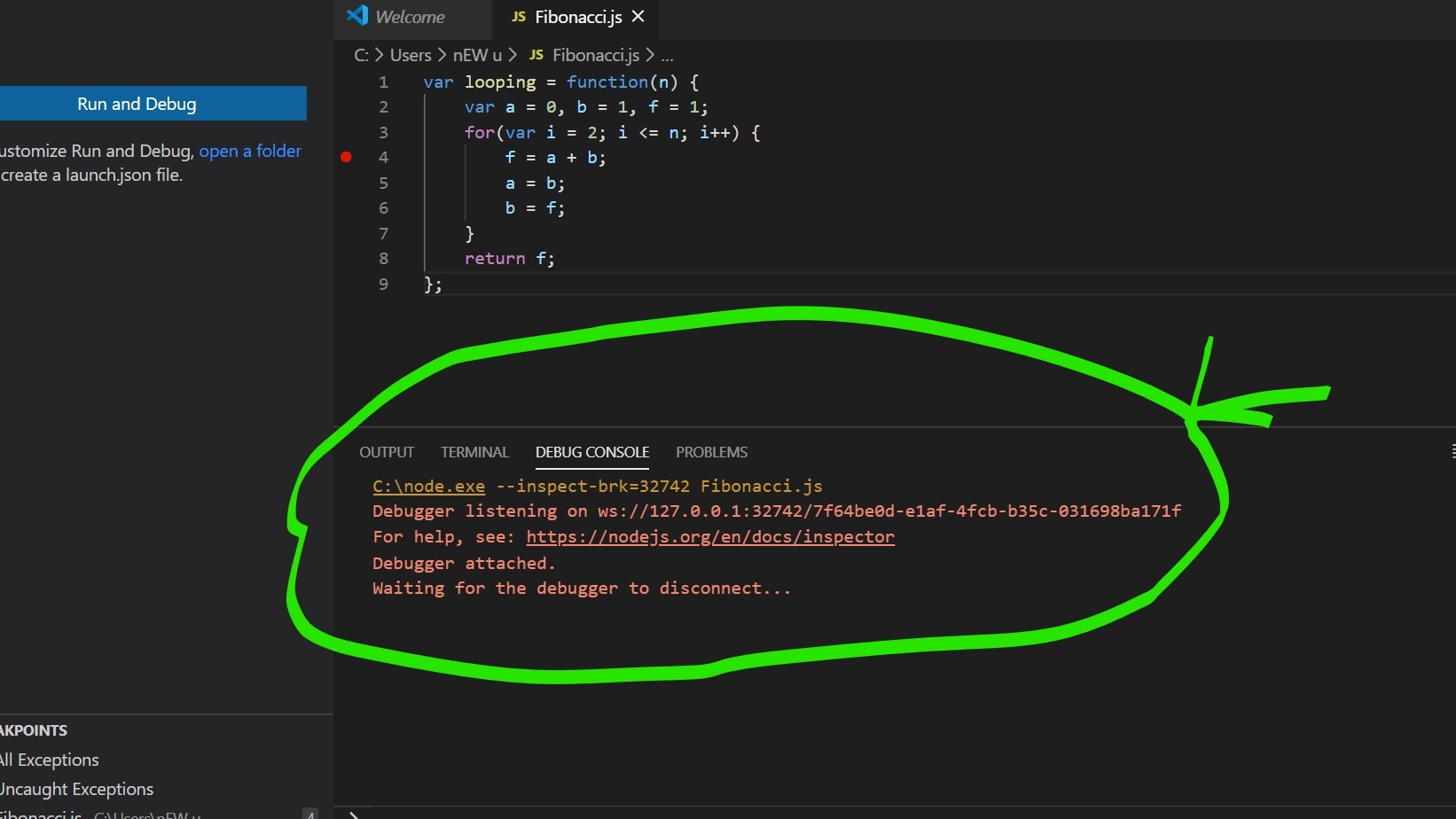
Step 4: Now, click on the NodeJS icon. The terminal will show the following message:
👁 step 4Step 5: Other tools to help launch a DevTools window:
june07.com/nim
github.com/jaridmargolin/inspect-process
github.com/darcyclarke/rawkit