|
VOOZH | about |
|
VOOZH | about |
A transformationin CSS is used to modify an element by its shape, size and position. It transforms the elements along the X-axis and Y-axis. There are 6 main types of transformation which are listed below:
We will implement all these functions & will understand their concepts through the examples.
The translate() method is used to move the element from its actual position along the X-axis and Y-axis.
Example: This example describes the CSS translate() method to modify the position of an element from its actual position.
Output:
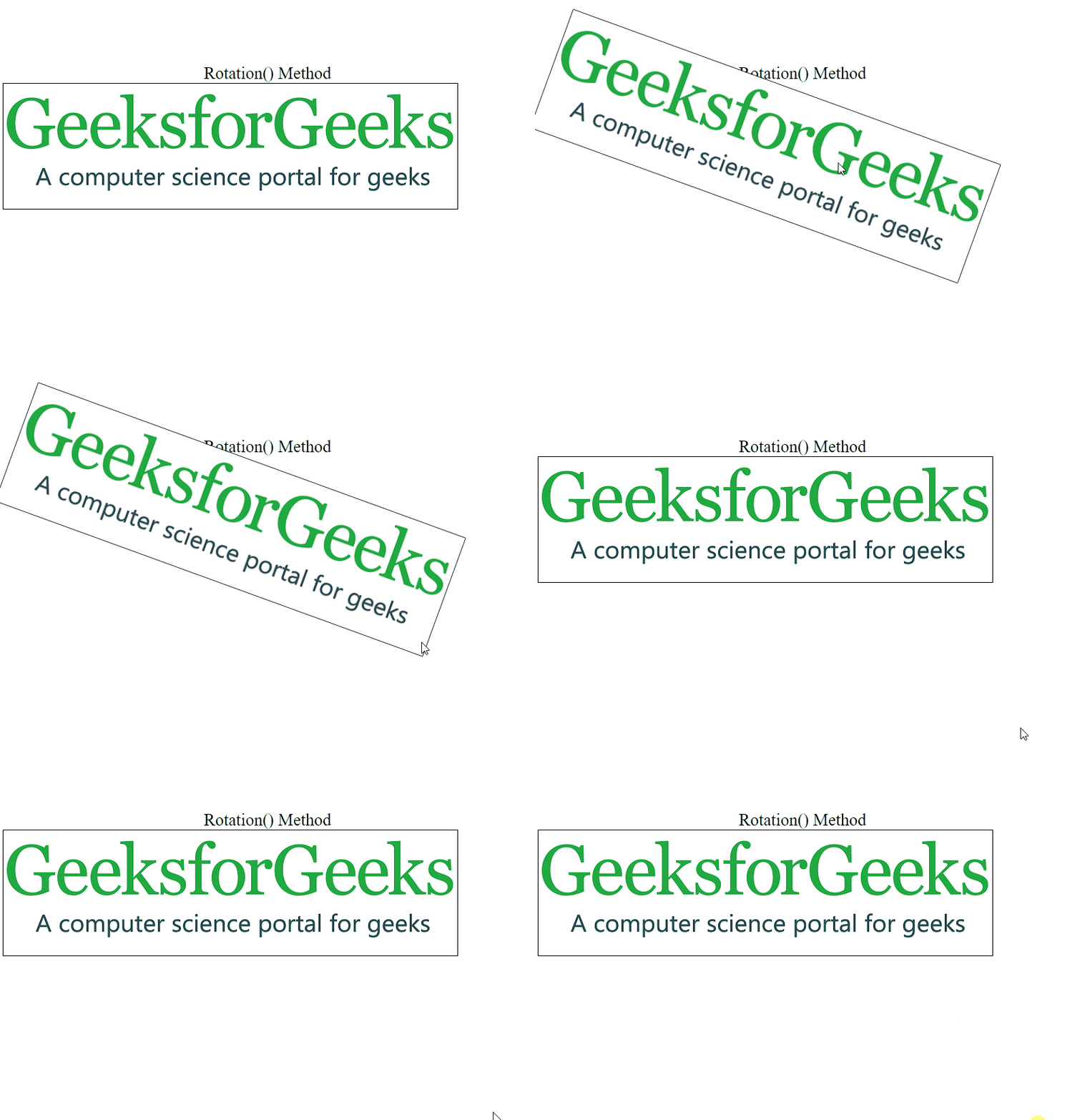
The rotate() method rotates an element clockwise or counter-clockwise according to a given degree. The degree is given in the parenthesis.
Example: This example describes the CSS rotate() method to rotate an element clockwise or counterclockwise.
Output:
Use negative values to rotate the element counter clockwise.
Example: This example describes the CSS Counter-clock rotate() method to rotate an element clockwise using the negative values.
Output:
It is used to increase or decrease the size of an element according to the parameter given for the width and height.
Example: This example describes the CSS scale() method to resize the element according to their width & height.
Output:
Note: The size of elements can be decreased using half of their width and height.
This method is used to skew an element in the given angle along the X-axis.
Example: This example describes the CSS skewX() method to skew the element in X-axis.
Output:
This method is used to skew an element in the given angle along the Y-axis.
Example: This example describes the CSS skewY() method to skew the element in Y-axis.
Output:
This method skews an element in the given angle along the X-axis and the Y-axis. The following example skews the element 20 degrees along the X-axis and 10 degrees along the Y-axis.
Example: This example describes the CSS skew() method to skew an element in the given angle along the X-axis and the Y-axis.
Output:
This method combines all the 2D transform property into a single property. The matrix transform property accepts six parameters as matrix( scaleX(), skewY(), skewX(), scaleY(), translateX(), translateY() ).
Example: This example describes the CSS matrix() method to combine all the 2D transform properties into a single property.
Output:
Supported Browsers:
Note: Internet Explorer does not support the global values initial and unset.