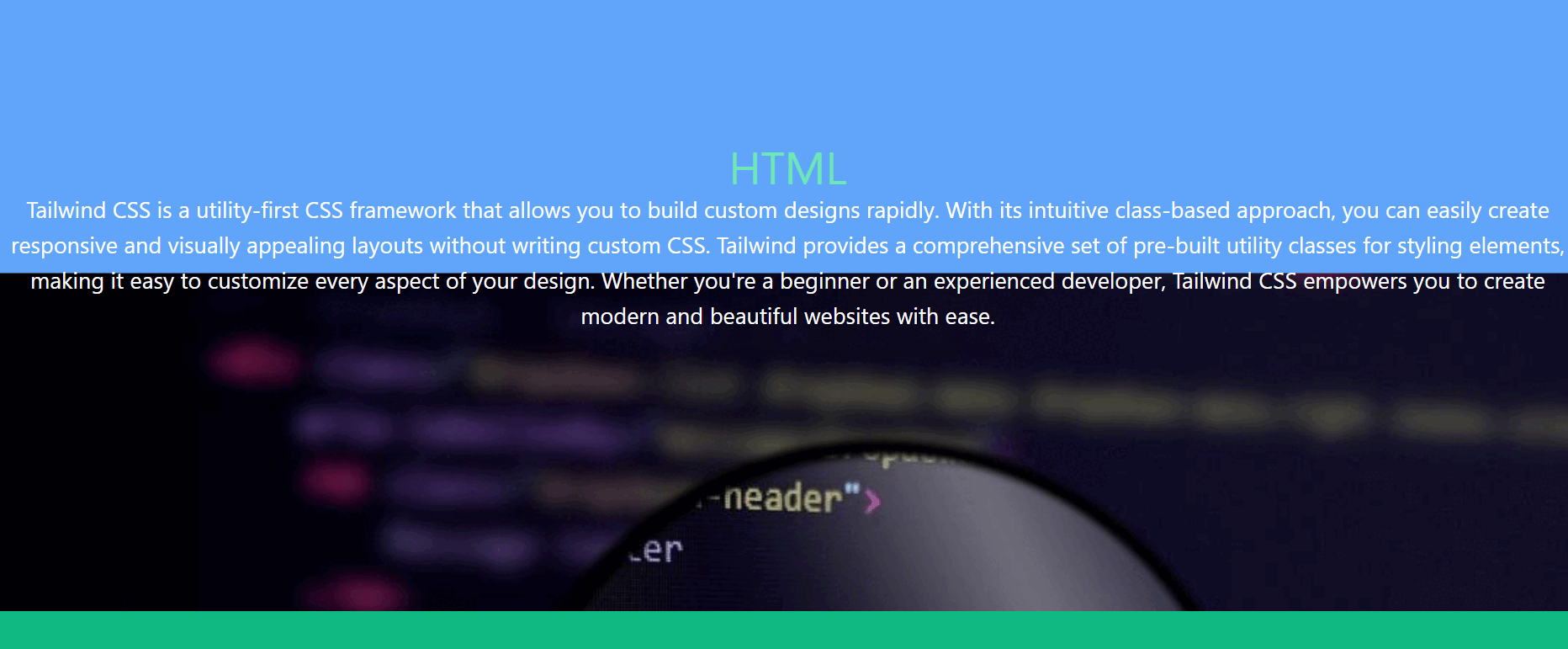
A parallax website includes fixed images in the background that are kept in place and the user can scroll down the page to see different parts of the image. If you use the parallax effect on our page then it helps the user to interact with the page.
At first create a HTML structure and include the Tailwind CSS CDN link.
Then create a HTML div with "h-screen" class to create each section. Within each section, include a HTML div for the background image and another div for content.
Then add JavaScript to handle the parallax effect on scroll. Iterate through each parallax element and adjust its transform property based on the scroll position to create the parallax effect.
Example: This example shows the implementation of the above approach.
Output:
👁 para-video Output : Parallax Effect in Tailwind CSS