|
VOOZH | about |
|
VOOZH | about |
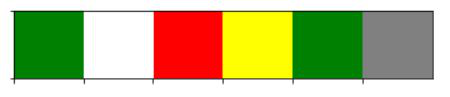
In this article, We are going to see seaborn color_palette(), which can be used for coloring the plot. Using the palette we can generate the point with different colors.
Example:
Output:
Explanation:
seaborn.color_palette( palette=None , n_colors=None , desat=None)
Parameters:
Returns: list of RGB tuples or matplotlib.colors.Colormap
Seaborn offers several predefined color palettes that can be broadly classified into different categories based on their intended use and the types of visualization.
We can classify the different ways for using color_palette() types −
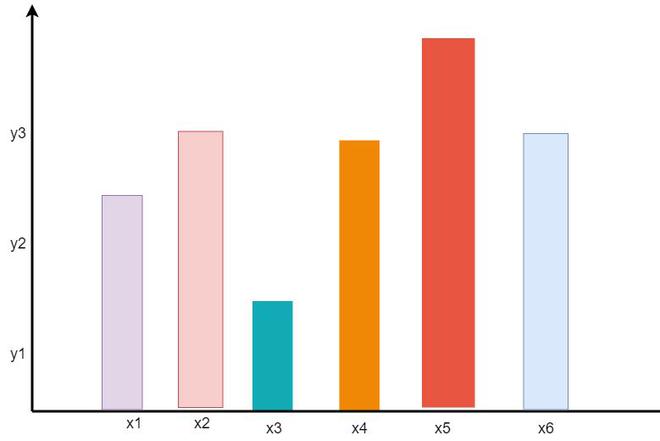
A qualitative palette is used when the variable is categorical in nature, the color assigned to each group need to be distinct. Each possible value of the variable is assigned one color from a qualitative palette within a plot as shown in figure.
👁 ImageOutput:
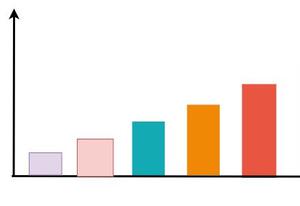
👁 ImageIn sequential palettes color moved sequentially from a lighter to a darker. When the variable assigned to be colored is numeric or has inherently ordered values, then it can be depicted with a sequential palette as shown in figure.
👁 ImageOutput:
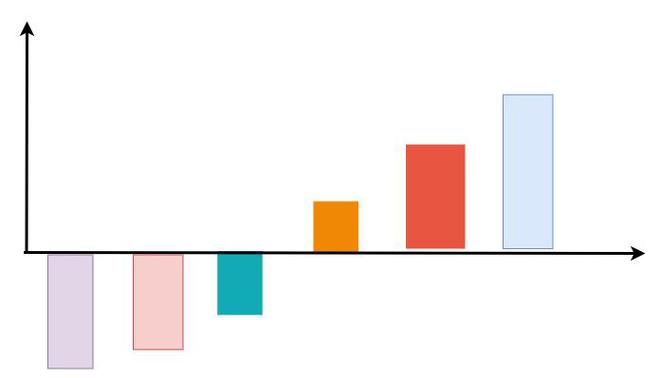
👁 ImageWhen we work on mixed value like +ve and -ve(low and high values) then diverging palette is the best suit for visualization.
👁 ImageOutput:
👁 ImageLet's understand this with some examples:
In the below example we have used sns.color_palette() to construct a colormap and sns.palplot() to display the colors present in the colormap with "deep" attributes.
Output:
👁 ImageExample 2: In this example, we have used sns.color_palette() to construct a colormap and sns.palplot() to display the colors present in the colormap with "muted" attributes.
Output:
👁 ImageExample 3: In this example, we have used sns.color_palette() to construct a colormap and sns.palplot() to display the colors present in the colormap with "bright" attributes.
Output:
👁 ImageExample 4: In this example, we have used sns.color_palette() to construct a colormap and sns.palplot() to display the colors present in the colormap with "dark" attributes.
Output:
👁 ImageIn this example, we have used sns.color_palette() to construct a colormap and sns.palplot() to display the colors present in the colormap with "BuGn_r" attributes.
Output:
👁 ImageIf we want to create our own color palette and set it as the current color palette , we can do as following: