|
VOOZH | about |
|
VOOZH | about |
OpenCV is one of the most popular computer vision libraries. If you want to start your journey in the field of computer vision, then a thorough understanding of the concepts of OpenCV is of paramount importance.
In this article, to understand the basic functionalities of Python OpenCV module, we will cover the most basic and important concepts of OpenCV intuitively:
This is the original image that we will manipulate throughout the course of this article.
Let’s start with the simple task of reading an image using OpenCV.
For the implementation, we need to install the OpenCV library using the following command:
pip install opencv-pythonFirst of all, we will import cv2 module and then read the input image using cv2’s imread() method. Then extract the height and width of the image.
Output:
Height = 1603, Width = 2400Now we will focus on extracting the RGB values of an individual pixel. OpenCV arranges the channels in BGR order. So the 0th value will correspond to the Blue pixel and not the Red.
Output:
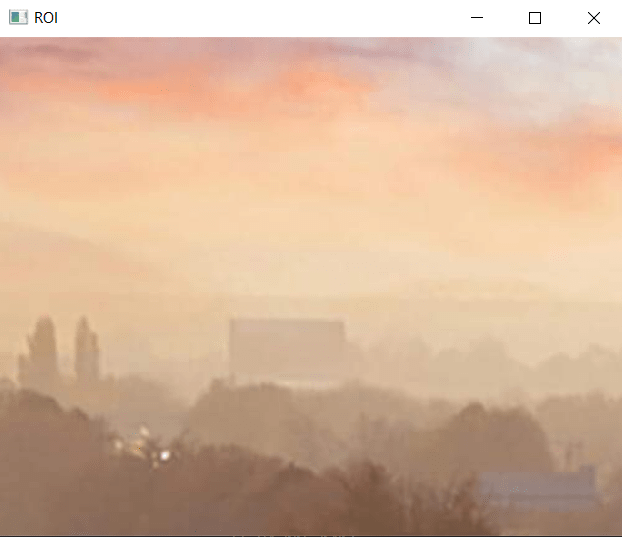
R = 211, G = 172, B = 165B = 165Sometimes we want to extract a particular part or region of an image. This can be done by slicing the pixels of the image.
Output:
👁 Screenshot-2023-05-10-154330-min
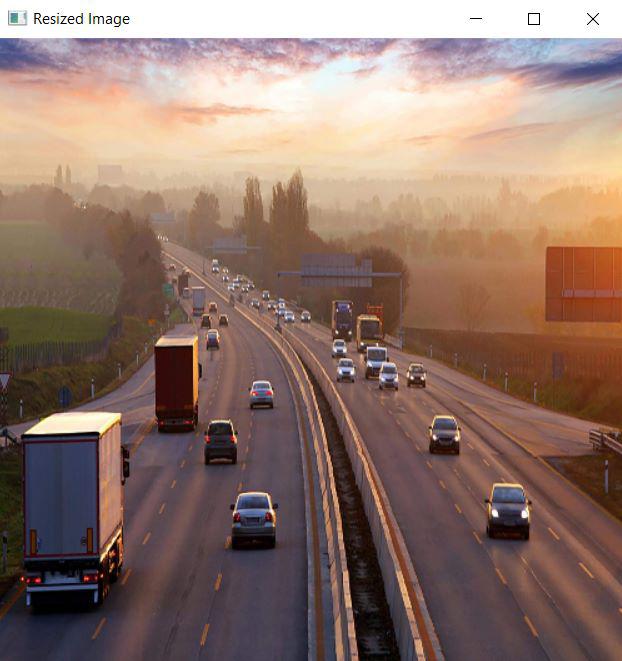
We can also resize an image in Python using resize() function of the cv2 module and pass the input image and resize pixel value.
Output:
👁 Screenshot-2023-05-10-155422
The problem with this approach is that the aspect ratio of the image is not maintained. So we need to do some extra work in order to maintain a proper aspect ratio.
Output:
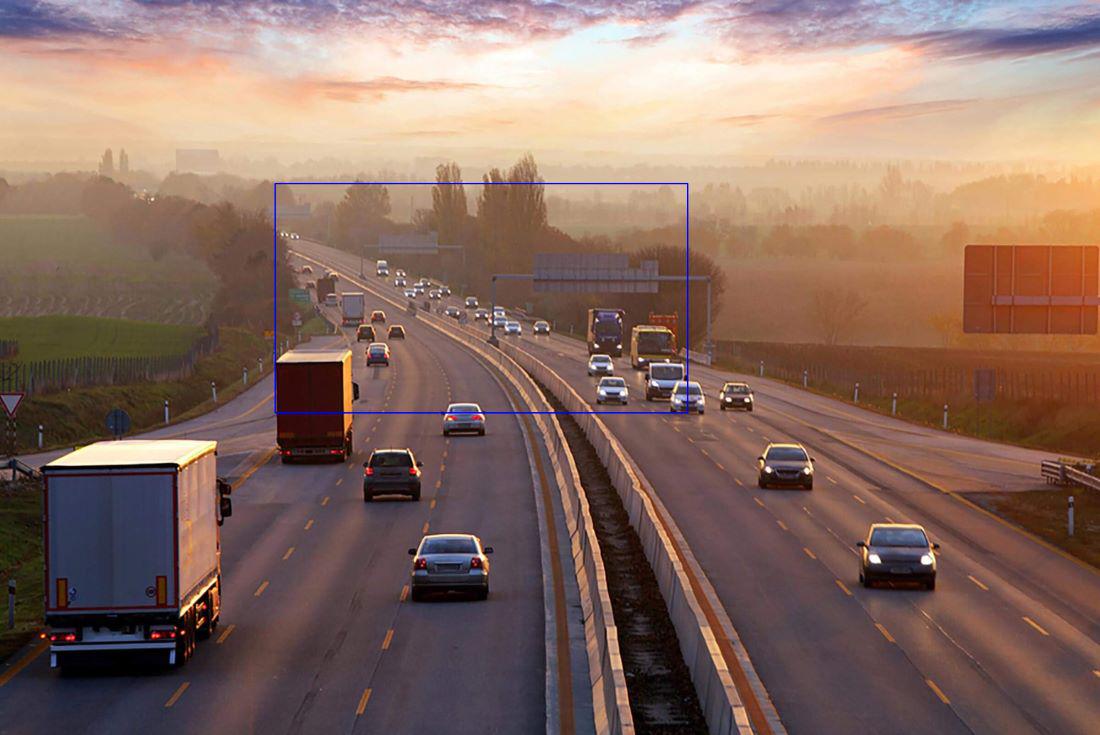
We can draw a rectangle on the image using rectangle() method. It takes in 5 arguments:
Output:
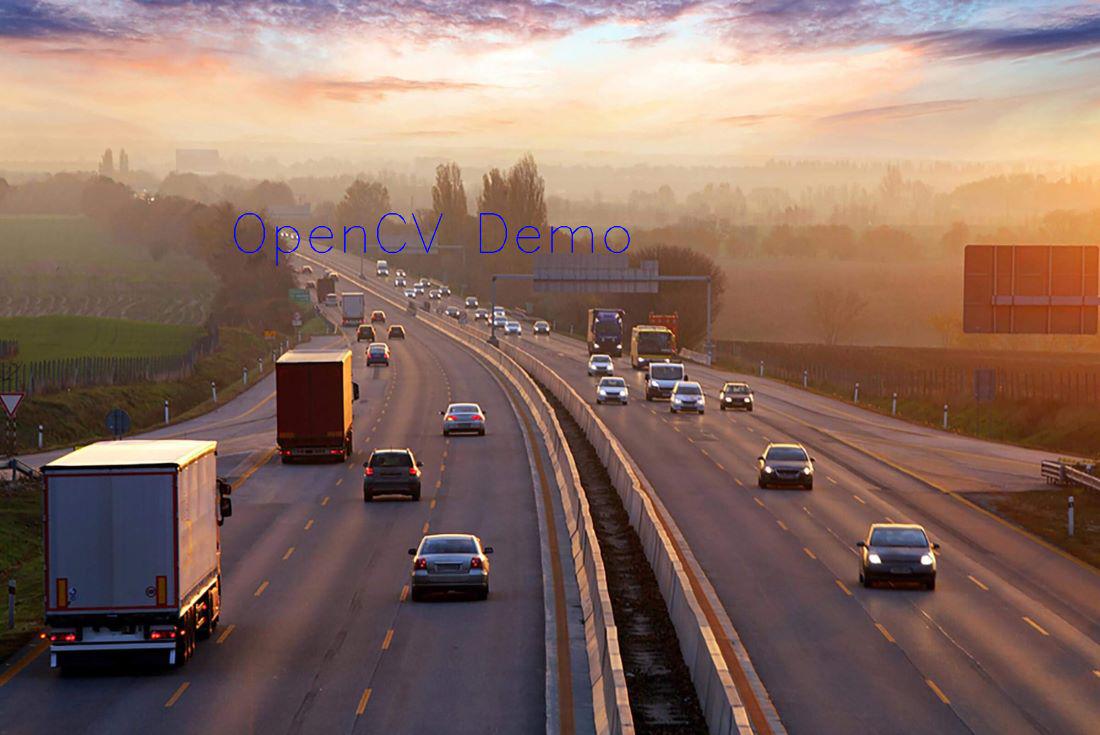
It is also an in-place operation that can be done using the putText() method of OpenCV module. It takes in 7 arguments:
Output:

.jpg)