|
VOOZH | about |
|
VOOZH | about |
Adding a search bar to a ColumnView in Python can enhance the user experience by allowing the users to easily search and filter the items displayed in the view. In this article, we will see how we can add a search bar to a column view with Python.
Below are some of the approaches by which we can add a search bar to a ColumnView with Python:
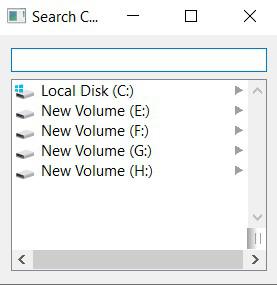
In this example, the Python code below uses PyQt5 to create an application with a search bar and a column view. The GFG class sets up the window layout, including connections for filtering items based on the search bar input. The code initializes the app, creates the window, and runs the event loop.
Output:
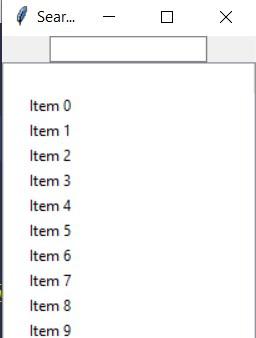
In this example, we are creating a tkinter application with a search bar and a column view. The GFG class sets up the window layout, populating the column view with dummy data. It provides a method filter_items for filtering items based on the search query, but the filtering logic is not yet implemented.
Output: