|
VOOZH | about |
|
VOOZH | about |
In this article, we are going to see how to automate backup with a Python script.
File backups are essential for preserving your data in local storage. We will use the shutil, os, and sys modules. In this case, the shutil module is used to copy data from one file to another, while the os and sys modules are used to obtain the directory path and so on.
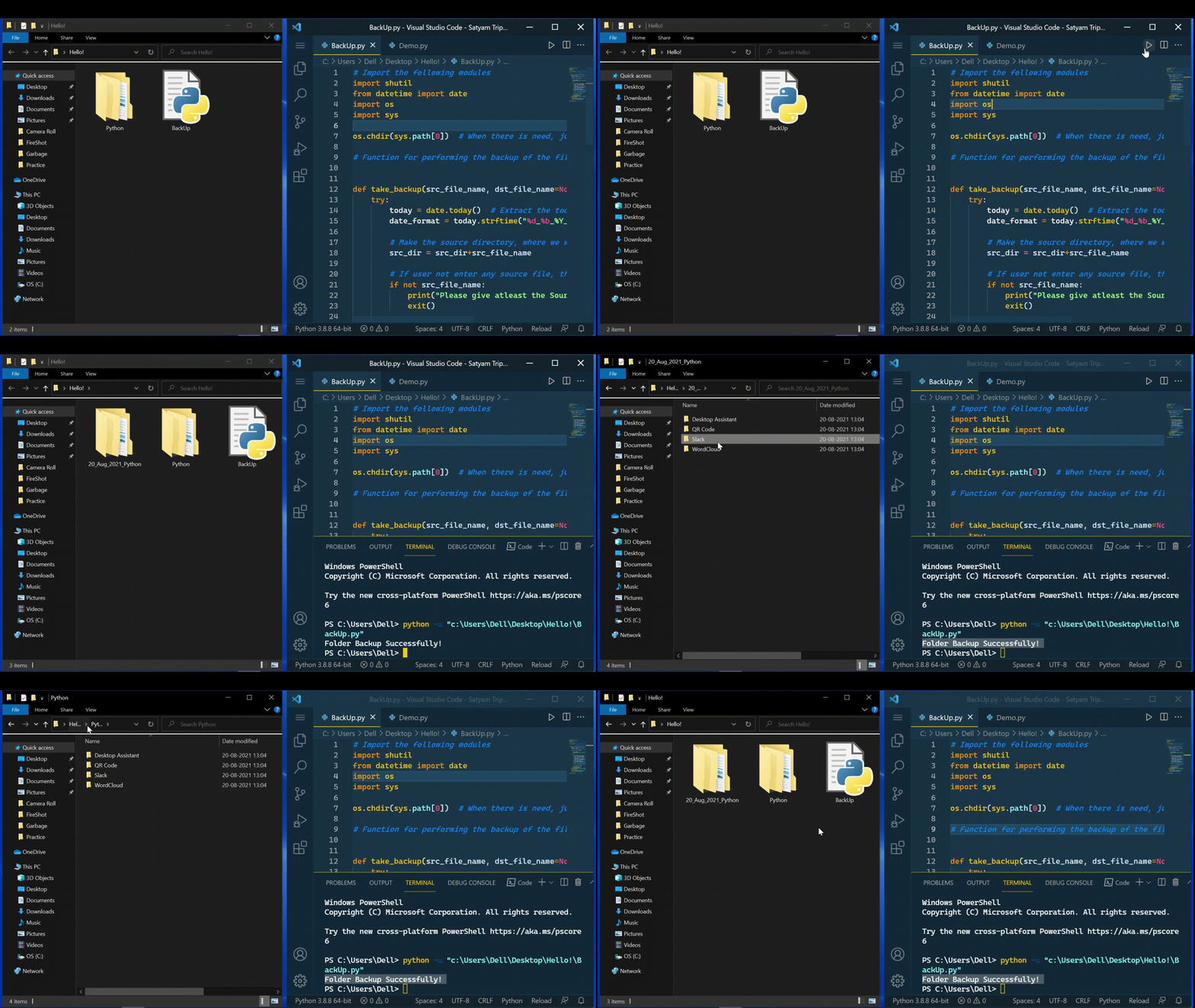
Step 1: Import the following modules
Step 2: Let us now get today's date using the datetime module.
Step 3: If the user specifies the path to the source file, use the line below to concatenate the path to the source file with the name of the source file.
If not, and your file is stored in the same directory as your current Python script, use the os module to determine the current path of the file and create the source directory by combining the path provided by the os module with the source file name.
Step 4: If the user does not specify the source file name, we must return a file does not exist error.
Step 5: Now, use the following cases to test the necessary conditions.
If the user provides all of the inputs, such as the source file name, source file path, destination file name, and destination file path.
If the destination file name is None, which indicates that the user did not specify a destination file name, then use the conditions listed below.
If a user enters an empty string with one or more spaces.
If the user inputs the backup copy's name, just concatenate the destination directory, date, and destination file name to create the output file name.
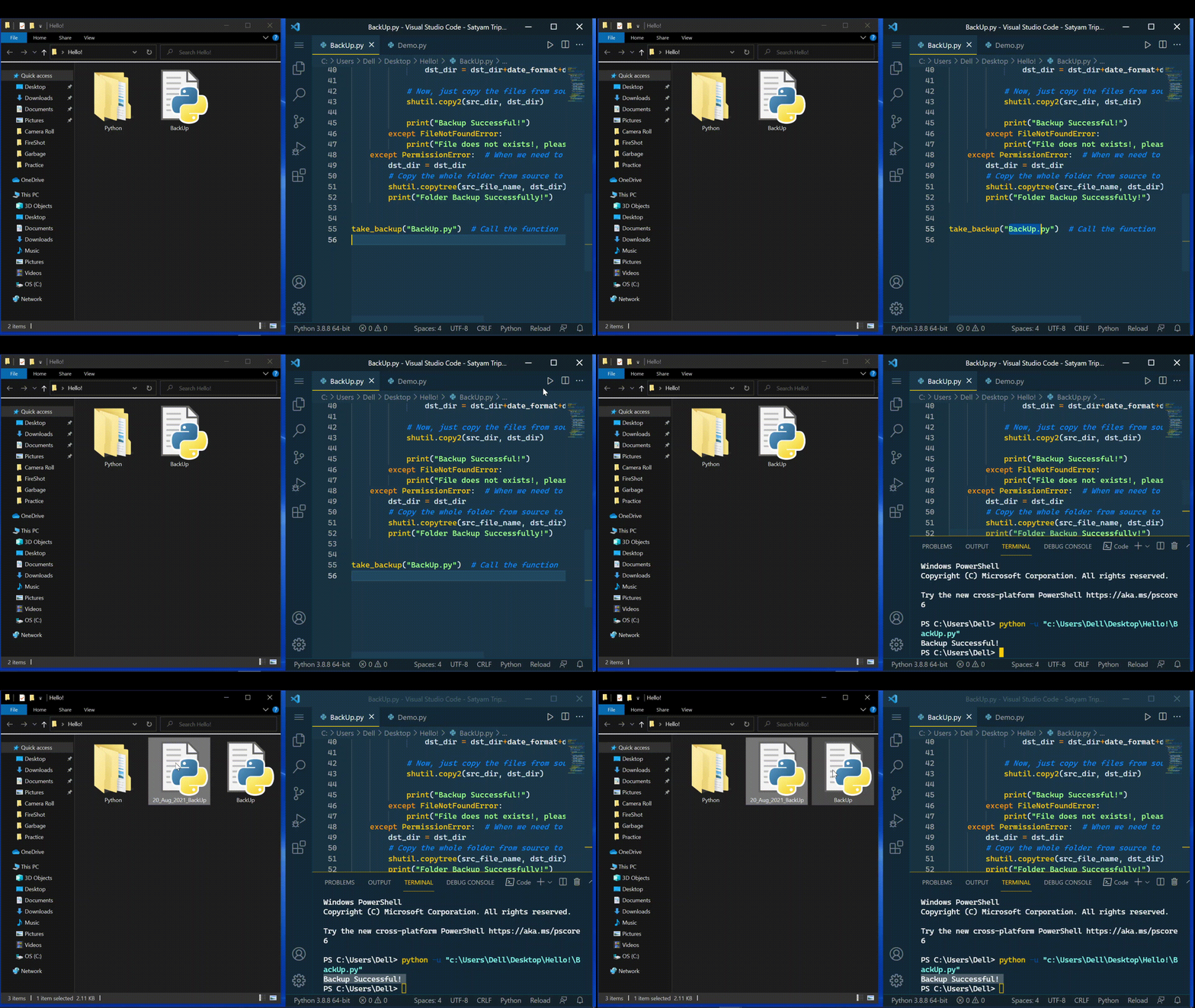
Step 6: Finally, we simply need to use the shutil function to copy the file to the destination.
Note: If we want to back up the entire folder rather than individual files, we must use the code below.
shutil.copytree(src_file_name, dst_dir)