|
VOOZH | about |
|
VOOZH | about |
Background subtraction is a core computer vision technique used to separate moving foreground from the static background.
For Example: Imagine a security camera facing your front yard. Most of the view stays the same (house, trees, pavement) but sometimes something changes a passing car or a wandering cat. Background subtraction spots these changes by modeling static background and comparing each new frame against it.
This technique is extremely useful for object tracking, motion detection and surveillance systems. In this article, we’ll explore Running Average method of background subtraction, understand how it works and implement it in Python.
Running Average method builds and updates a model of the background over time by averaging pixel values from consecutive frames.
In simple terms, it’s like slowly refreshing a mental picture of your yard each time camera captures a new frame, it blends it with old “background picture,” so small changes fade in gradually. This keeps background updated without overreacting to temporary movements like a passing bird.
The mathematical formula is:
Where:
Tip: Smaller alpha = slower updates (good for stable backgrounds).
Larger alpha = faster updates (good if background changes often).
Prerequisites: Before running the code, make sure you have:
Here’s the overall logic:
Syntax:
cv2.accumulateWeighted(src, dst, alpha)
Parameters:
This program captures live video from webcam and uses OpenCV’s running average method to create a smooth background model over time, displaying both live feed and estimated background until user presses the Esc key.
Output :
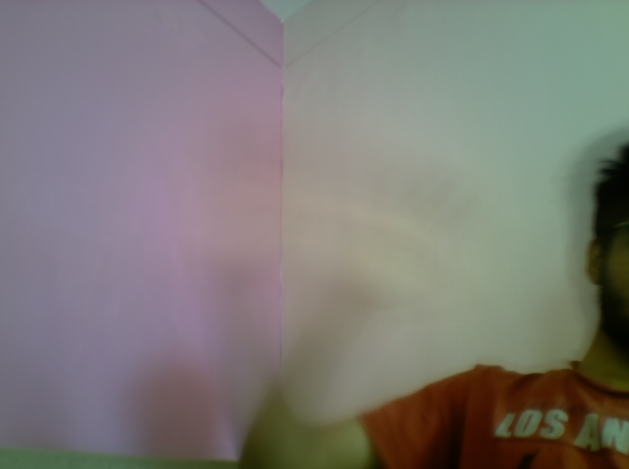
Case 1: If you place your hand in front of the camera, it blocks part of the background.
👁 ImageCase 2: If you wave your hand quickly, background model starts showing your hand as transparent, since it blends slowly and still emphasizes the static background.
👁 ImageInstead of cv2.accumulateWeighted(), older OpenCV versions had:
cv.RunningAvg(image, acc, alpha)
It works the same way, with similar parameters.