|
VOOZH | about |
|
VOOZH | about |
Prerequisites: Beautifulsoup
Beautifulsoup is a Python module used for web scraping. In this article, we will discuss how contents of <li> tags can be retrieved from <ul> using Beautifulsoup.
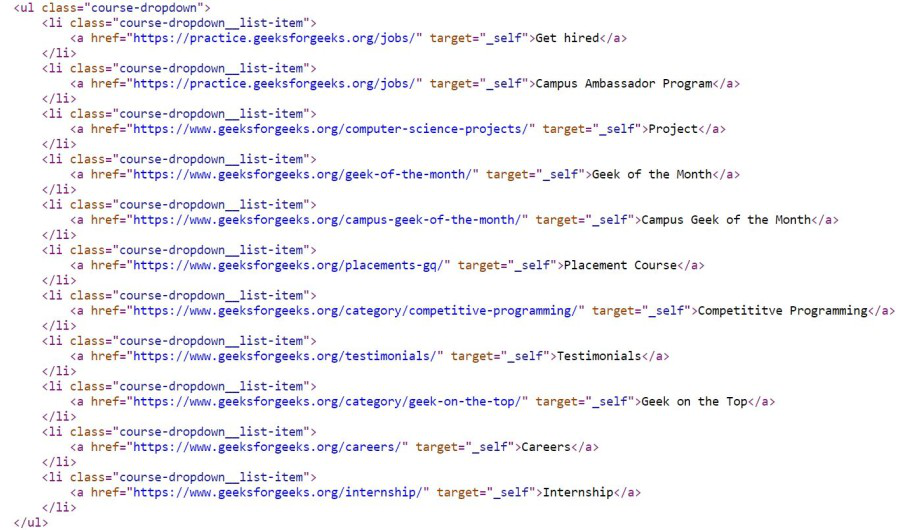
Below the code, the HTML snippet contains a body with ul and li tags that have been obtained by the beautifulsoup object.
👁 ImageIn this method, we use the descendants attribute present in beautifulsoup which basically returns a list iterator object having all the descendants/children of the parent tag, here parent is <ul> tag.
First, import the required modules, then provide the URL and create its requests object that will be parsed by the beautifulsoup object. Now with the help of find() function in beautifulsoup we will find the <body> and its corresponding <ul> tags. After this, the descendants attribute will give us the list iterator object which is needed to convert back into list. This list has a next line item, the tags with text, and finally the only text. So, we will print every second successive element of the list.
Example:
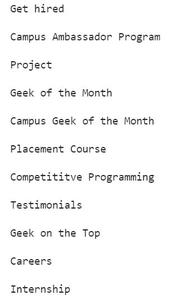
Output:
👁 ImageApproach is same as the above example, but instead of finding the body we will find ul tags and then find all the li tags with the help of find_all() function which takes the tag name as an argument and returns all the li tags. After this we will simply iterate over all the <li> tags and with the help of text attribute we will print the text present in the <li> tag.
Example: