|
VOOZH | about |
|
VOOZH | about |
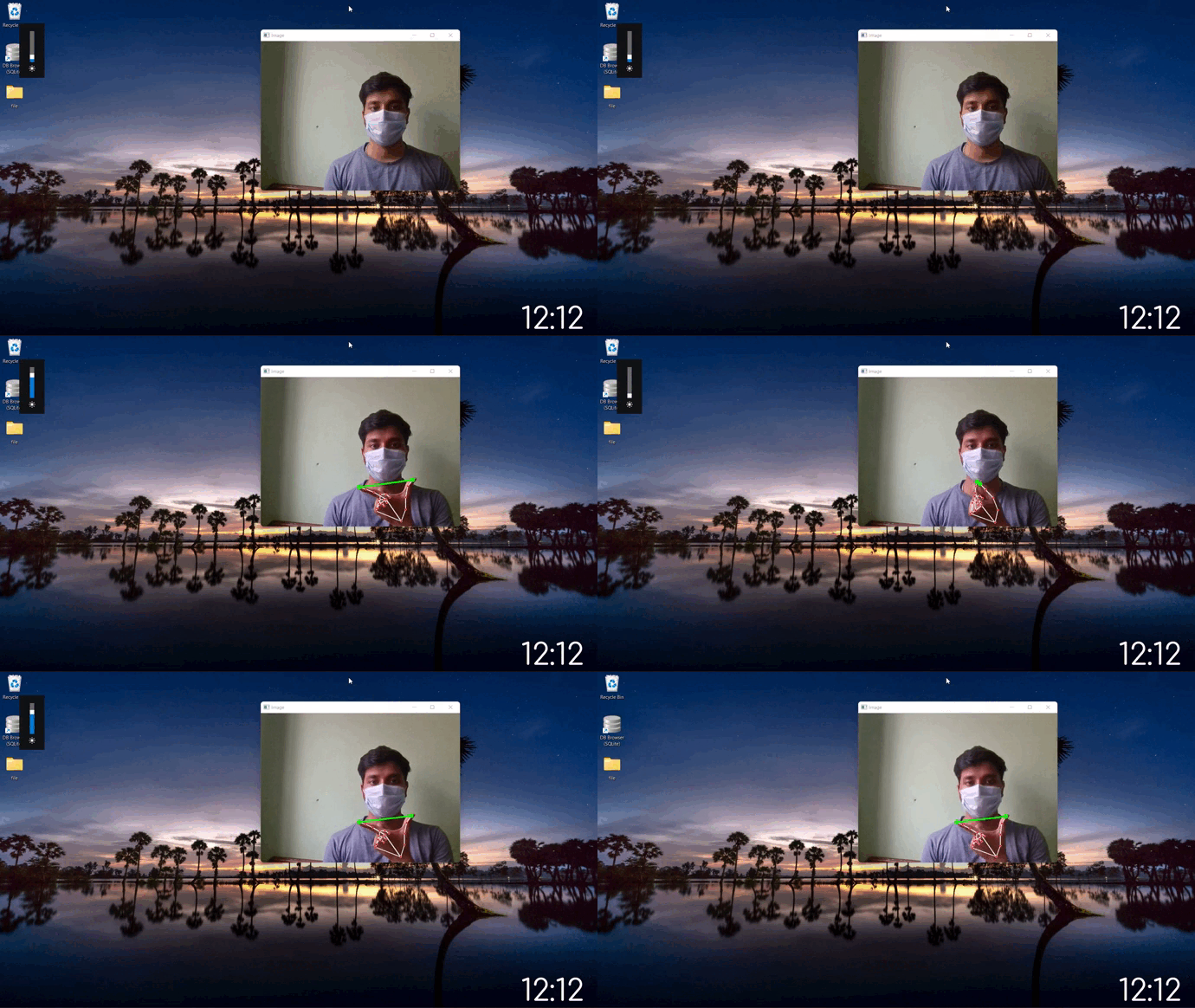
In this article, we are going to make a Python project that uses OpenCV and Mediapipe to see hand gesture and accordingly set the brightness of the system from a range of 0-100.
We have used a HandTracking module that tracks all points on the hand and detects hand landmarks, calculate the distance between thumb tip and index fingertip and maps the distance between thumb tip and index fingertip with brightness range.
pip install mediapipe
pip install opencv-python
pip install screen-brightness-control
pip install numpy
Let us look into the parameters for the Hands Model:
Hands( static_image_mode=False, model_complexity=1 min_detection_confidence=0.75, min_tracking_confidence=0.75, max_num_hands=2 )
Where:
- static_image_mode: It is used to specify whether the input image must be static images or as a video stream. The default value is False.
- model_complexity: Complexity of the hand landmark model: 0 or 1. Landmark accuracy, as well as inference latency, generally go up with the model complexity. Default to 1.
- min_detection_confidence: It is used to specify the minimum confidence value with which the detection from the person-detection model needs to be considered as successful. Can specify a value in [0.0,1.0]. The default value is 0.5.
- min_tracking_confidence: It is used to specify the minimum confidence value with which the detection from the landmark-tracking model must be considered as successful. Can specify a value in [0.0,1.0]. The default value is 0.5.
- max_num_hands: Maximum number of hands to detect. Default it is 2.
Capture the frames continuously from the camera using OpenCV and Convert BGR image to an RGB image and make predictions using initialized hands model. Prediction made by the model is saved in the results variable from which we can access landmarks using results.multi_hand_landmarks and if hands are present in the frame, detect hand landmarks after that calculate the distance between thumb tip and index finger tip. Map the distance of thumb tip and index fingertip with brightness range i.e according to distance between them brightness of system will change.
Output: