VOOZH about

URL: https://www.geeksforgeeks.org/python/building-a-basic-http-server-from-scratch-in-python/

⇱ Building a basic HTTP Server from scratch in Python - GeeksforGeeks


  • Courses
  • Tutorials
  • Interview Prep

Building a basic HTTP Server from scratch in Python

Last Updated : 15 Mar, 2021

In this article, we are going to learn how to set up a simple and local HTTP server using Python. An HTTP server can be very useful for testing Android, PC, or Web apps locally during development. It can also be used to share files between two devices connected over the same LAN or WLAN network.

Installation:

On the terminal run the following statement:

python -m http.server

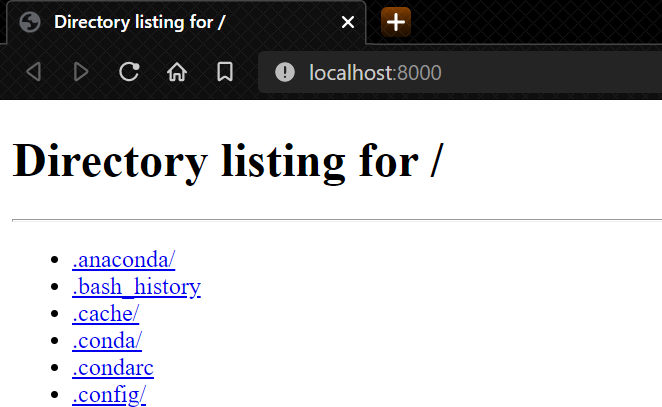
For accessing the server locally we need to visit http://localhost:8000/ or http://127.0.0.1:8000/ Here we can see all the directories of your local storage along with all the data. You can also access an HTML page, It will be rendered by your web browser as you access it.

👁 Image

Functions Used:

  • BaseHTTPRequestHandler: It is used to handle the requests that arrive at the server. It doesn't handle the actual HTTP request but handles the Get and Post requests.
  • HTTPServer(server_address,BASE_HTTP_REQUEST_HANDLER()): This is a function that is used for storing the port of the server as well as the name of the server.

Step-by-step Approach:

  • We will make a class that handles the server requests.
  • In that class, we are going to create a function that is used for GET_REQUESTS.
  • In that function, we are going to write our HTML code for displaying it on the server.
  • In the end, we are using the HTTPServer() function that is used to run our server.

Implementation:

How to start our HTTP-Server:

Use the following command in the terminal

python file_name.py
👁 Image

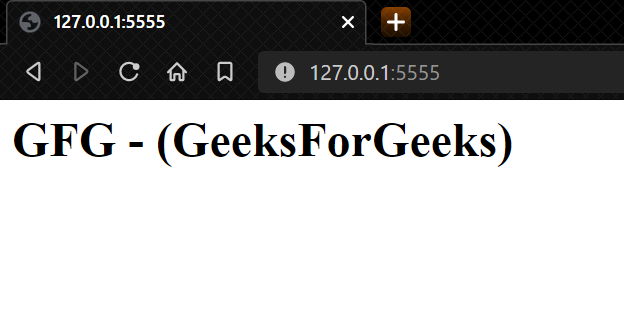
In the browser go to or http://127.0.0.1:5555/ 

👁 Image
Comment
Article Tags: