VOOZH about

URL: https://www.geeksforgeeks.org/python/building-flutter-apps-in-python/

⇱ Building Flutter Apps in Python - GeeksforGeeks


  • Courses
  • Tutorials
  • Interview Prep

Building Flutter Apps in Python

Last Updated : 31 Jan, 2026

Flet is a Python library that allows developers to build real-time web, desktop, and mobile apps using Python, while Flutter handles the UI internally. In this article, we will learn how to create Flutter-like applications using the Flet library with only Python.

To start building apps with Flet, install the library using the following command in your terminal:

pip install flet

Below is an example that shows how a Flet application starts and runs.

Output

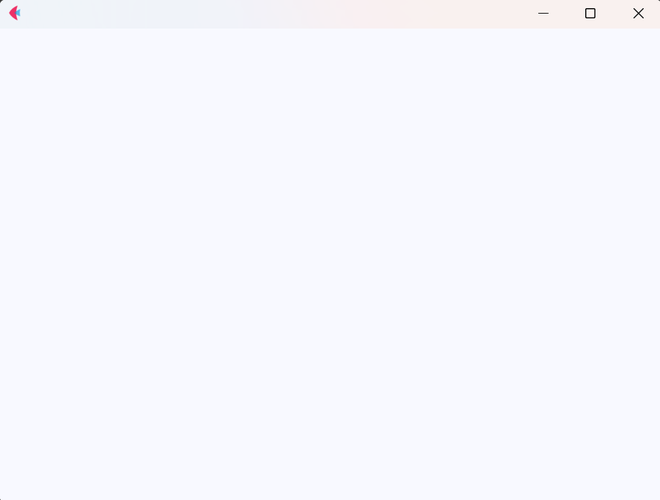
A blank app window opens with a default theme and a loading animation, because no UI elements are added yet.

πŸ‘ BasicFletApp
Output

Explanation:

  • import flet as flt imports the Flet library.
  • myapp() is the main function where UI components will be added.
  • page represents the app window or screen.
  • flt.app(target=myapp) starts the Flet application using the given function.

Changing App Theme in Flet

Flet allows you to easily switch the app theme between Light and Dark mode. By default, Flet follows your device’s system theme. You can override this behavior by explicitly setting the theme in code.

Output

πŸ‘ Image
App opens with the selected theme applied

Explanation:

  • page.theme_mode controls the app theme.
  • ThemeMode.DARK forces dark mode (use ThemeMode.LIGHT for light mode).
  • page.window_height and page.window_width define the app window size.
  • page.update() applies all changes to the UI.

Adding Text to Your Flet App

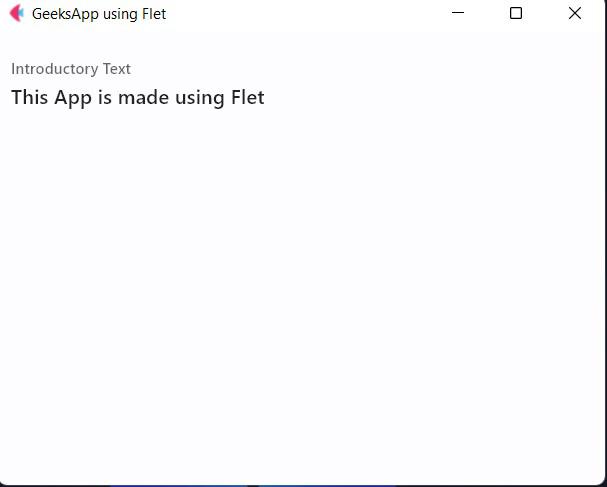
Now let’s add some text elements to the app. In Flet, UI elements (called widgets) are added to the page using the page.add() method.

Output

πŸ‘ Image
A text field with a label and default text appears on the page.

Explanation:

  • TextField() creates an input box.
  • label appears at the top of the text field.
  • value is the default text shown inside the field.
  • page.add(text) displays the TextField on the app screen.

Important note

  1. When you use page.add(), Flet automatically updates the UI.
  2. If all changes are done using add(), calling page.update() is optional.
  3. For changes not added via add() (like page.title), it’s safer to call page.update().
  4. Using both add() and update() together is allowed and causes no errors.

Changing TextField Border Style

By default, a TextField in Flet uses an outline border. You can easily customize its appearance by changing the border property to remove the border or display only an underline.

Removing the border

Output

πŸ‘ Image
Removing the Border from the TextField

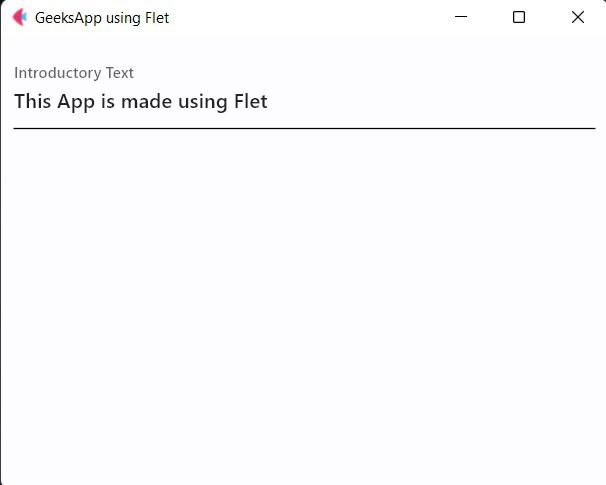
Using an underline border

Output

πŸ‘ Image
GeeksApp using Flet

Explanation:

  • InputBorder.OUTLINE (default) shows a full border.
  • InputBorder.NONE removes the border completely.
  • InputBorder.UNDERLINE shows only a bottom line under the text field.

Adding Simple Text (Without Input)

If you only want to display text (not accept input), use the Text() widget

Output

πŸ‘ Image
Hello Geeks

Explanation:

  • size sets the font size.
  • color sets the text color.
  • bgcolor sets the background color of the text.
  • Higher numbers in color shades (e.g., YELLOW_300) make the color appear deeper.
  • weight=FontWeight.BOLD makes the text bold.

Calculator using Flet

In this section, we will build a simple yet functional calculator application using the Flet library. This example demonstrates how common UI components like buttons, text, rows, and columns can be combined to create an interactive Flutter-like app using only Python.

Output

πŸ‘ Image
Calculator using Flet

Explanation:

  • Container creates the main calculator layout with background color, padding, and rounded corners.
  • Column and Row organize the display and buttons like a real calculator.
  • Text shows the current number or result on the screen.
  • FilledButton is used for number buttons (0–9, 00) with light blue styling.
  • ElevatedButton is used for operators and actions (+, -, *, /, =, AC).
  • data identifies which button is pressed.
  • on_button_clicked() handles input, operations, and resets.
  • calculate() performs arithmetic operations.
  • reset() clears values for the next calculation.
Comment