|
VOOZH | about |
|
VOOZH | about |
Capturing a selfie allows us to take images directly from a webcam and save them for further processing. This approach is widely used in computer vision applications that require real-time image capture and user interaction.
1. cv2.VideoCapture(): This function is used to access the webcam or any video source. Once initialized, it continuously captures frames from the camera which is displayed in real time. Below is the syntax:
cv2.VideoCapture(index)
2. cv2.imshow(): This function displays an image or video frame in a window. It is used here to display the live camera feed, allowing the user to position themselves before capturing the selfie. Below is the syntax:
cv2.imshow(window_name, image)
3. cv2.waitKey(): This function waits for a keyboard input for a specified time, used to detect key presses to either capture the selfie or exit the program. Below is the syntax:
cv2.waitKey(delay)
4. cv2.imwrite(): This function saves an image to the disk. It is used to store the captured selfie in different color formats. If the filename already exists, it overwrites the file. Below is the syntax:
cv2.imwrite(filename, image)
5. cv2.cvtColor(): This function converts an image from one color space to another. It is used to create grayscale and HSV versions of the captured selfie. Below is the syntax:
cv2.cvtColor(src, code)
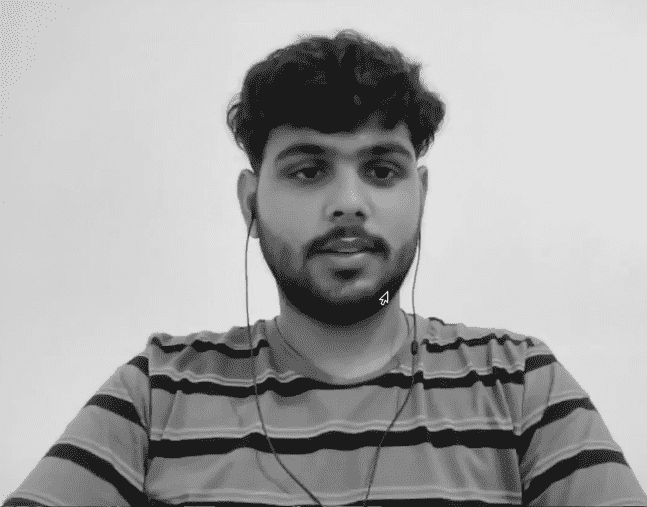
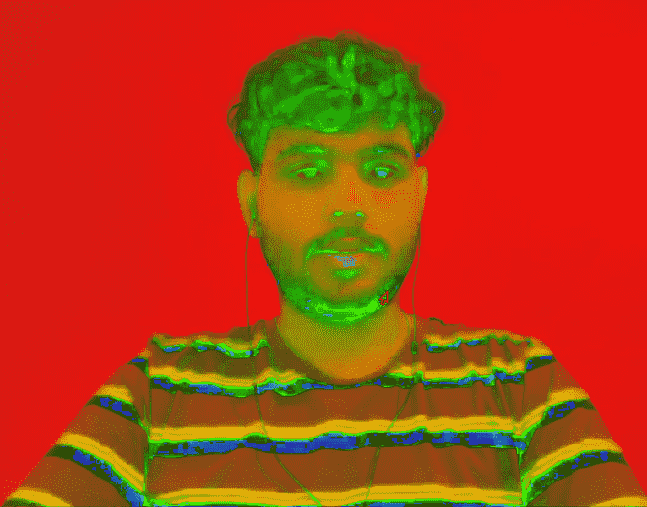
The following Python program captures live video from the webcam and allows the user to take a selfie using keyboard input. When the Enter key is pressed, the current frame is saved in original (RGB), grayscale and HSV formats. Pressing the Escape key exits the program without saving.
Here:
Output
After running the program, following images are generated:
Each new capture overwrites the previous images if the same filenames are used.