|
VOOZH | about |
|
VOOZH | about |
Prerequisites: Python pillow
PIL is the Python Imaging Library which provides the python interpreter with an in-depth file format support, an efficient internal representation, and fairly powerful image processing capabilities. Changing the resolution of an image simply means reducing or increasing the number of pixels in an image, without changing its dimensions or any other factor. In this article, we are going to learn the methods how to change the quality/Resolution of an image with the help of python PIL(pillow) Library.
Using quality Parameter:
The image quality is a scale to measure and store the resolution of an image. It lies in the range of 0 to 100 where 95 is considered as best because 100 disables some portions of jpeg compression algorithm that results very large files. While on the other hand the gain in image quality or resolution is also insignificant from 95 to 100. The functionality can be achieved by the following steps:
Program:
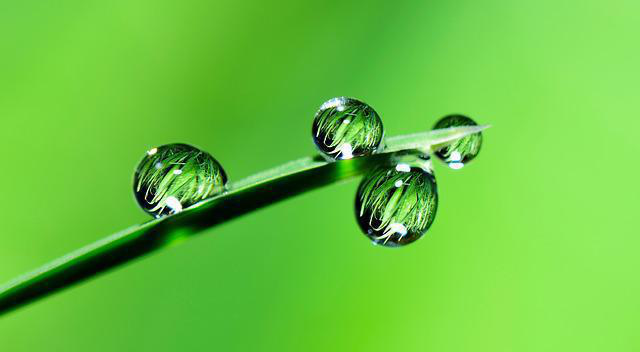
Original Image:
👁 ImageOutput:
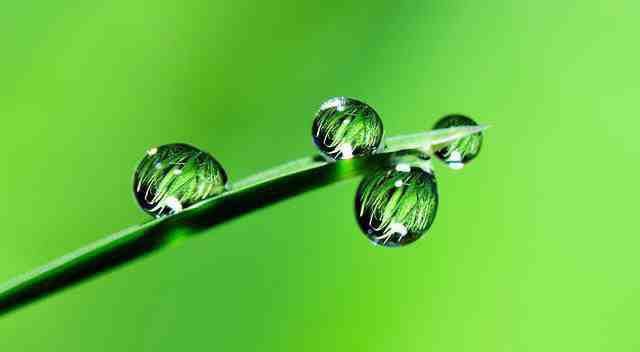
Default/High resolution (Quality=95):
👁 ImageMedium Resolution (Quality=25):
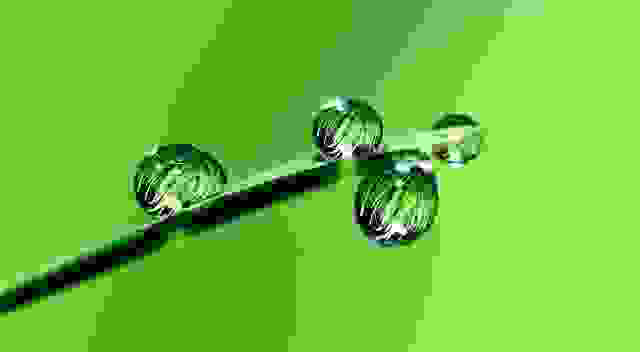
👁 ImageLow Resolution (Quality=1):
👁 Image