|
VOOZH | about |
|
VOOZH | about |
Color spaces are models used to represent and organize the color channels in an image. They define how colors are formed from primary colors and stored, allowing computers to process and manipulate color information efficiently. Each color space has a specific purpose and the choice of color space depends on the task. In this article, we will see more about color spaces in OpenCV, how they are used and their core concepts.
OpenCV provides several color spaces that are used in image processing. Let’s see the most important ones:
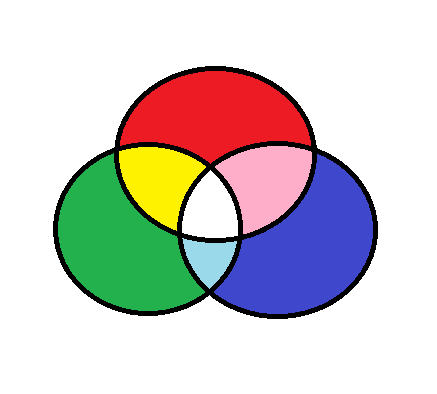
RGB color model represents colors using three primary colors: red, green and blue. Each pixel in an image is a combination of these three colors at different intensities, creating a wide range of possible colors.This is the standard color space used for displaying images on screens and working with digital images.
OpenCV uses BGR instead of RGB as its default color space where the red and blue channels are swapped. While this difference may seem small, it’s important to remember when working with OpenCV to avoid color mismatches.
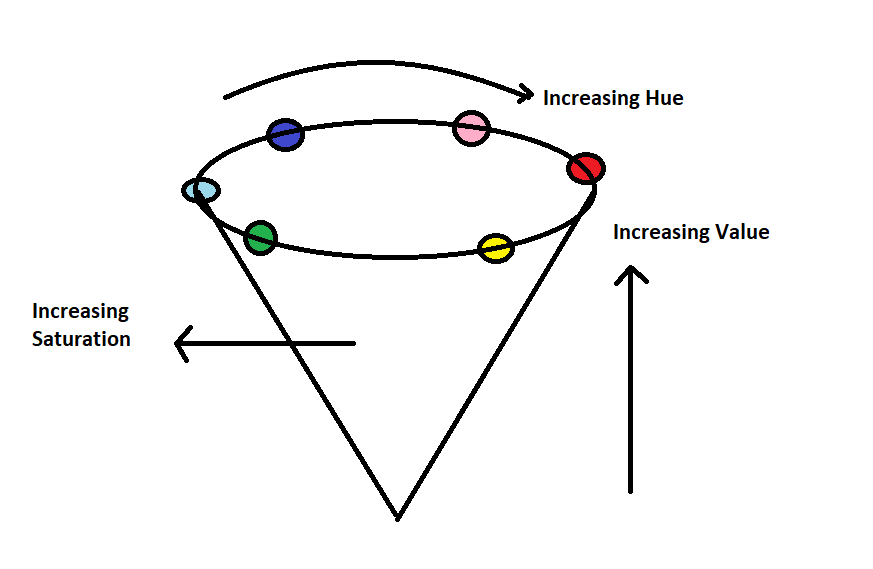
HSV is another color space used in OpenCV. It’s based on the human perception of color and it splits color information into three components:
The hue value ranges from 0 to 179, while saturation and value range from 0 to 255.
It is useful for tasks like color segmentation and object detection. For example, it allows us to easily isolate specific colors (like red or blue) in an image.
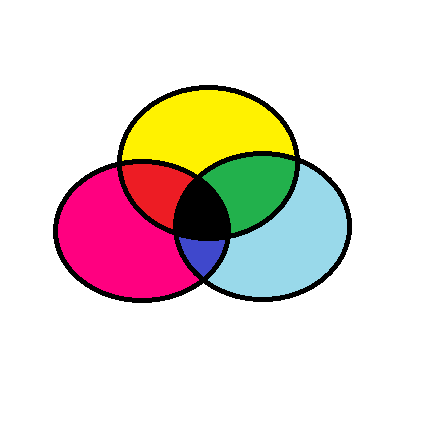
CMYK color model is used for color printing. It’s a subtractive color model, means colors are created by subtracting light using different combinations of cyan, magenta, yellow and black inks. In this model, colors become darker as we add more ink. It is used in print and graphic design but it's not as frequently used in OpenCV for image processing.
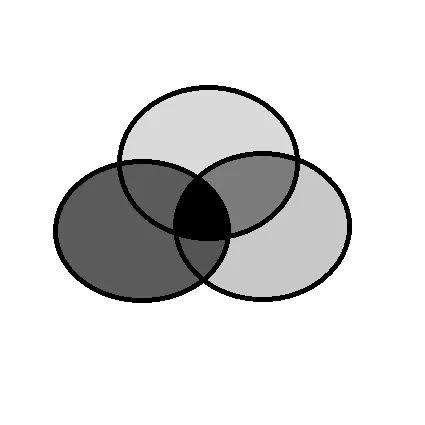
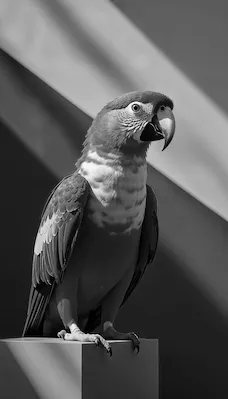
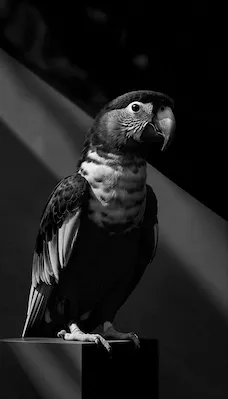
A grayscale image contains only shades of gray, with each pixel representing a different intensity level from black to white. It is used when color information is not needed such as in edge detection or image thresholding tasks.
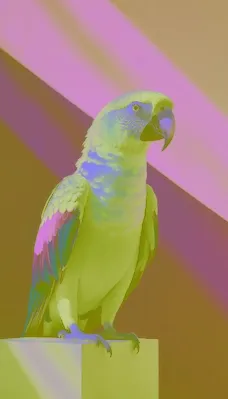
OpenCV makes it easy to convert between different color spaces. This is useful when we want to perform tasks like object detection based on color or extract features using specific color information.
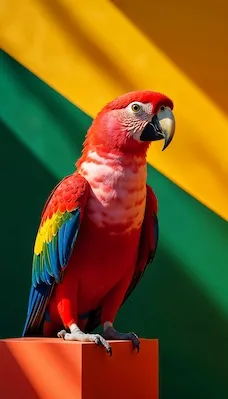
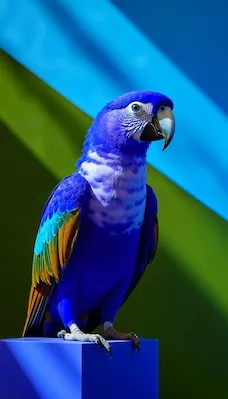
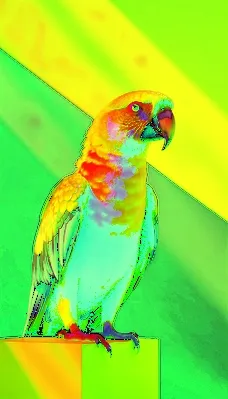
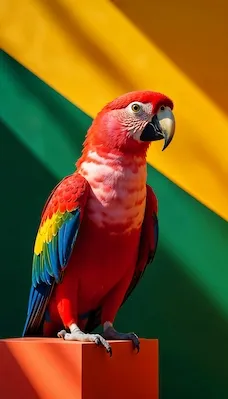
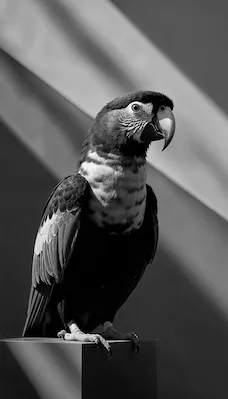
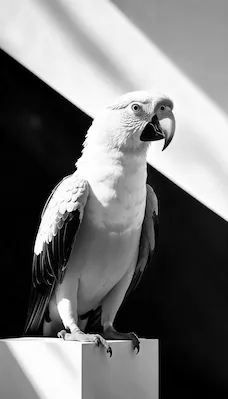
Let's see how to perform common color space conversions using OpenCV’s cv2.cvtColor() function. Here we are using a random sample image which you can download from here.
Output:
Lets see some common practical examples for better understanding.
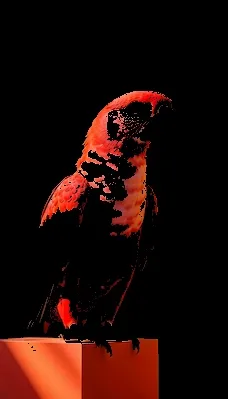
Here we will see how to use the HSV color space to detect and isolate a specific color, in this case, red within an image. The HSV color space is often preferred over the RGB color space for tasks like color detection because it separates color (hue) from intensity (value). This makes it easier to define specific color ranges and perform operations like color segmentation.
Output:
The output image will display only the areas of the image that contain the red color, with all other areas turned black. This technique can be useful for various applications such as object detection, color segmentation and tracking specific colors in images.
Now we will break down an RGB image into its individual color channels; Red, Green and Blue and display each channel separately. This process is important for understanding how each color component contributes to the final image. Visualizing the individual channels can be useful in image processing tasks such as color-based segmentation, image enhancement and feature extraction.
Output: