Contour plots also called level plots are a tool for doing multivariate analysis and visualizing 3-D plots in 2-D space. If we consider X and Y as our variables we want to plot then the response Z will be plotted as slices on the X-Y plane due to which contours are sometimes referred as
Z-slices or iso-response.
Contour plots are widely used to visualize density, altitudes or heights of the mountain as well as in the meteorological department. Due to such wide usage
matplotlib.pyplot provides a method
contour to make it easy for us to draw contour plots.
matplotlib.pyplot.contour
The
matplotlib.pyplot.contour() are usually useful when
Z = f(X, Y) i.e Z changes as a function of input X and Y. A
contourf() is also available which allows us to draw filled contours.
Syntax: matplotlib.pyplot.contour([X, Y, ] Z, [levels], **kwargs)
Parameters:
X, Y: 2-D numpy arrays with same shape as Z or 1-D arrays such that len(X)==M and len(Y)==N (where M and N are rows and columns of Z)
Z: The height values over which the contour is drawn. Shape is (M, N)
levels: Determines the number and positions of the contour lines / regions.
Returns: QuadContourSet
Below examples illustrate the
matplotlib.pyplot.contour() function in matplotlib.pyplot:
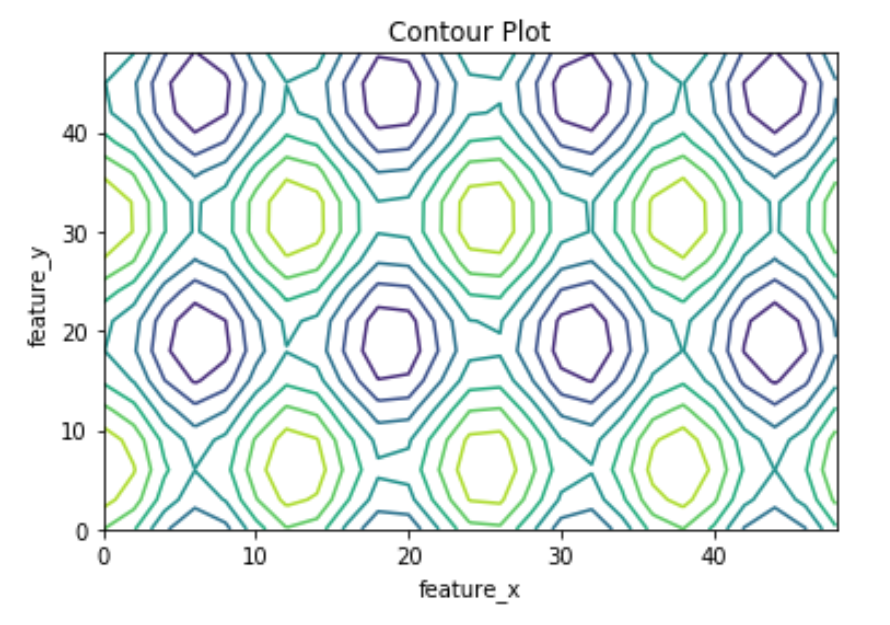
Example #1: Plotting of Contour using
contour() which only plots contour lines.
Output:
👁 Example 1
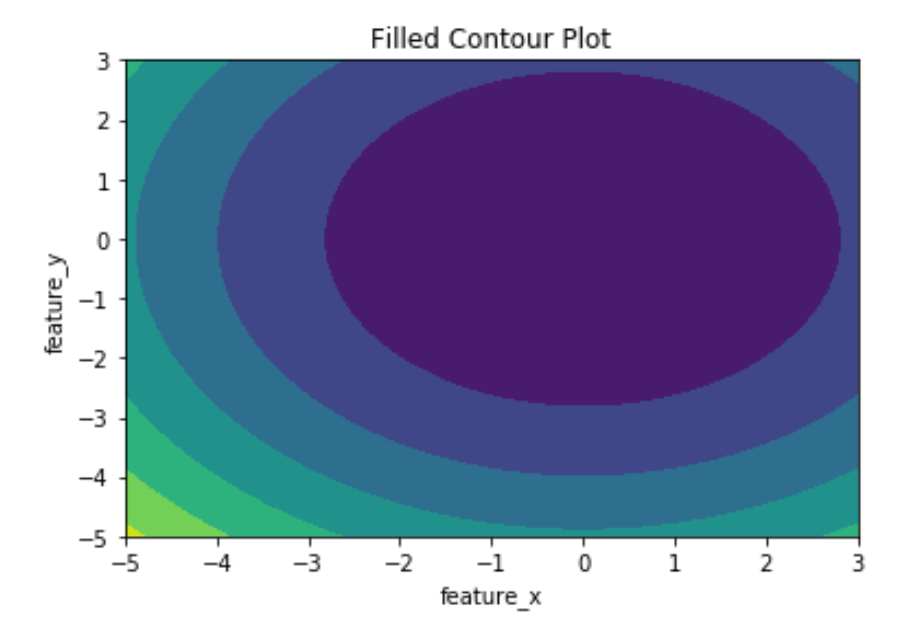
Example #2: Plotting of contour using
contourf() which plots filled contours.