|
VOOZH | about |
|
VOOZH | about |
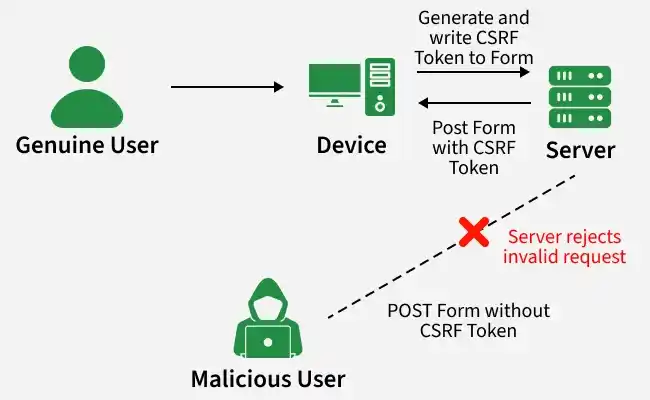
Cross-Site Request Forgery (CSRF) is a security vulnerability where an attacker tricks a user into unknowingly submitting a request to a web application in which they are authenticated. This can lead to unauthorized actions being performed on behalf of the user, such as changing account settings or making transactions.
CSRF attacks can be prevented by using CSRF tokens, which are unique values generated by the server and included in forms. The server verifies these tokens on submission, ensuring that only legitimate requests are processed.
To implement CSRF protection in Flask, install the required packages using:
pip install flask flask-wtf
In Flask, CSRF protection can be enabled using Flask-WTF, which provides automatic CSRF protection for forms. Below is a basic example:
Explanation:
A simple HTML page with CSRF-protected and unprotected forms:
Explanation: hidden_tag() automatically renders hidden form fields required by Flask-WTF, including the CSRF token that is validated when the form is submitted.
Run the app in development mode using command-
python app.py
Open http://127.0.0.1:5000/ in your browser.
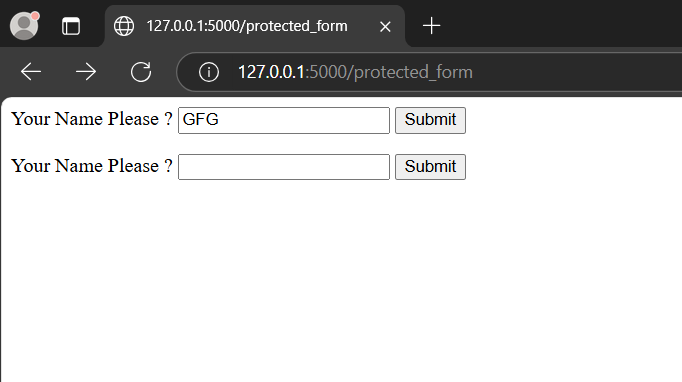
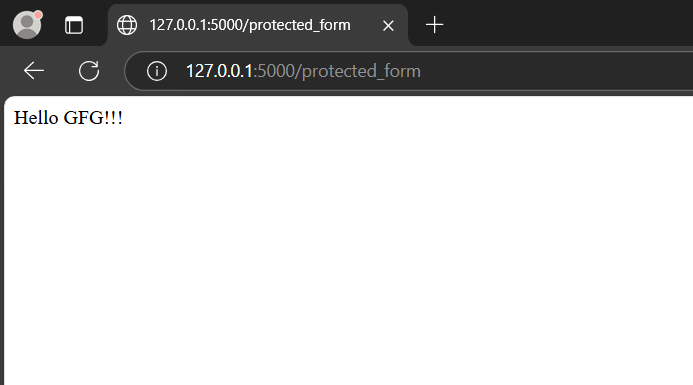
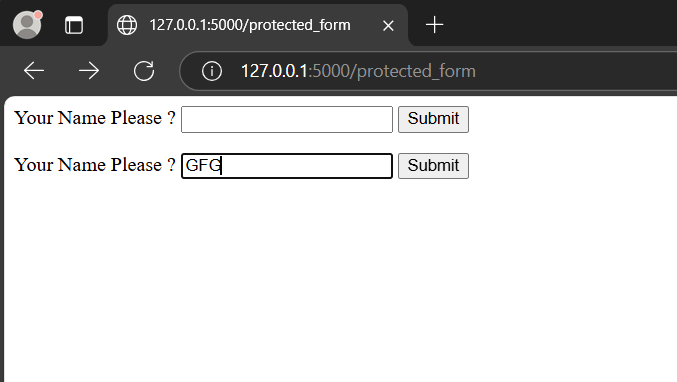
Try submitting both forms:
Unprotected Form: Submits without any token, making it vulnerable to CSRF attacks.
Protected Form: Requires a valid CSRF token to submit successfully.
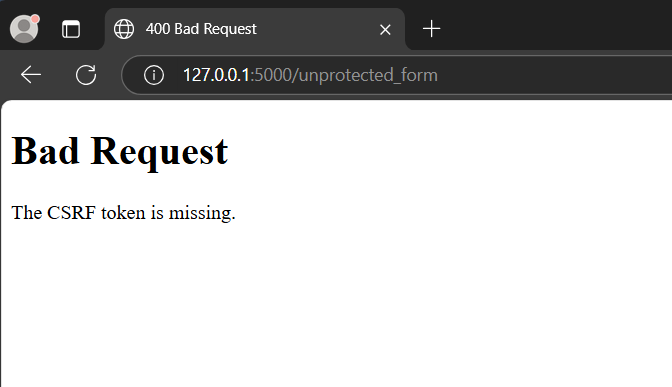
If you try submitting the protected form without the CSRF token, an error will occur, preventing unauthorized requests.
Note: To submit forms that require CSRF tokens, use hidden_tag() method of Flask-WTF, it automatically generates hidden fields including CSRF token inside a form.