|
VOOZH | about |
|
VOOZH | about |
Interacting with images is an essential task in computer vision applications. Using OpenCV in Python, we can capture mouse events such as clicks and display the corresponding pixel coordinates directly on the image. This technique is commonly used in annotation, region-of-interest (ROI) selection and debugging computer vision algorithms.
Prerequisites:OpenCV module
Install OpenCV using pip if not already installed:
pip install opencv-python
OpenCV allows us to track different types of mouse events. To see all available events, run:
Output
EVENT_FLAG_ALTKEY
EVENT_FLAG_CTRLKEY
EVENT_FLAG_LBUTTON
EVENT_FLAG_MBUTTON
EVENT_FLAG_RBUTTON
EVENT_FLAG_SHIFTKEY
EVENT_LBUTTONDBLCLK
EVENT_LBUTTONDOWN
EVENT_LBUTTONUP
EVENT_MBUTTONDBLCLK
EVENT_MBUTTONDOWN
EVENT_MBUTTONUP
EVENT_MOUSEHWHEEL
EVENT_MOUSEMOVE
EVENT_MOUSEWHEEL
EVENT_RBUTTONDBLCLK
EVENT_RBUTTONDOWN
EVENT_RBUTTONUP
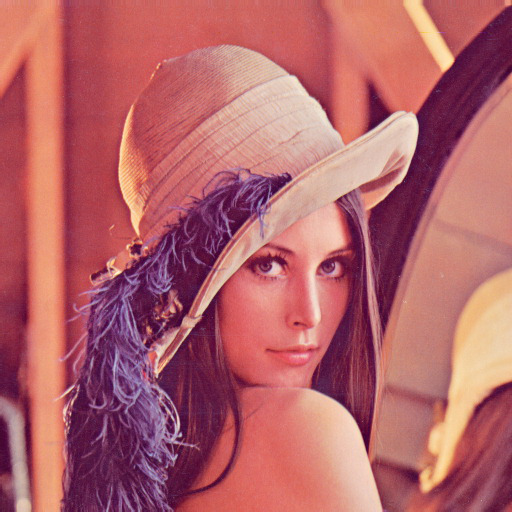
We will be using the below colored version of the Lena image.
👁 ImageOutput: