|
VOOZH | about |
|
VOOZH | about |
In Django, unapplied migration warnings occur when your database schema is out of sync with your models. This usually happens after creating or modifying models but not applying the migrations.
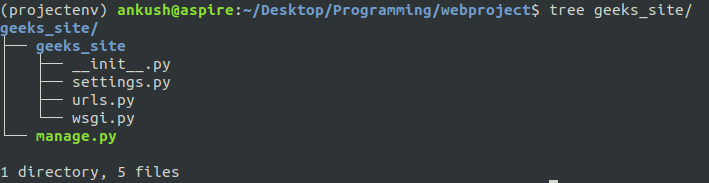
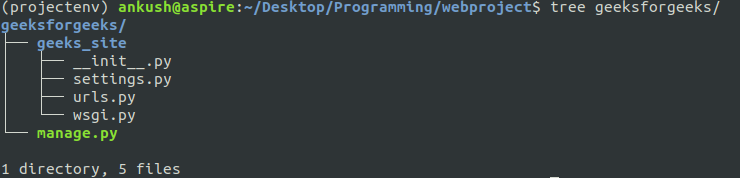
Create and setup a Django project. After setup, the directory structure may contain two folders with the same name.
For example, renaming the outer folder to geeksforgeeks will result in the following structure:
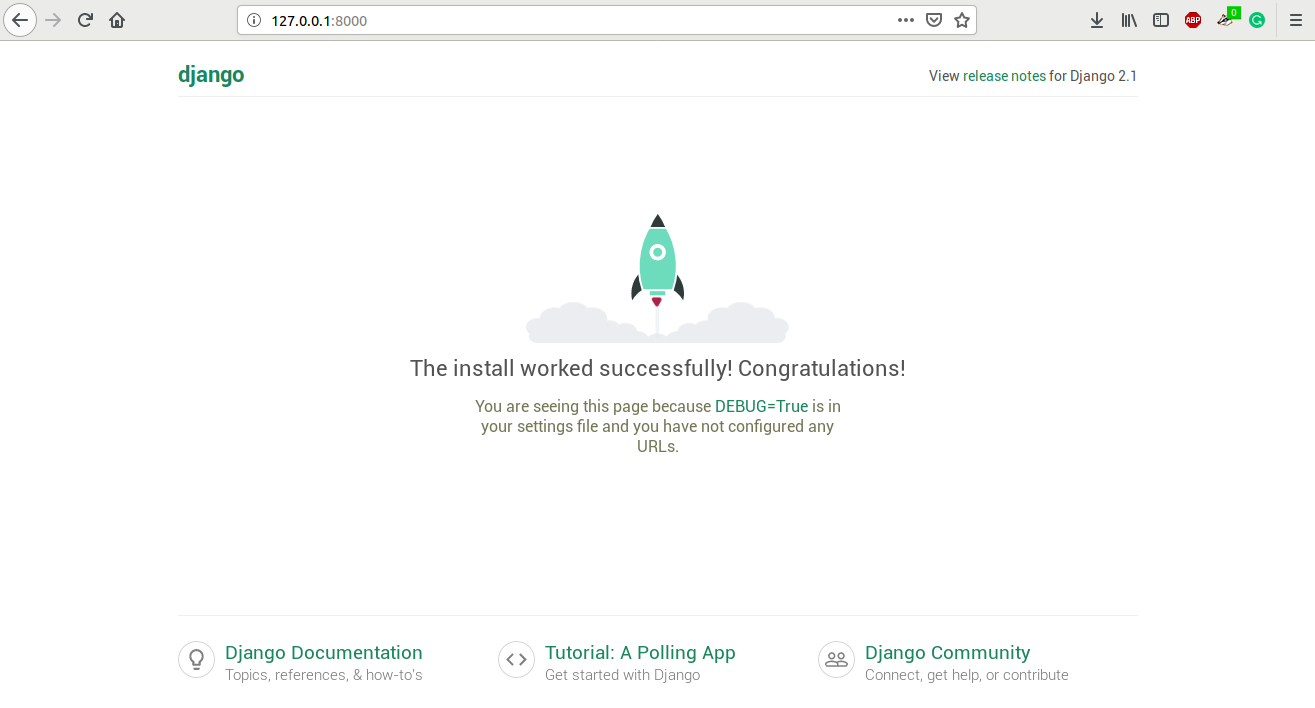
👁 ImageRunning the server with:
👁 Imagepython manage.py runserver
May show a warning like:
👁 ImageYou have 15 unapplied migrations. Your project may not work properly until you apply the migrations.
This indicates pending database schema changes that need to be applied.
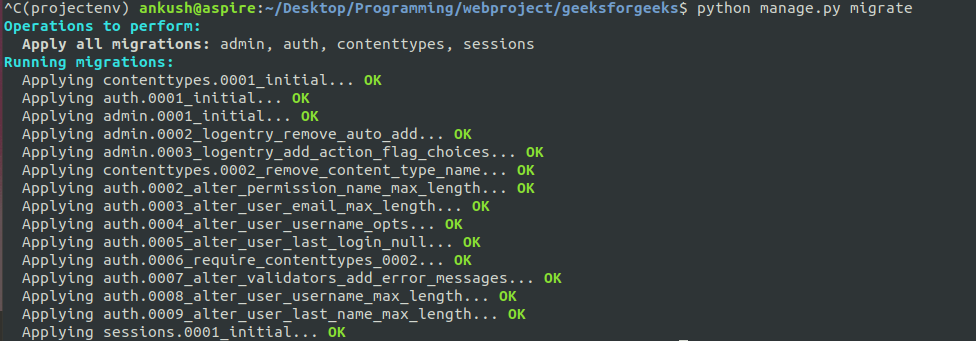
Stop the server with CTRL+C and run:
python manage.py migrate
The command prompt will display output similar to the following:
👁 ImageThis applies all pending migrations and sets up the database schema. Restart the server:
python manage.py runserver
The warning will be resolved.
As the project grows, it is best practice to move functionality into separate apps for modularity and maintainability.
For example, a simple function-based view in views.py:
can be routed in urls.py:
This structure keeps the project organized while preventing migration warnings and maintaining clean separation of features.
| Issue | Solution |
|---|---|
| "OperationalError: no such table" | Run migrate to create missing tables. |
| Conflicting migrations | Use python manage.py makemigrations --merge to merge conflicts. |
| Migration file exists but not applied | Run python manage.py migrate app_name for specific app. |
| Fake migrations needed | If database is already manually updated, mark migration as applied without running it: python manage.py migrate --fake app_name |