|
VOOZH | about |
|
VOOZH | about |
Django may raise URL resolution errors (such as NoReverseMatch) when there are issues in URL routing configuration, view mappings, namespaces or imports. This usually occurs due to misconfigured URL patterns, view mismatches, namespace conflicts or import issues. Example error message:
NoReverseMatch: Reverse for 'home' not found.
URLResolver errors usually happen due to misconfigured URLs, view mismatches, or namespace conflicts. The following approaches can help you identify and fix the issues.
Example: Project-level urls.py
Example: Template URL reference
Confirm views and URLs are imported correctly in urls.py.
Example: App-level urls.py
Each URL name within a namespace must be unique to prevent conflicts.
Example: Incorrect usage
Django URLResolver errors can also be fixed by adjusting project settings, URL patterns and server configurations. The following solutions are commonly used.
# settings.py
ROOT_URLCONF = 'myproject.urls'
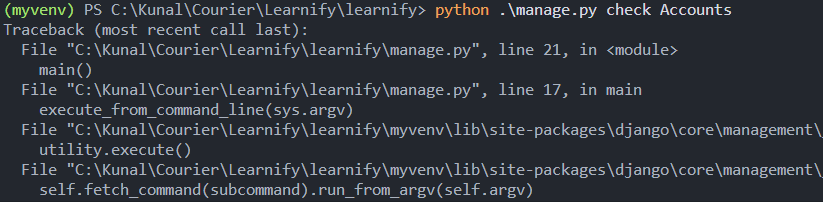
Use Django’s check command to verify project configuration, including common URL configuration issues.
python manage.py check
👁 ice_screenshot_20231013-121205
If routing changes are not behaving as expected, verify saved files and review imports and urlpatterns for mistakes.
By applying these solutions, most URLResolver errors in Django can be resolved efficiently. Regularly checking URL patterns, view functions and server configurations helps maintain smooth routing in project.