|
VOOZH | about |
|
VOOZH | about |
The GraphQL is an API query language and a modern evolution of the traditional CRUD approach to API exploration as it gives more options and flexibility to clients about what data they require from a system and what data should be concealed. Unlike REST where each API endpoint returns a fixed set of data, GraphQL returns one endpoint to the client and the client can request only the data it needs through the schema. While flexible, documenting GraphQL APIs is difficult because they do not have a fixed structure.
Swagger is a recognized and popular framework for REST API description that is now called the OpenAPI Specification. It makes possible an expressive and detailed description of APIs and lets developers learn about APIs and work with them. While Swagger is typically utilized for documenting REST APIs, it can be extended for use with GraphQL APIs with reasonable easiness.
To document a GraphQL API with Swagger, you need a few tools and libraries:
Let's consider a simple GraphQL API for a book library. We'll document this API using Swagger.
As a first step, create a GraphQL schema for the library API. This schema contains entities Books and Authors Also the queries to retrieve books and authors.
# schema.graphql
type Book {
 id: ID!
 title: String!
 author: Author!
 publishedYear: Int!
}

type Author {
 id: ID!
 name: String!
 books: [Book!]!
}

type Query {
 books: [Book!]!
 book(id: ID!): Book
 authors: [Author!]!
 author(id: ID!): Author
}
In this process, we generate an OpenAPI specification by applying the graphql-to-swagger library.
npm install graphql-to-swaggerCreate a script, let's say "convertSchema.js" to convert the schema:
node convertSchema.jsInstall a basic Node.js environment along with necessary packages. specific js server to host the Swagger UI.
npm install express swagger-ui-expressnode server.jsGraphQL Playground: Go to http://localhost:3000/graphql to interact with the GraphQL API.
Swagger UI: Visit http://localhost:3000/api-docs in your browser to see the Swagger UI rendering your GraphQL API documentation.
1. Clear and concise descriptions
Proper documentation of your GraphQL schema elements requires writing good descriptions, and these tips will ensure that you make a good one. Avoid complicated and encoded forms of language description as much as possible to maintain the level of simplicity. This helps developers to get an instant overview of their intended usage and functionality of any given API element.
2. Provide usage examples
Getting some of these specifications from the API use case real life scenarios makes it easier for the developer to learn how to apply the same API. Provide examples with a focus on explaining how to write down the actions that are performed when using queries and mutations to get or update data. These examples serve as a working model for developers, who in turn get assistance for the development of strong applications.
3. Include interactive documentation
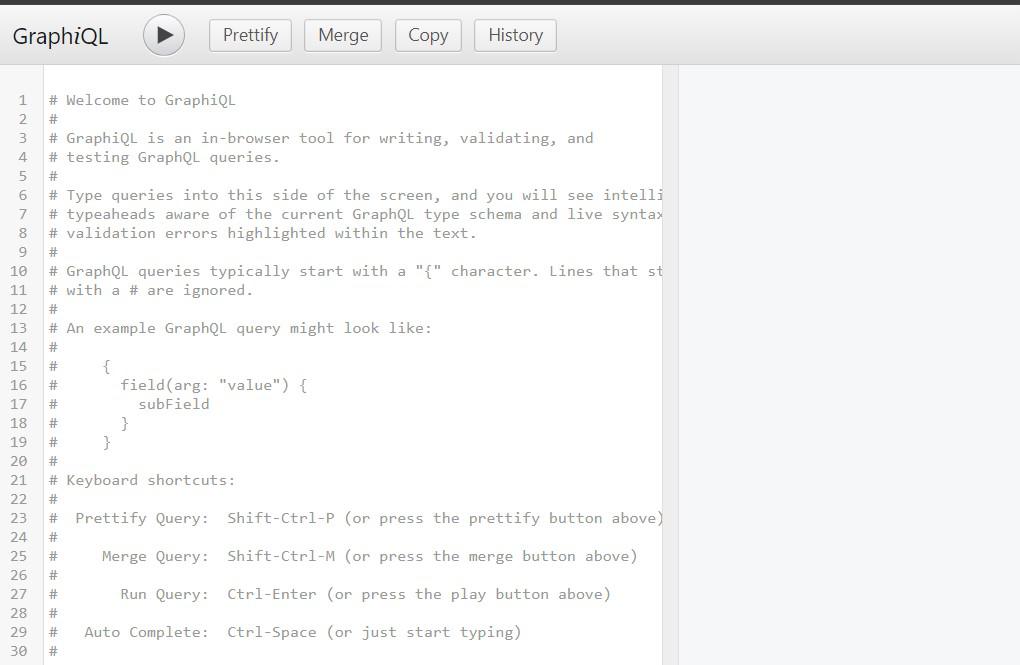
Such interactive documentations can include GraphQL Playground or GraphiQL which greatly improve the quality of developers’ experience. These pages also enable the developers to search the API; run queries and view the resulting response in real time. Adding interactivity to documentation allows developers to try things out and understand how the API works much better.
4. Organize documentation by sections
If you write a documentation for your GraphQL API, it is useful to split it into sections for organizing the content in a clear manner to help the developers. Organise the related types, queries, and mutations under suitable headings. This organization benefits the developers in a way that they are able to easily locate what they are needing, thus saving them time and Avoiding confusion.
5. Document input and output types
Explain in detail how each input or output type is used within your GraphQL API, and its specific fields. Beside each field, mention the brief description of each filed with must or should be filled to indicate the level of mandatory for each field. By providing this information, it enables the developers to appreciate the kind of shape that the data is sent and received through the API.
6. Versioning and changelogs
The API should change in time and have a definitive versioning system to be followed and maintain records of how it changes. State the current version of the API and describe any modifications in the API that may have a negative effect on any existing implementations. Having a changelog that shows whats changed in each release also promotes greater transparency and keeps developers informed.
Swagger applied to GraphQL APIs helps document the way people and applications can interact with the API in a structured and explorative manner. When you translate your GraphQL schema to OpenAPI, you get the ability to enhance your API’s documentation with Swagger tools, making it easier for others to integrate with your solutions.