|
VOOZH | about |
|
VOOZH | about |
A Dodger game is a type of game in which a player has access to control an object or any character to dodge (to avoid) upcoming obstacles and earn points according to the number of items dodged if the player is not able to dodge the object the game will be over and final score will be displayed in the console. After certain points or times the speed of the objects to be dodged increases which makes it harder and harder to score more points. The player can control the movement through some input from some input devices, it can a keyboard, a joystick, a game controller, etc..
First, we need to install the Pygame library in the system, to install use the following command and run the command in the command prompt (for the Windows operating system).
pip install pygameAfter Importing we can use the pygame properties.
The Screen Height , Width is declared along with come colors and the frame rates.
The variables are created to declare the size of the player , the movement ,the speed and similarly for the dodged object.
This function basically checks for the collision between the player and the random object which need to be dodged.
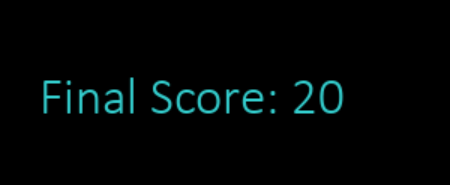
The code is iterated by using a while loop and condition that until the condition for game over become false this will work and update the score values and increases the speed of the objects after certain points and it will display the final score if the game is over (player could not able to dodge).
NOTE: User can customize the code according to the choice and can add more features to the code depending upon the requirement.
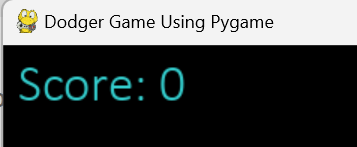
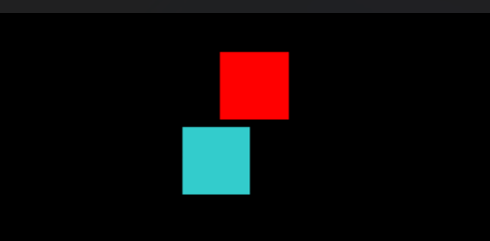
Output