|
VOOZH | about |
|
VOOZH | about |
Our e-commerce website, "ECOM," aims to offer users a smooth online shopping experience. We use Tailwind CSS for styling, React for interactive user interfaces, and Django for a strong backend. Shopify features a wide range of products across different categories, with functionalities like user authentication, product search, shopping cart management, and secure checkout. Here's how to create this e-commerce website:
pip install djangodjango-admin startproject ecommerce_backendcd ecommerce_backendpython manage.py startapp storeNavigate to the project directory and create a new React app:
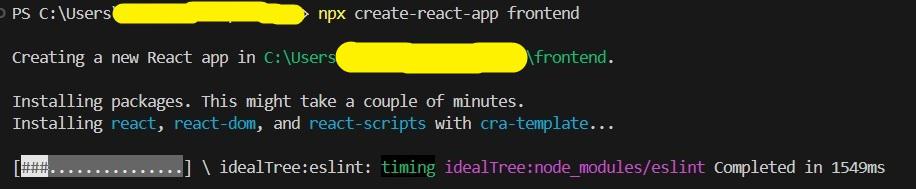
npx create-react-app frontendcd frontendInstall Tailwind CSS and its dependencies:
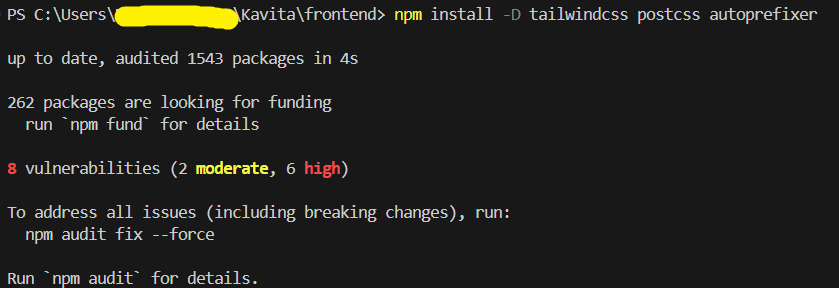
npm install -D tailwindcss postcss autoprefixernpx tailwindcss init -pConfigure Tailwind by editing tailwind.config.js:
Add the following to src/index.css:
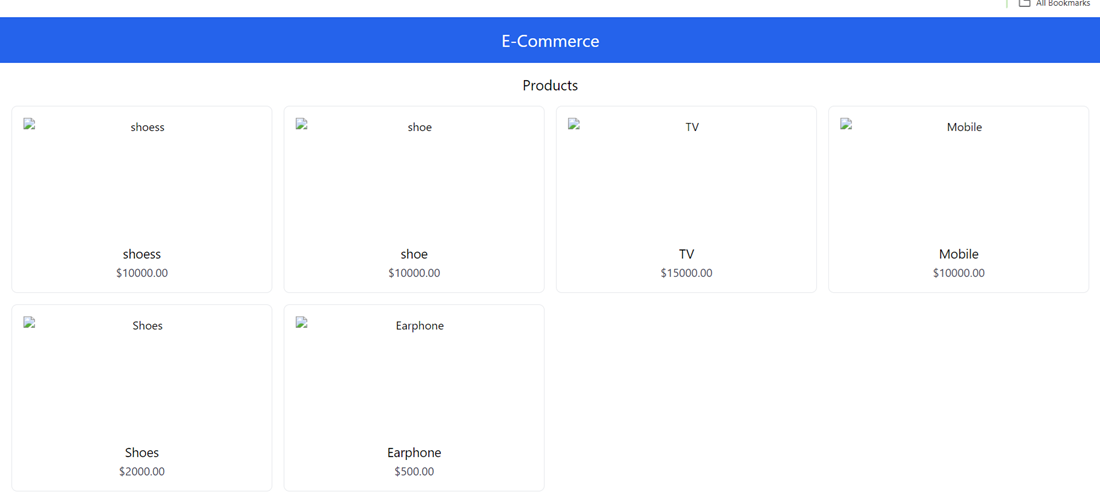
This component will list all the product available to your database.
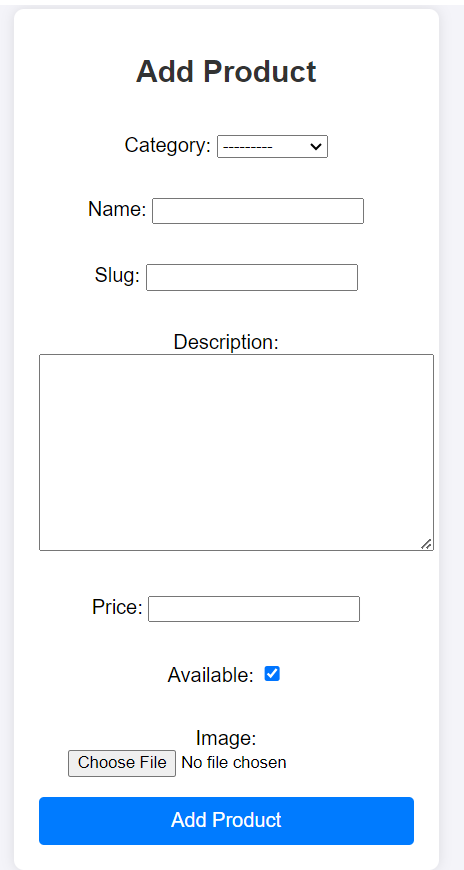
Add your product and category by adding code in your backend directory.
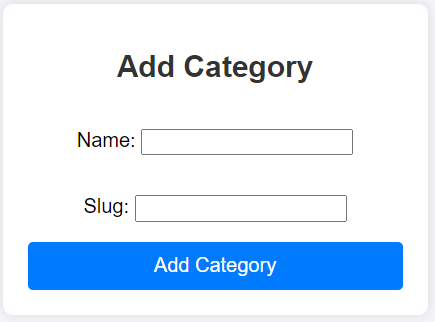
add_product.html file will help you to add category to your database. Use this template to add category without entering to admin pannel.
Now create 'static' folder to you root directory and create css folder and other folder to store your static files like css file, images, etc.
Install Django REST Framework:
pip install djangorestframeworkIn store/views.py:
This file is available inside your products folder. Use products/urls.py to add your urls path.
In ecommerce_backend/urls.py. This file is the global file for your urls, please add the below code to seprate your app inside the project.
This is for your models.py file. Create it and add the below code.
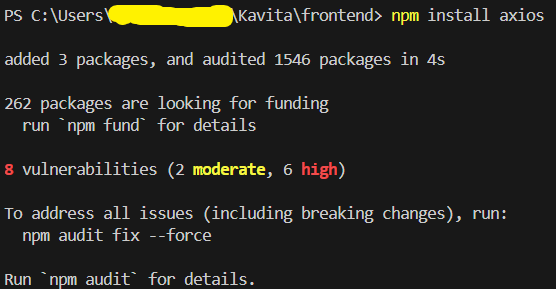
Install Axios in React app:
npm install axiosRun Django Development Server
python manage.py runserverRun React Development Server
npm startBy combining Tailwind CSS, React, and Django, you can build a modern, responsive, and scalable e-commerce website. Tailwind simplifies styling, React offers a robust front-end framework, and Django ensures a secure and efficient back end. This stack not only enhances development speed but also provides a maintainable codebase, making it an excellent choice for building e-commerce applications.