|
VOOZH | about |
|
VOOZH | about |
easyinput module in Python offers an easy input interface analogous to cin stream in C++. It supports multiple data types including files and provides functionalities such as input till different data types, multi-line input, etc.
To install this module type the below command in the terminal.
pip install easyinput
Parameters:
- type : List of data types, for each type corresponding token is returned.
- amount : For repetition of given type for specific number of times.
- as_list : If true, stream of tokens is returned as list, otherwise, generator is returned.
- file : File entity stream.
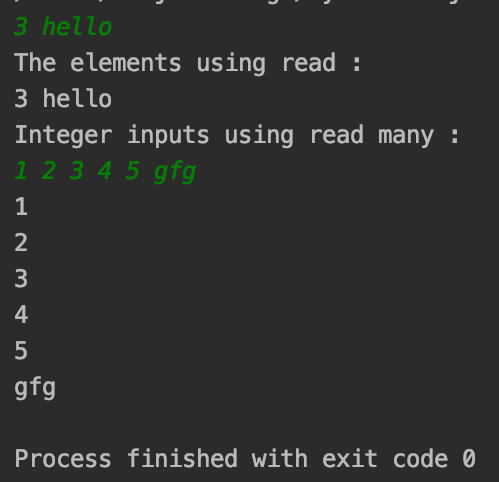
Example 1: Working of read() and read_many()
Output :
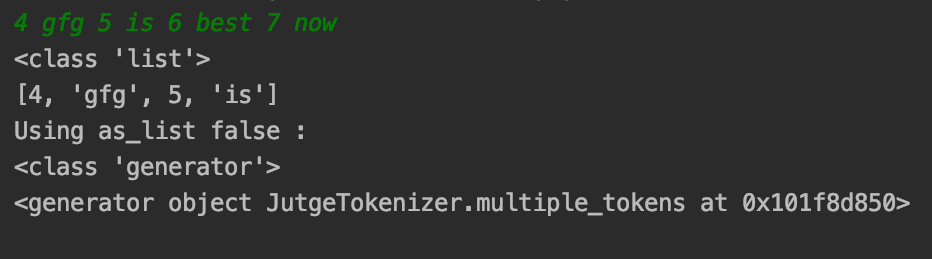
Example 2: Using amount() and as_list()
Usually, read() returns a list when working with multiple arguments in read(). If we need a generator to be used, not a list, as_list() can be set to false. The advantage it can have is that it may avoid iteration of the list to access and populate to different data types.
Output :
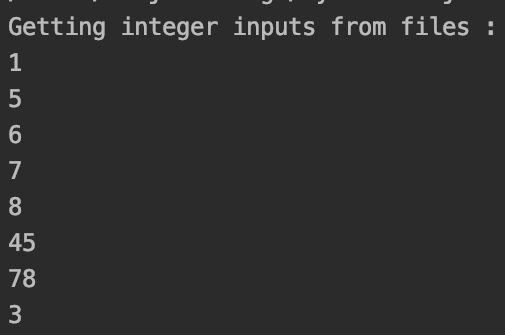
Example 3: File input using read_many()
The read() and read_many() functions provide the functionality to get files as an input stream to get data from files and render on console, or to any file using file parameter.
Code :
Output :
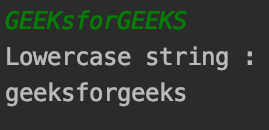
Example 4: Using Custom data type with read()
Apart from primitive data types, read() can accept class instances accepting strings as input which can be used to translate to custom types for working. The example below gets lowercase words.
Output :
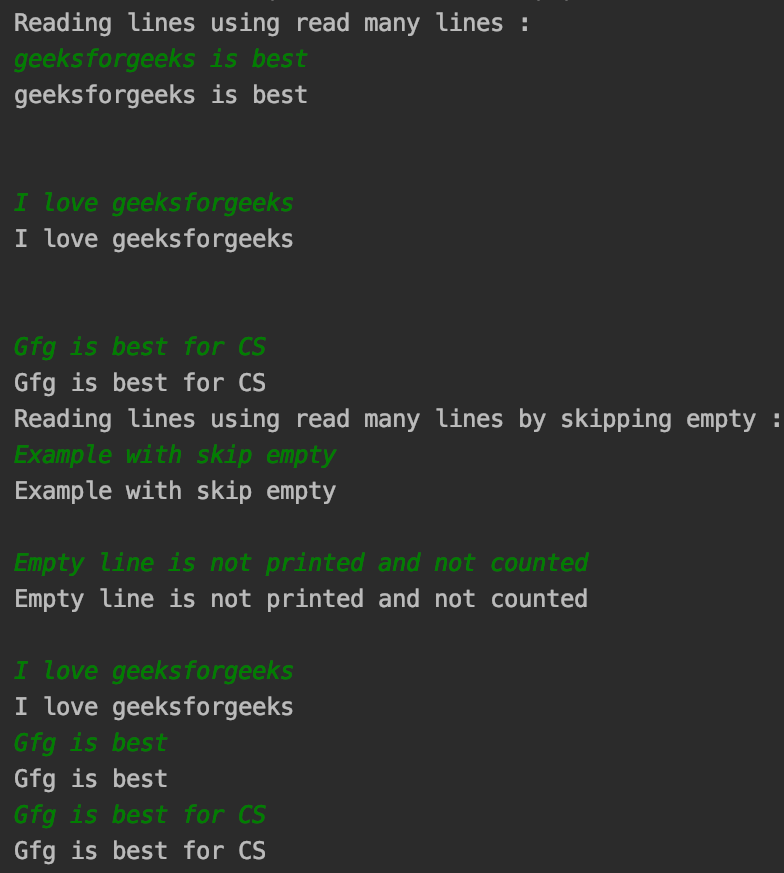
Similar to read_many(), the difference being it reads whole lines at once rather than moving to newline at spaces. Reads the whole line.
Syntax:
read_many_lines(rstrip=True, skip_empty=False)
Parameters:
rstrip : Skips all the trailing newline characters that are entered. By default value is True.
skip_empty : Defaults to false, when set to True, skips the lines which are just empty characters.
Code :
Output :