|
VOOZH | about |
|
VOOZH | about |
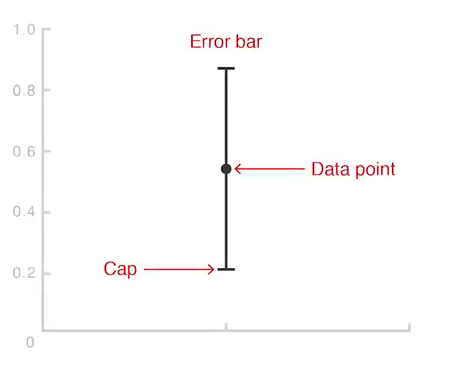
Error bars are a graphical overlay used to display the variability or uncertainty of points plotted on a Cartesian graph. They provide a further level of information to data shown, giving an indication of the accuracy of measurements and making a more accurate representation of variability in the data. They are drawn as lines that extend from the center of a data point, either vertically or horizontally, depending on the axis. The length of an error bar indicates how precise the measurement is:
In most cases, the length of the error bars is the same on both sides of the data point. However, if the data distribution is skewed, the lengths of the error bars may differ.
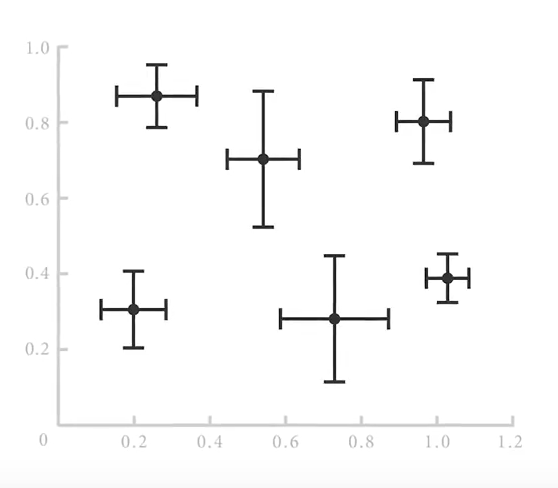
👁 Errorbar graph in Python using MatplotlibError bars can be applied in two main orientations:
If both axes have uncertainty, error bars can be applied to both axes simultaneously.
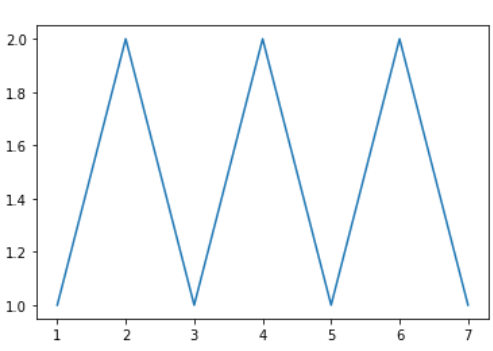
👁 Errorbar graph in Python using MatplotlibLet see an example of error bar how it works.
Output
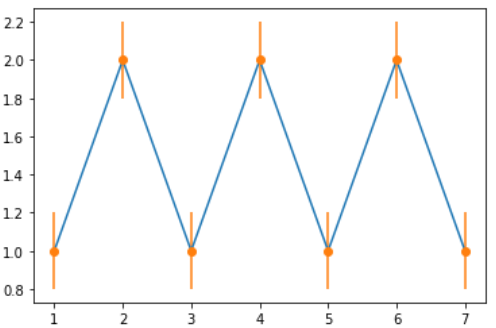
👁 Errorbar graph in Python using MatplotlibThis example demonstrates how to apply error bars to the y-axis, showing the uncertainty in the dependent variable.
Output:
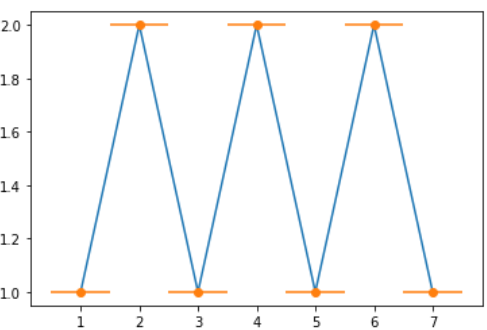
👁 Errorbar graph in Python using MatplotlibHere, error bars are applied to the x-axis, indicating uncertainty in the independent variable.
Output
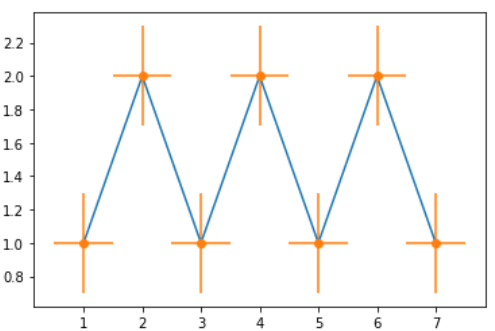
👁 Errorbar graph in Python using MatplotlibThis example shows how to apply error bars to both axes simultaneously, giving a more complete view of the data's variability.
Output
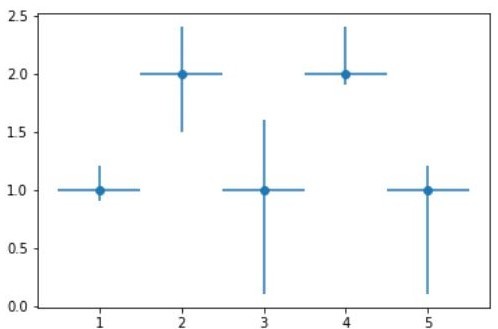
👁 Errorbar graph in Python using MatplotlibThis demonstrates how error bars can vary in length depending on the data, reflecting different levels of uncertainty for each data point.
Output:
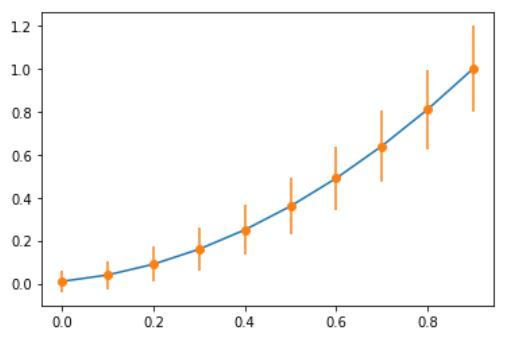
👁 Errorbar graph in Python using MatplotlibA more complex example, illustrating how error bars can be used in different contexts to represent data with varying degrees of precision.