|
VOOZH | about |
|
VOOZH | about |
Selenium Python is one of the great tools for testing automation. These days most web apps are using AJAX techniques. When the browser loads a page, the elements within that page may load at different time intervals.
Table of Content
This makes locating elements difficult, if an element is not yet present in the DOM, a locate function will raise an ElementNotVisibleException exception. Using waits, we can solve this issue.
For a deeper dive into using explicit waits effectively with Selenium Python, consider exploring the Complete Guide to Software Testing & Automation by GeeksforGeeks . This course provides detailed insights into implementing waits and other advanced testing techniques to ensure reliable and efficient automation.
An explicit wait is a code you define to wait for a certain condition to occur before proceeding further in the code. The extreme case is time.sleep(), which sets the condition to an exact waiting period. There are some convenience methods provided that help you write code that will wait only as long as required. Explicit waits are achieved by using the webdriverWait class in combination with expected_conditions.
Let's consider an example
Explanation of Code
Expected Conditions
There are some common conditions that are frequently of use when automating web browsers. For example, presence_of_element_located, title_is, ad so on.
One can check entire methods from here - Convenience Methods and some of them are follows
Output
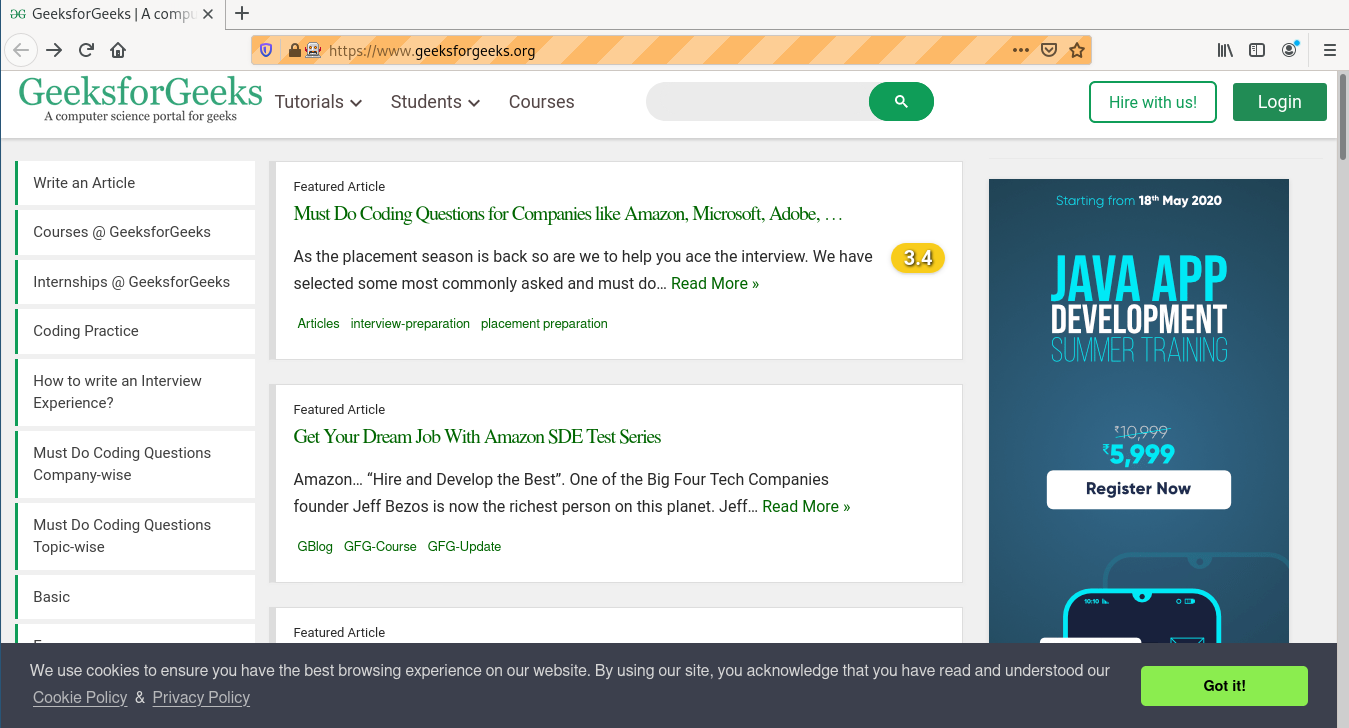
First it opens https://www.geeksforgeeks.org/ and then finds Courses link.
It clicks on courses links and is redirected to https://www.geeksforgeeks.org/ .
Explicit waits in Selenium Python offer main control over waiting for elements by automation. By combining WebDriverWait and ExpectedConditions, you can define specific conditions and a timeout to ensure reliable test automation for betterment purpose.