|
VOOZH | about |
|
VOOZH | about |
All of you must be familiar with what PDFs are. In fact, they are one of the most important and widely used digital media. PDF stands for Portable Document Format. It uses .pdf extension. It is used to present and exchange documents reliably, independent of software, hardware, or operating system.
We will extract text from pdf files using two Python libraries, pypdf and PyMuPDF, in this article.
Python package pypdf can be used to achieve what we want (text extraction), although it can do more than what we need. This package can also be used to generate, decrypting and merging PDF files. Note: For more information, refer to Working with PDF files in Python
To install this package type the below command in the terminal.
pip install pypdf
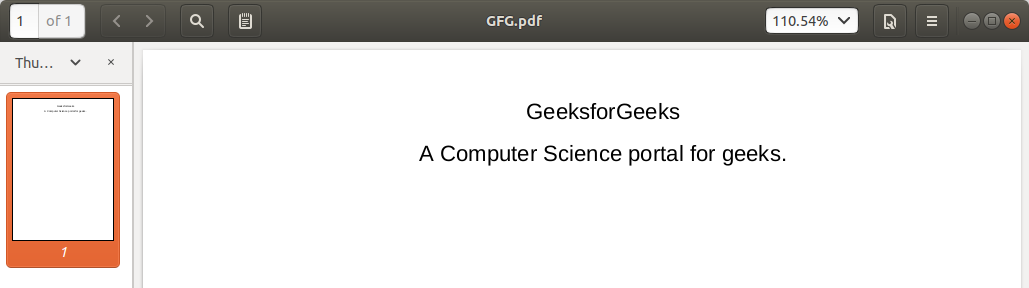
Example:Input PDF:👁 extract-pdf-text-python
Output:
Let us try to understand the above code in chunks:
reader = PdfReader('example.pdf')
print(len(reader.pages))
page = reader.pages[0]
text = page.extract_text()
print(text)
PyMuPDF is a Python library that supports file formats like XPS, PDF, CBR, and CBZ. But for now, in this article, we are going to concentrate on PDF (Portable Document Format) files.
pip install pymupdf
pip install fitz
To extract the text from the pdf, we need to follow the following steps:
Note: We are using the sample.pdf here; to get the pdf, use the link below.
sample.pdf - Link
1. Importing the library
2. Opening document
Here we created an object called "doc," and filename should be a Python string.
3. Extracting text
Here, we iterated pages in pdf and used the get_text() method to extract each page from the file.
All the Code to extract the text
Output:
👁 ImageWe have seen two Python libraries, pypdf and PyMuPDF, that can extract text from a PDF file. Comment on your preferred library from the above two libraries.