|
VOOZH | about |
|
VOOZH | about |
Prerequisites: Introduction to Tkinter
Python offers various modules to create graphics programs. Out of these Tkinter provides the fastest and easiest way to create GUI applications.
The following steps are involved in creating a tkinter application:
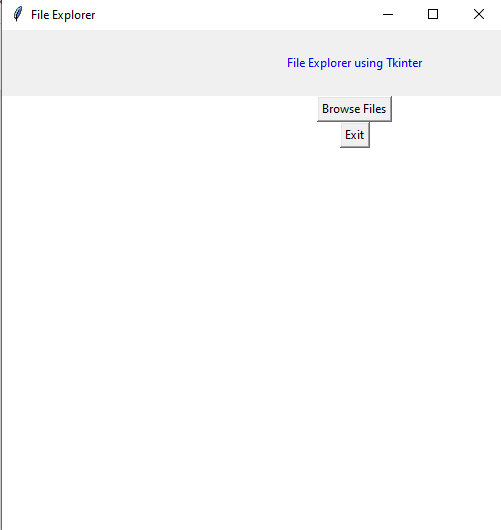
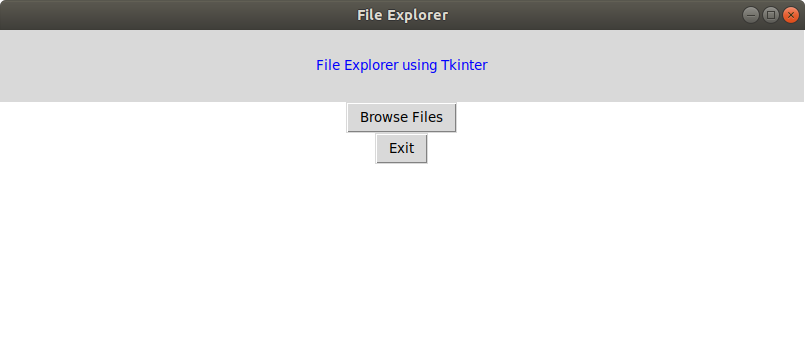
The GUI would look like below:
👁 Image
In order to do so, we have to import the filedialog module from Tkinter. The File dialog module will help you open, save files or directories.
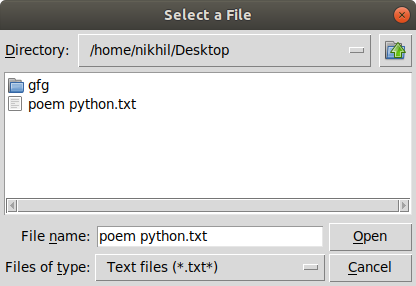
In order to open a file explorer, we have to use the method, askopenfilename(). This function creates a file dialog object.
Syntax: tkFileDialog.askopenfilename(initialdir = "/",title = "Select file",filetypes = (("file_type","*.extension"),("all files","*.*")))
Parameters:
- initialdir: We have to specify the path of the folder that is to be opened when the file explorer pops up.
- title: The title of file explorer opened.
- filetypes: Here we can specify different kinds of file extensions so that the user can filter based on different file types
Below is the implementation
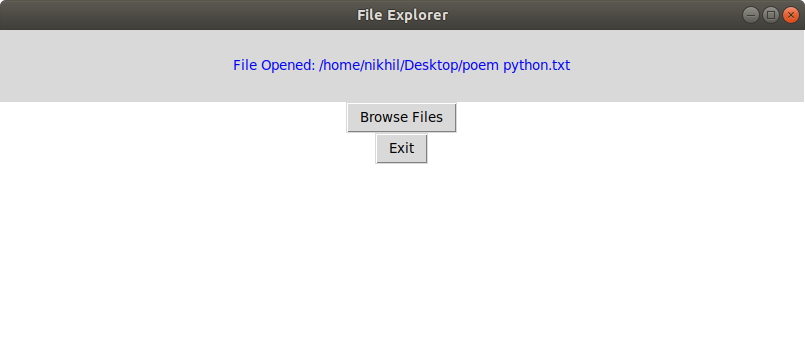
Output: