Selenium's Python Module is built to perform automated testing with Python. Selenium Python bindings provides a simple API to write functional/acceptance tests using Selenium WebDriver. After you have installed selenium and checked out -
Navigating links using get method, you might want to play more with Selenium Python. After one has opened a page using selenium such as geeksforgeeks, one might want to click some buttons automatically or fill a form automatically or any such automated task.
This article revolves around how to grab or locate elements in a webpage using locating strategies of Selenium Web Driver. More specifically,
find_elements_by_link_text() is discussed in this article. This method returns a list with type of elements specified.
To grab a single first element, checkout -
find_element_by_link_text() driver method – Selenium Python
Syntax -
driver.find_elements_by_link_text("link text")
Example -
For instance, consider this page source:
Now after you have created a driver, you can grab an element using -
login_form = driver.find_elements_by_link_text('Click Here')
How to use driver.find_elements_by_link_text() method in Selenium?
Let's try to practically implement this method and get a element instance for
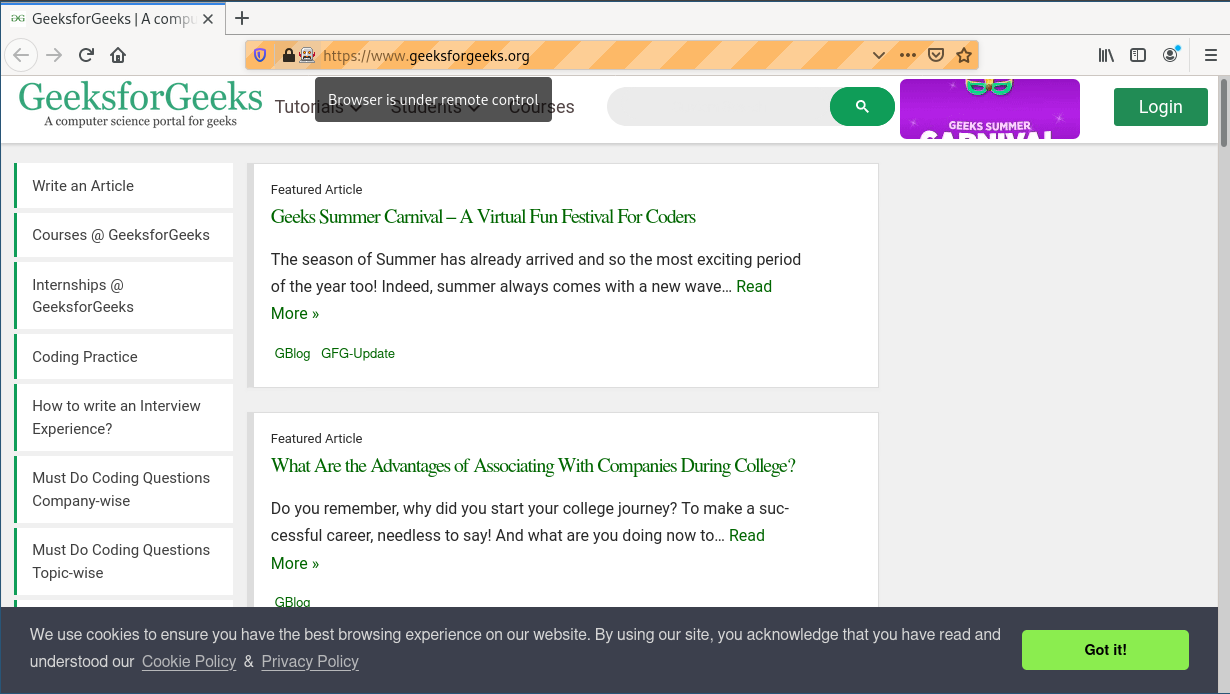
"https://www.geeksforgeeks.org/". Let's try to grab
Tutorials from navbar.
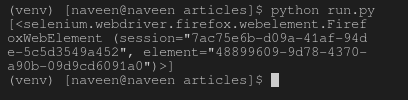
Create a file called run.py to demonstrate find_elements_by_link_text method -