|
VOOZH | about |
|
VOOZH | about |
Flask provides template rendering using the Jinja2 templating engine, which allows HTML pages to display dynamic data. Templates help separate the application logic from the user interface, making web applications easier to manage and build.
First, create a file named app.py and initialize a basic Flask application.
Explanation:
Flask automatically looks for HTML files inside a folder named templates. Create a templates folder in the project directory and add an index.html file inside it.
index.html
Explanation:
Now, update app.py to render the index.html template.
Explanation:
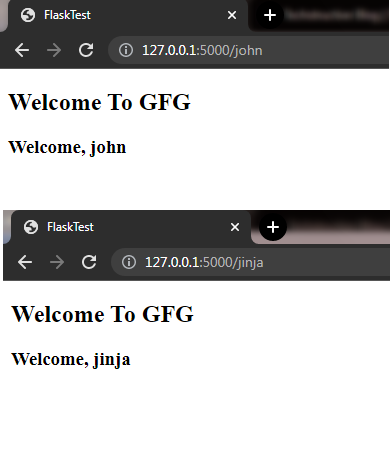
Flask uses Jinja2 templating to pass dynamic data from Python code to HTML templates. Update app.py with a new route:
Explanation:
Create a file named welcome.html inside the templates folder.
Output
Explanation:
Jinja2 templates support logical operations such as loops and conditional statements. This allows HTML pages to display dynamic content based on data passed from Flask routes.
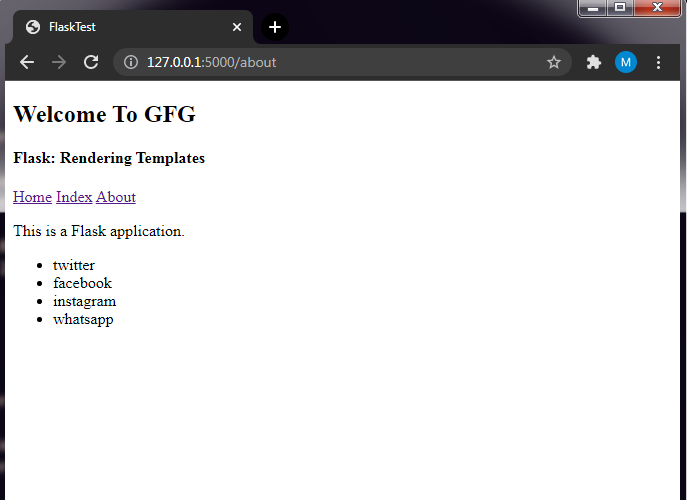
A for loop in Jinja2 is used to display multiple items dynamically inside an HTML template. Add the following route in app.py:
Explanation:
Create about.html inside the templates folder.
Explanation:
Navigation links help move between Flask routes easily using url_for(). Update index.html:
Explanation:
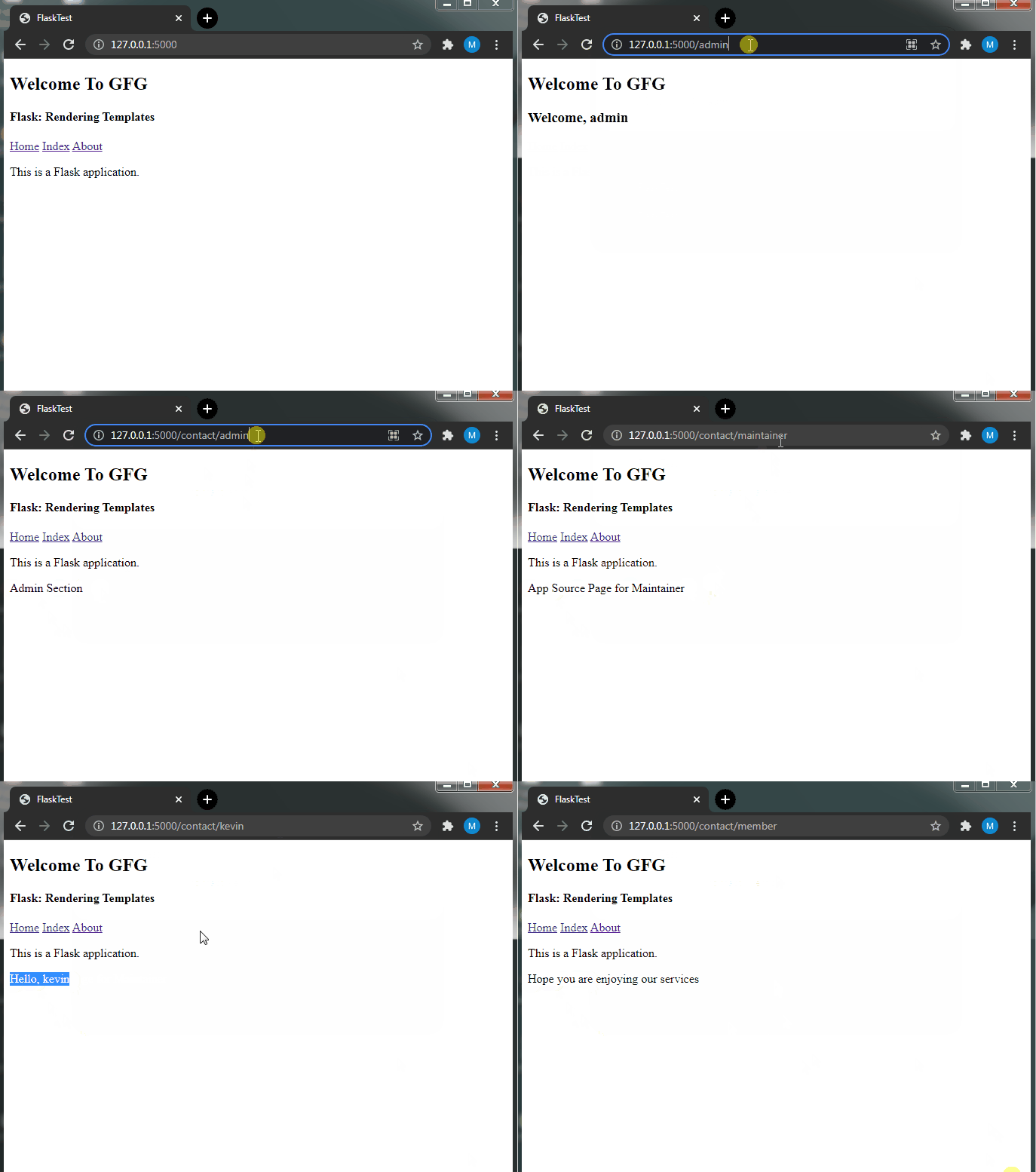
Conditional statements in Jinja2 allow templates to display different content based on values received from Flask routes. Add the following route in app.py:
Explanation:
Create contact.html inside the templates folder.
In the template, we check the person variable, which comes from the URL and is passed via render_template(). The if-else syntax is similar to Python but enclosed in {% %}. It follows a simple if-elif-else structure to generate HTML based on the value.
Output
Explanation: