|
VOOZH | about |
|
VOOZH | about |
In this article, we will learn how to get the index of the minimum value from a specific column in a Pandas DataFrame using .idxmin().
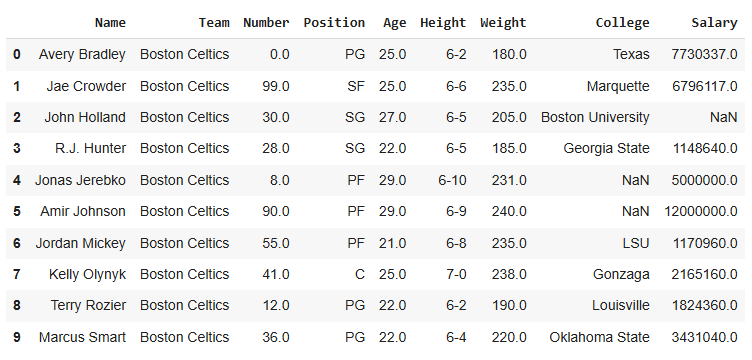
To download the dataset used in this article, click here.
Output
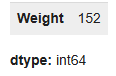
To find the row with the smallest weight, use idxmin(). It gives the index of that row.
Output
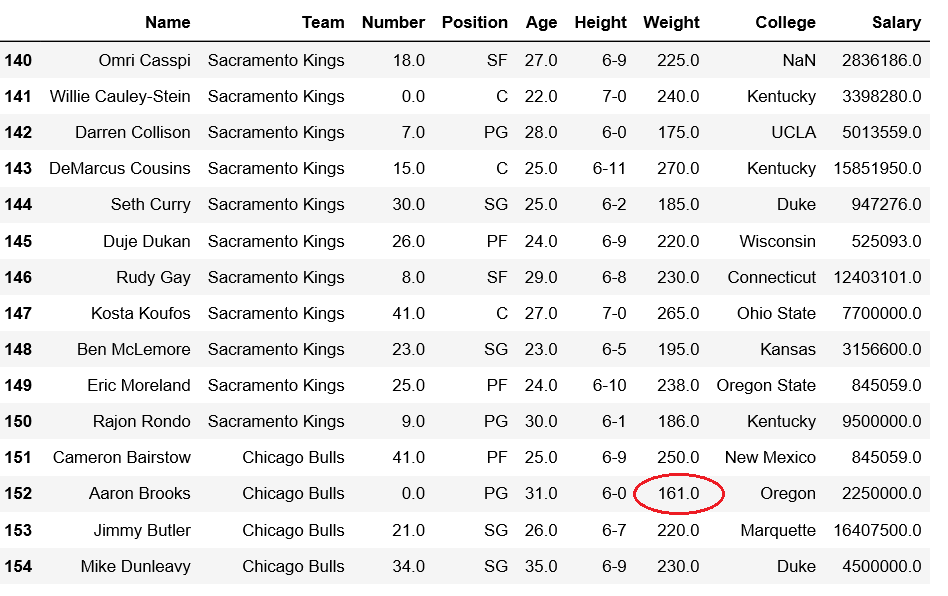
We can verify whether the minimum value is present in index or not.
Output
👁 ImageExplanation: df.iloc[140:155]: returns rows from position 140 to 154 of the DataFrame.
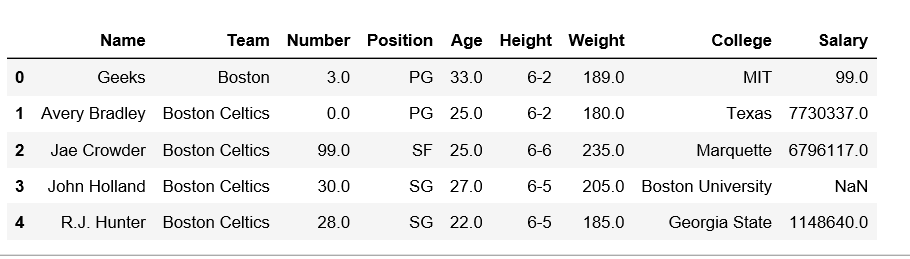
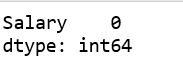
Insert a custom row at index 0 with the minimum salary, and check if .idxmin() correctly identifies it.
Output
👁 ImageExplanation:
Now check the minimum salary index: