|
VOOZH | about |
|
VOOZH | about |
Selenium is a powerful Python module used for browser automation. It allows you to interact with web pages just like a real user- click buttons, fill forms, and fetch values from elements.
The get_attribute() method fetches the value of an element’s HTML attribute.
In this article, we'll learn how to use the get_attribute() method in Selenium to extract an element’s attribute value (like href, id, placeholder, etc).
element.get_attribute("attribute_name")
Parameters:
Return Type: the attribute value as a string, or None if the attribute is not found.
Install the selenium module using pip, use this command:
pip install selenium
Let's start by retrieving the href attribute of a link element on the GeeksforGeeks homepage.
Terminal Output:
Output after visiting the URL in the terminal:
Explanation:
In this example, we’ll extract the placeholder text from the Google search input box.
Explanation:
You can also locate elements using other strategies like id or xpath.
Explanation:
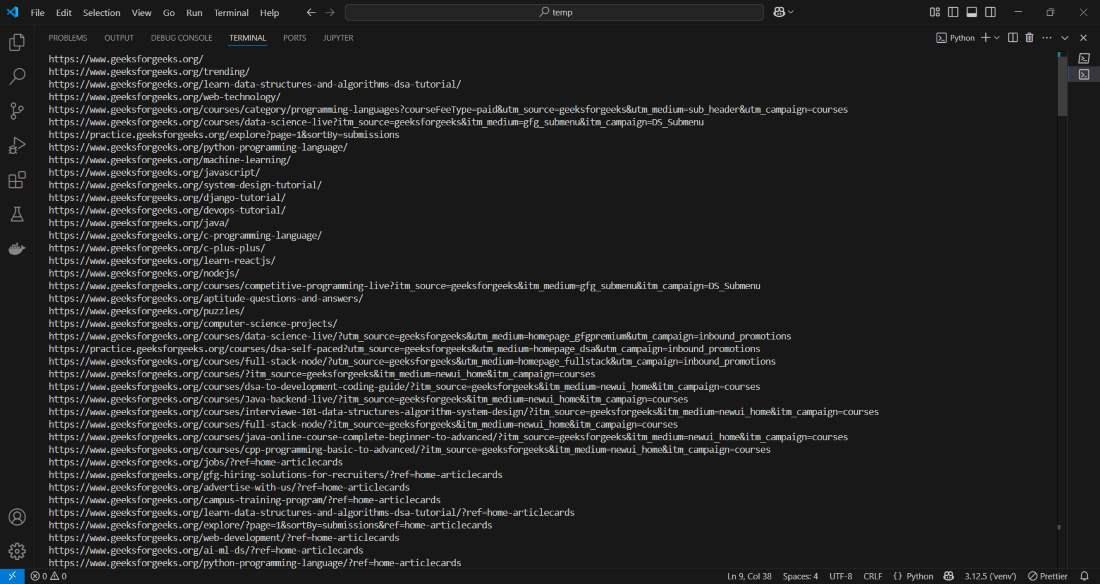
Here’s how to extract the href attribute from all anchor (<a>) tags on a page.
Output:
Explanation:
Related Articles: