|
VOOZH | about |
|
VOOZH | about |
In this article, we will see different ways of adding Multiple Columns in PySpark Dataframes.
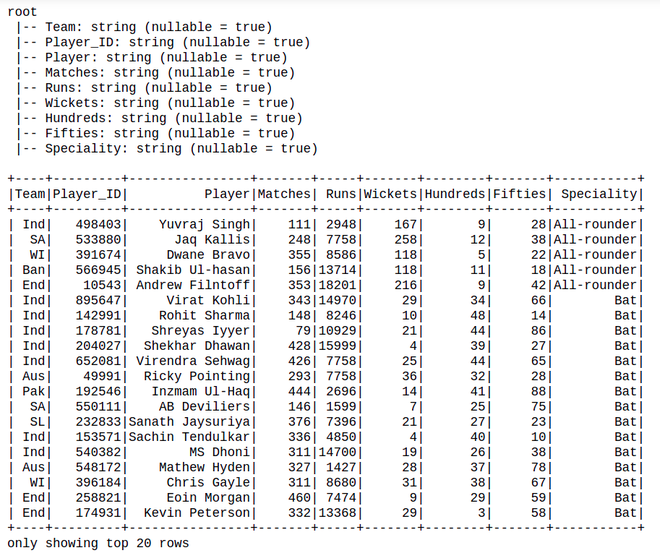
Let's create a sample dataframe for demonstration:
Dataset Used: Cricket_data_set_odi
Output:
👁 ImagewithColumn() is used to add a new or update an existing column on DataFrame
Syntax: df.withColumn(colName, col)
Returns: A new :class:`DataFrame` by adding a column or replacing the existing column that has the same name.
Code:
Output:
👁 ImageYou can also add multiple columns using select.
Syntax: df.select(*cols)
Code:
Output :
👁 ImageLet’s create a new column with constant value using lit() SQL function, on the below code. The lit() function present in Pyspark is used to add a new column in a Pyspark Dataframe by assigning a constant or literal value.