|
VOOZH | about |
|
VOOZH | about |
In this article, we will discuss the procedure of adding padding to a Tkinter widget only on one side. Here, we create a widget and use widget.grid() method in tkinter to padding the content of the widget. For example, let's create a label and use label.grid() method. Below the syntax is given:
label1 = Widget_Name(app, text="text_to_be_written_in_label")
label1.grid(
 padx=(padding_from_left_side, padding_from_right_side),
 pady=(padding_from_top, padding_from_bottom))
Steps Needed:
from tkinter import *
app= Tk()
app.title(“Name of GUI app”)
l1 =Widget_Name(app, text="Text we want to give in widget")
l1.grid(padx=(padding from left side, padding from right side),
 pady=(padding from top, padding from bottom))
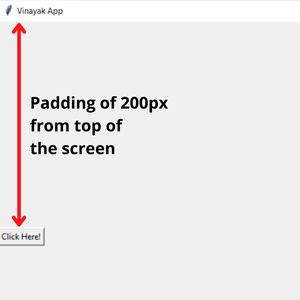
l1.grid(padx=(0, 0), pady=(200, 0))
app.mainloop( )
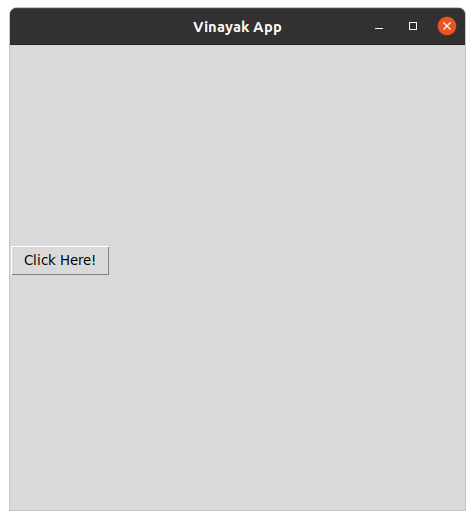
Example 1: Padding at left-side to a widget
Output:
👁 padding tkinterExample 2: Padding from top to a widget