|
VOOZH | about |
|
VOOZH | about |
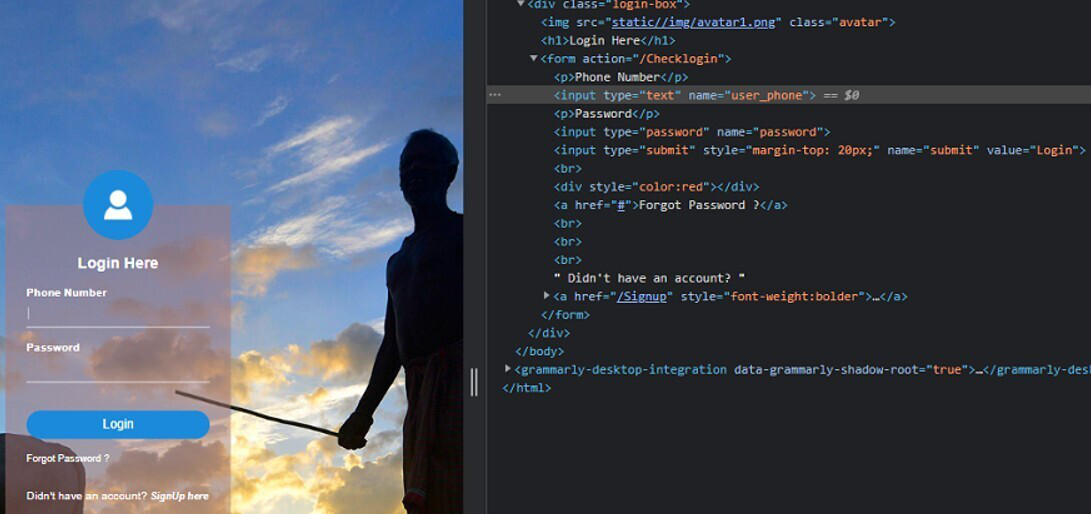
In this article, we are going to see how to built a simple auto-login bot using python.
In this present scenario, every website uses authentication and we have to log in by entering proper credentials. But sometimes it becomes very hectic to login again and again to a particular website. So, to come out of this problem lets, built our own auto login bot using python.
We will be using Selenium (python library) for making the auto-login bot. Python Selenium library helps us to access all functionalities of Selenium WebDriver like Firefox, Chrome, Remote etc.
First of all, we have to install selenium using the below command:
pip install selenium
After successful installation of selenium, we also have to install chromedriver for accessing the chrome webdriver of selenium. You can download the same from here (Download version according to your system chrome version and according to your OS).
Make sure that you have noted the location where the chromedriver has been downloaded (as it is used in our python script). Now After downloading extract the zip file and please note the file location of the extracted file as we have needed it later in python code. (You can find the location by clicking on properties and then details).
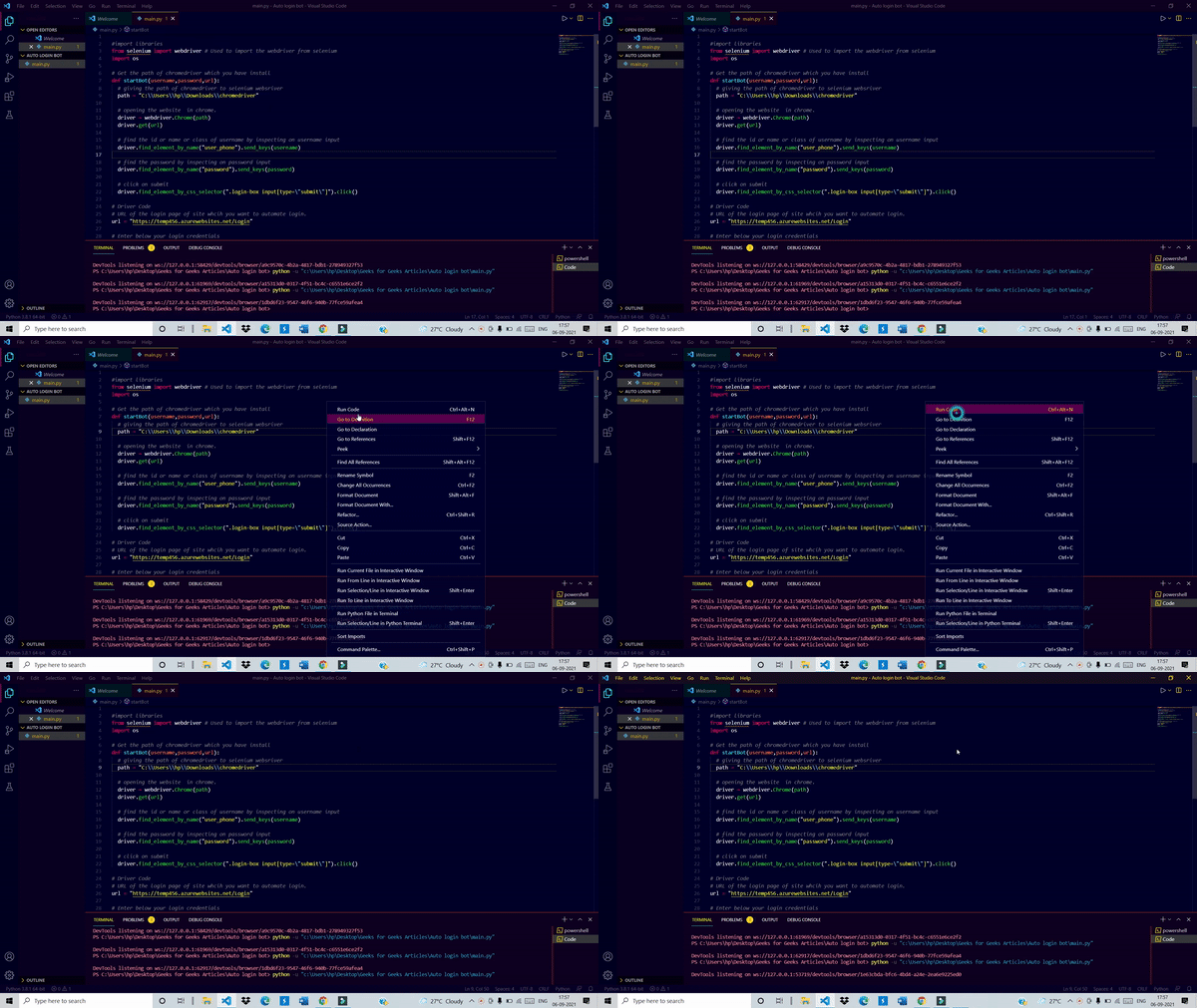
Below is the implementation:
Output:
👁 Image