|
VOOZH | about |
|
VOOZH | about |
CSV stands for comma-separated values, it is a type of text file where information is separated by commas (or any other delimiter), they are commonly used in databases and spreadsheets to store information in an organized manner. In this article, we will see how we can create a CSV file using Python.
Below are some of the ways by which we can create a CSV file using Python:
Now, Python provides a CSV module to work with CSV files, which allows Python programs to create, read, and manipulate tabular data in the form of CSV, This 'CSV' module provides many functions and classes for working with CSV files, It includes functions for reading and writing CSV data, as well as classes like csv.reader and csv.writer for more advanced operations.
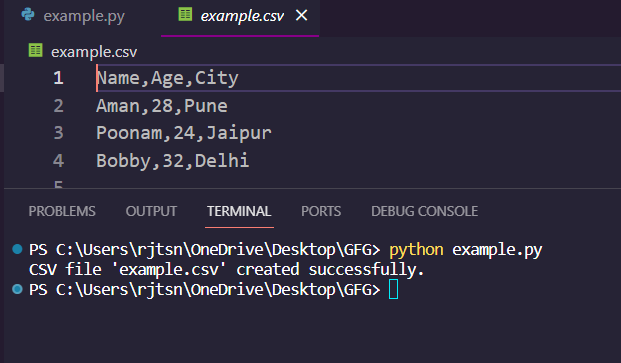
Output:
👁 Screenshot-2024-02-08-122743
Pandas is a powerful Python library widely used for data manipulation and analysis, now Pandas also offers methods for converting data into CSV format and writing it to a file. In this example, we are using Pandas to create and edit CSV files in Python.
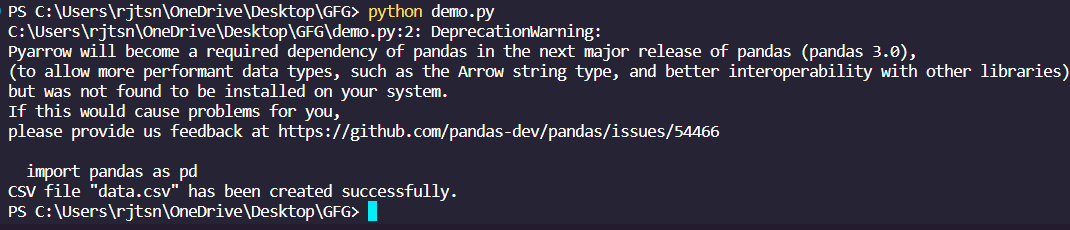
Output:
Note: Ignore the deprecation warning message.
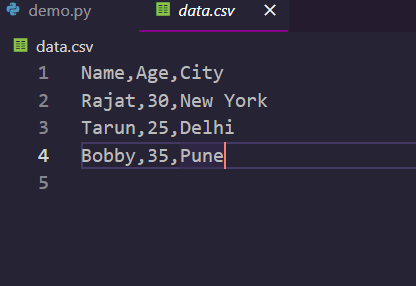
Csv File Output:
We can manually write data to a CSV file using basic file writing operations. While it is less common and less convenient than using the csv module or pandas, it's still possible and can be done.
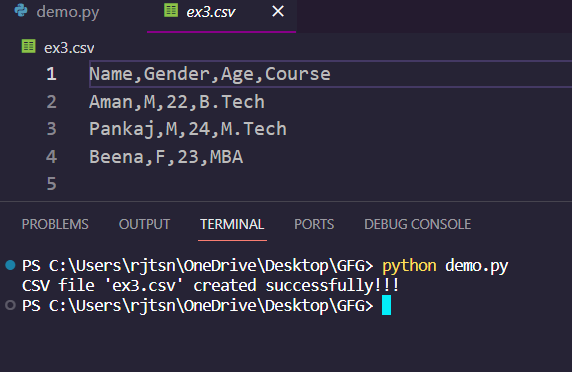
Output: