|
VOOZH | about |
|
VOOZH | about |
Plotly is a Python library which is used to design graphs, especially interactive graphs. It can plot various graphs and charts like histogram, barplot, boxplot, spreadplot and many more. It is mainly used in data analysis as well as financial analysis. plotly is an interactive visualization library.
A stacked bar chart or graph is a chart that uses bars to demonstrate comparisons between categories of data, but with ability to impart and compare parts of a whole. Each bar in the chart represents a whole and segments which represent different parts or categories of that whole.
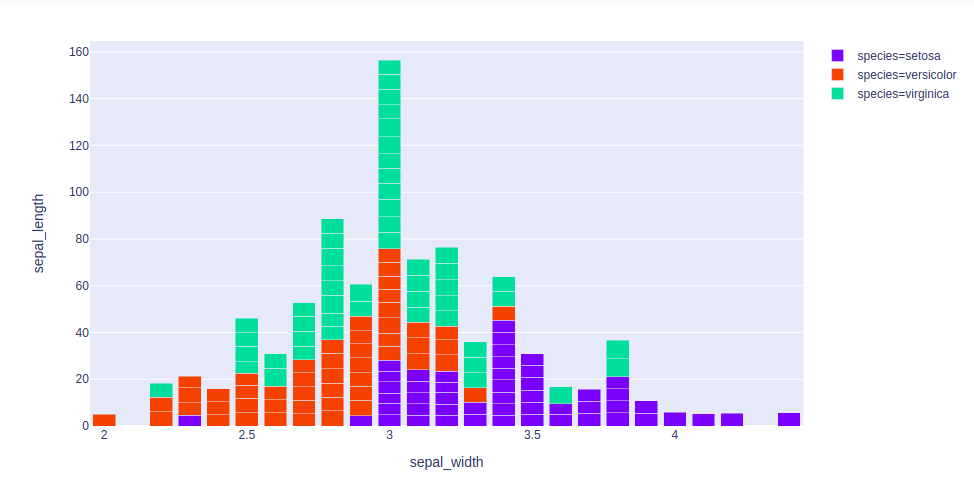
Example 1: Using iris dataset
Output:
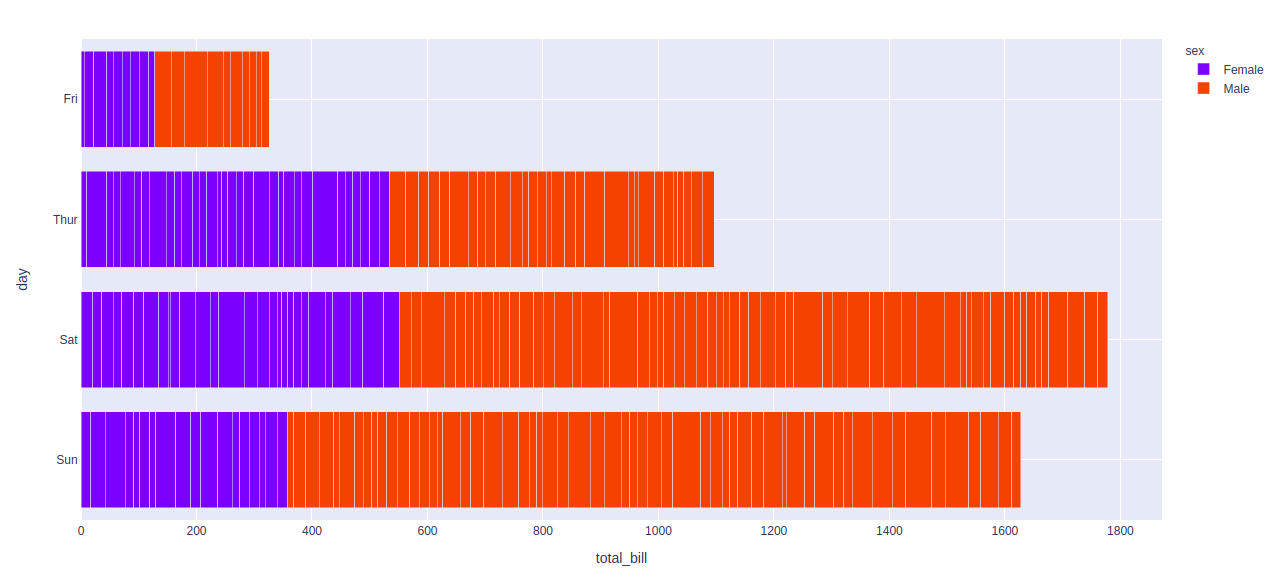
Example 2: Using tips dataset
Output:
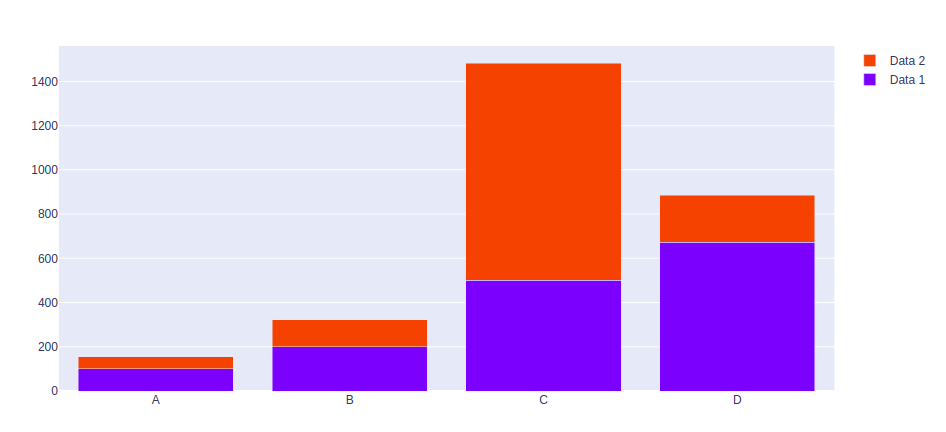
Example 3: Using graph_objects class