|
VOOZH | about |
|
VOOZH | about |
VSCode offers multiple ways to format JSON files, making it easy for developers to choose the method that best suits their workflow. A well-formatted JSON file is easier to read, understand, and debug, especially when working with complex data structures.
Let us see these ways one by one. JSON formatting refers to the way JSON data is organized and presented. Proper formatting involves:
One way to format JSON in VSCode if by using the inbuild JSON formatted. All you need to do is follow the steps given below:
Here is an example of unformatted JSON data:
{"name":"John","age":30,"city":"New York","hobbies":["reading","traveling","swimming"],"
education":{"highschool":"ABC High","college":"XYZ University"}}
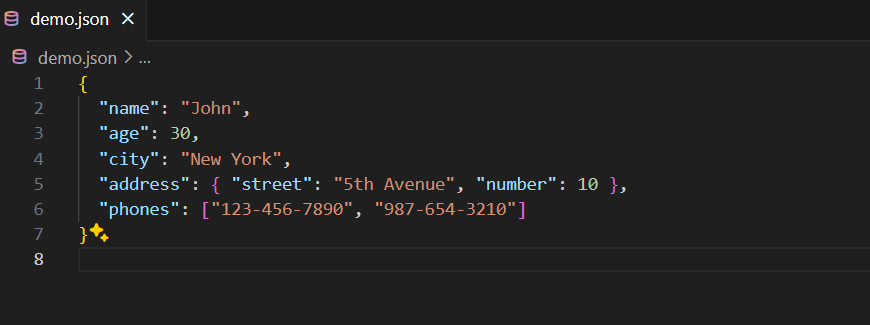
After formatting, the JSON data should look like this:
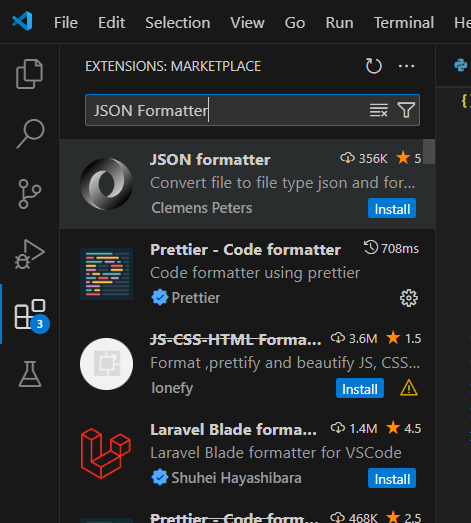
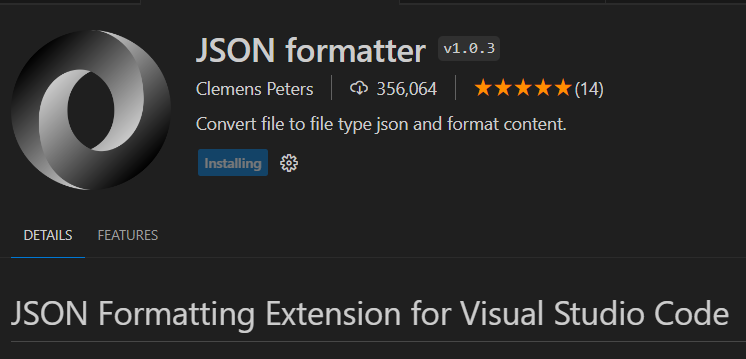
For more advanced formatting options, you can install a JSON formatter extension:
Formatting JSON in VSCode is straightforward and can be achieved through various methods, including built-in tools, command palette, and extensions like Prettier. Properly formatted JSON enhances readability and maintainability, making it an essential practice for developers. By utilizing these methods, you can ensure your JSON files are consistently and correctly formatted.