|
VOOZH | about |
|
VOOZH | about |
While analyzing the real datasets which are often very huge in size, we might need to get the rows or index names in order to perform some certain operations. Let's discuss how to get row names in Pandas
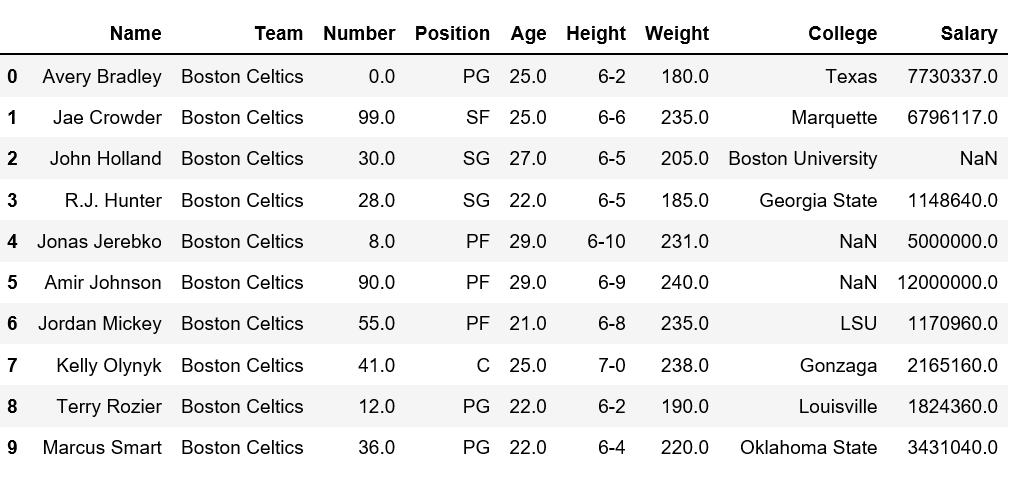
dataframe. First, let's create a simple dataframe with
nba.csv
Now let's try to get the row name from above dataset.
Method #1:
Simply iterate over indices
Output:
0 1 2 3 4 5 6 7 8 9 Method #2:
Using rows with dataframe object
Output:
[0, 1, 2, 3, 4, 5, 6, 7, 8, 9]Method #3:
index.values
method returns an array of index.
Output:
[0, 1, 2, 3, 4, 5, 6, 7, 8, 9]Method #4:
Using
tolist()
method with values with given the list of index.
Output:
[0, 1, 2, 3, 4, 5, 6, 7, 8, 9]Method #5:
Count number of rows in dataframe Since we have loaded only 10 top rows of dataframe using
head()
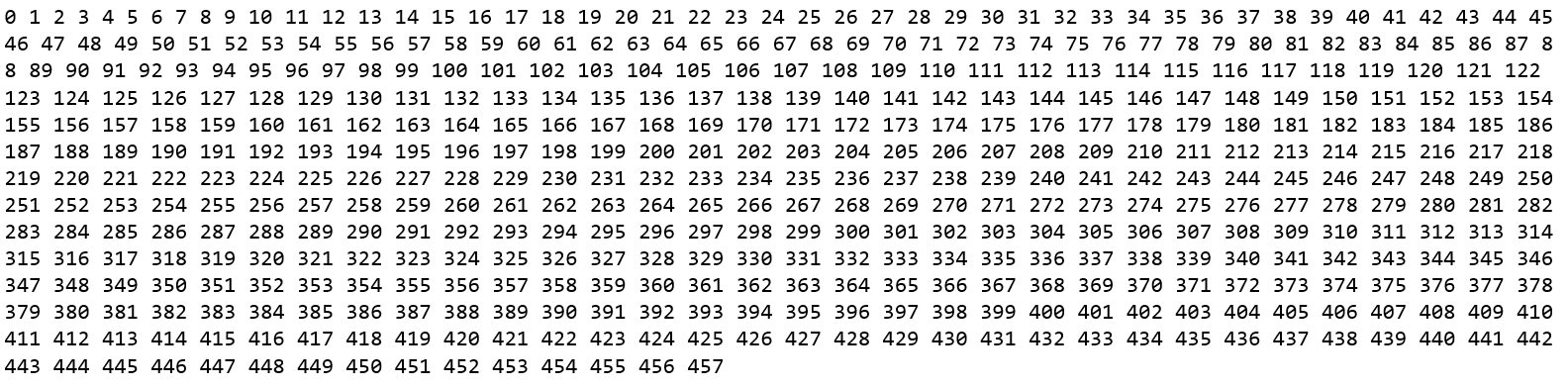
method, let's verify total number of rows first.
Output:
👁 ImageNow, let's print the total count of index.
Output:
458