|
VOOZH | about |
|
VOOZH | about |
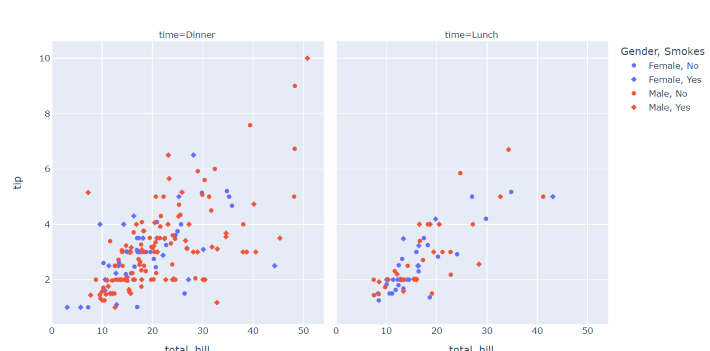
In this article, we will learn How to hide legend with Plotly Express and Plotly. Here we will discuss two different methods for hiding legend in plotly and plotly express, using two different examples for each to make it more clear.
Syntax: For legend:
- fig.update_traces(showlegend=False)
- fig.update(layout_showlegend=False)
Example 1:
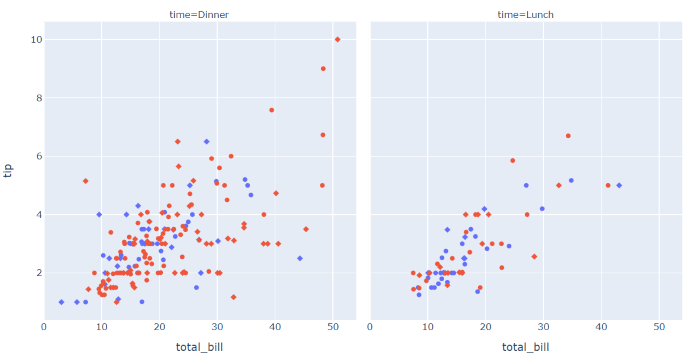
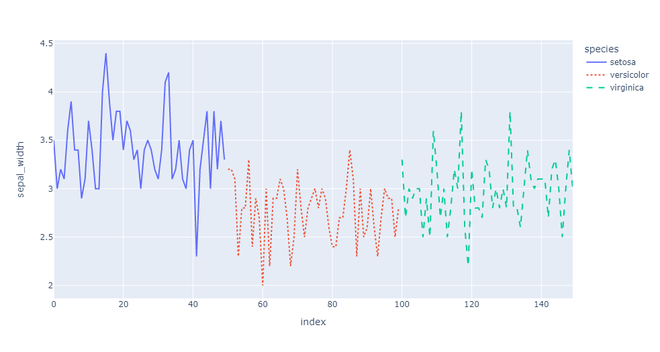
In this example, we are hiding legend in Plotly Express with the help of method fig.update_traces(showlegend=False), bypassing the show legend parameter as False.
Output:
👁 ImageExample 2:
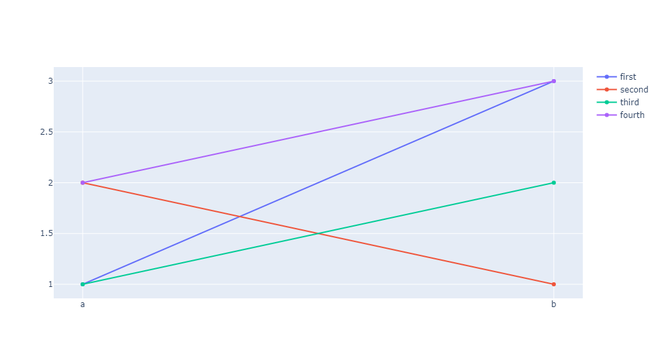
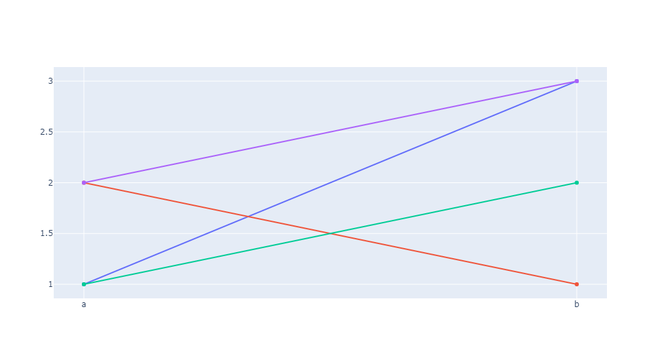
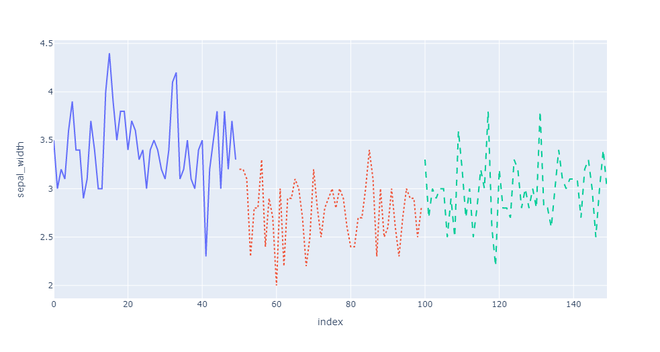
In this example, we are hiding legend in Plotly with the help of method fig.update(layout_showlegend=False), by passing the showlegend parameter as False.
Output:
👁 ImageExample 3:
In this example, we are hiding legend in Plotly Express with the help of method fig.update_traces(showlegend=False), by passing the layout_showlegend parameter as False.