|
VOOZH | about |
|
VOOZH | about |
SciPy is an open-source Python library used for scientific and technical computing. It builds on NumPy and provides a wide range of functions for linear algebra, optimization, integration, statistics and signal processing. If using Linux for Python development, installing SciPy is an important step for working with data science or scientific applications.
Linux offers flexibility when installing Python packages. You can use:
Below are simple step-by-step instructions for installation.
This method works across all Linux distributions.
1. Open Terminal
2. Upgrade pip
pip3 install --upgrade pip
3. Install SciPy
Below command will install SciPy as well as required dependencies:
pip3 install numpy scipy matplotlib ipython jupyter pandas sympy nose
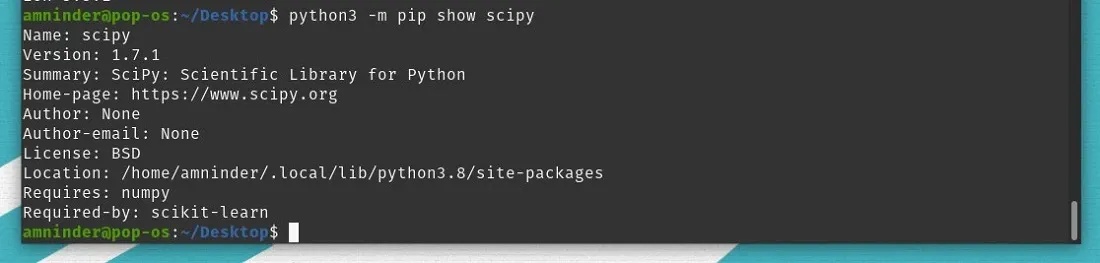
4. Verify the installation
python3 -m pip show scipy
On Linux, install SciPy using a system package manager like apt, apt-get or aptitude. These tools install precompiled versions of packages from your distribution's repositories.
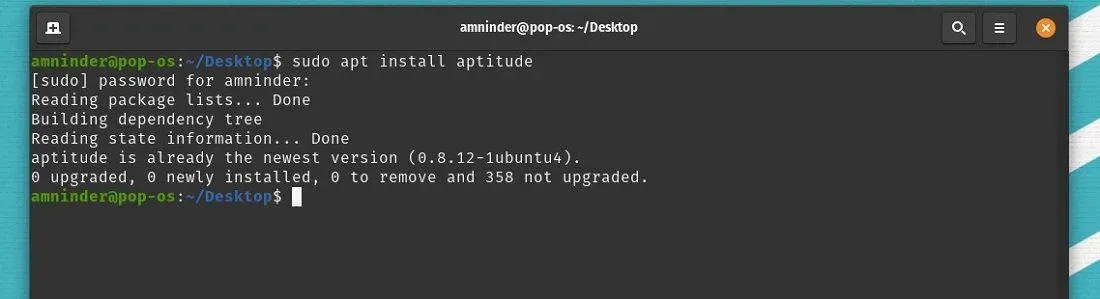
Aptitude is an advanced interactive package manager. If not installed on your system, you can install it using:
sudo apt install aptitude
Above command installs the aptitude tool, which can be used to manage packages just like apt, but with improved conflict resolution and a text-based UI.
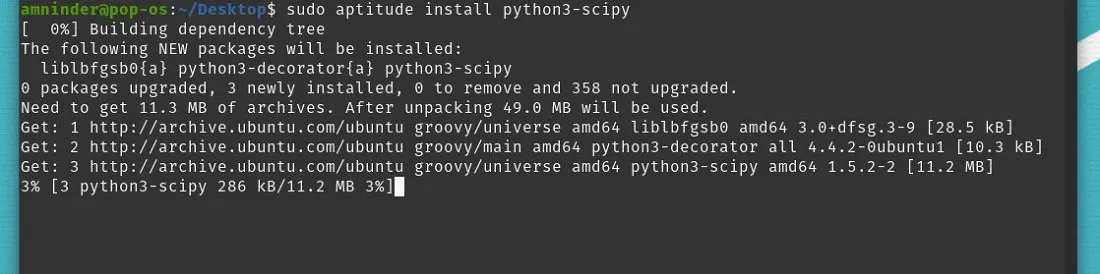
sudo aptitude install python3-scipy
This command fetches the SciPy package and its dependencies and installs them system-wide for Python 3.
sudo apt-get install python3-scipy
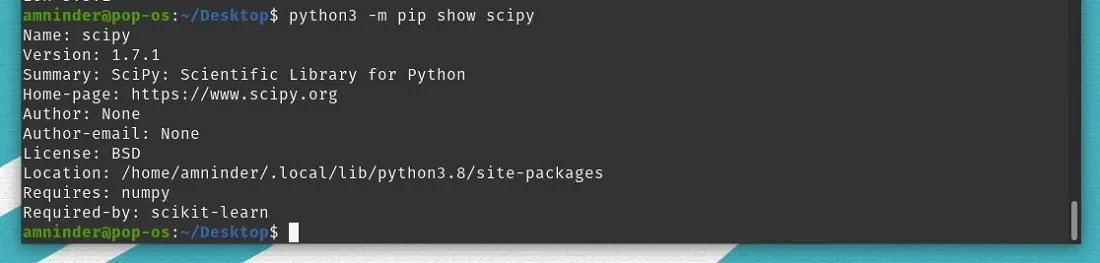
python3 -m pip show scipy
This command is used to display detailed information about the installed SciPy package in your Python 3 environment.