|
VOOZH | about |
|
VOOZH | about |
Matplotlib is one of the most popular data visualization libraries present in Python. Using this matplotlib library, if we want to visualize more than a single variable, we might want to explain what each variable represents. For this purpose, there is a function called legend() present in matplotlib library. This legend is a small area on the graph describing what each variable represents.
In order to remove the legend, there are four ways. They are :
Method 1: Using .remove()
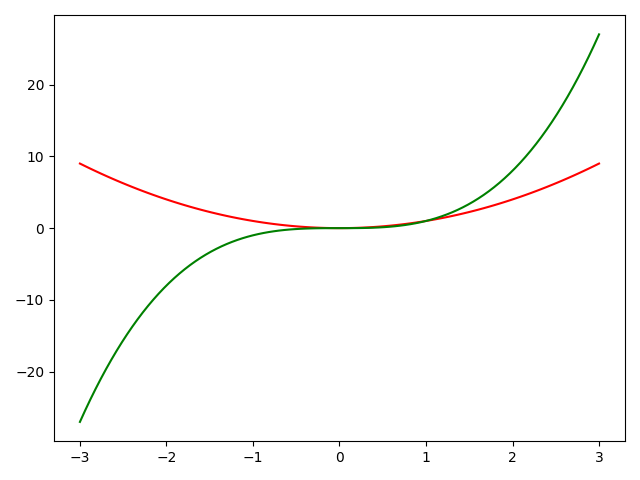
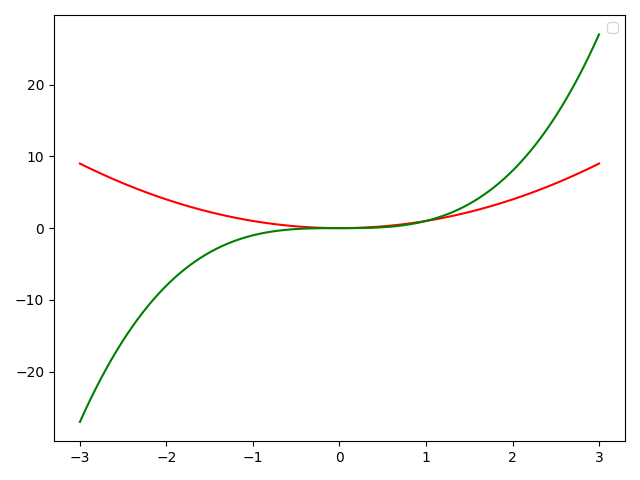
Example 1: By using ax.get_legend().remove() method, legend can be removed from figure in matplotlib.
Output :
We can see that there is no legend in the above figure.
Example 2: More than one subplots :
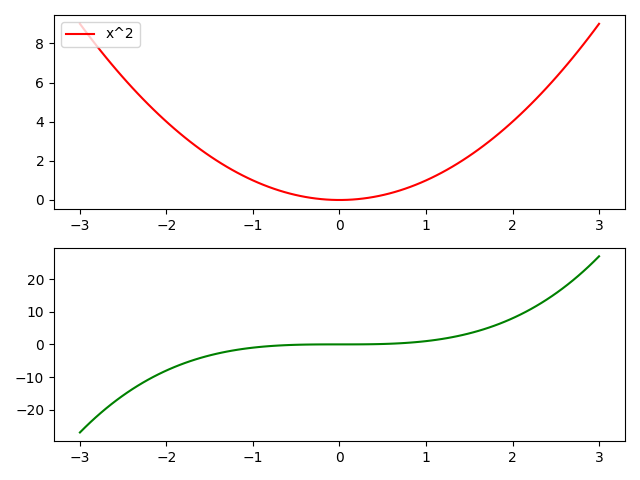
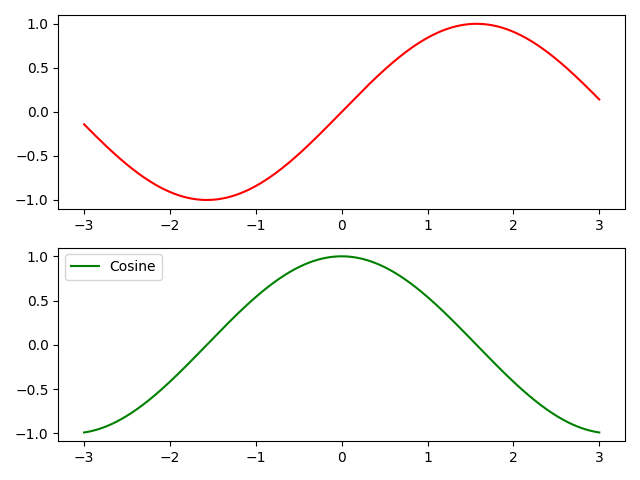
In the case of more than one subplot, we can mention the required subplot object for which we want to remove the legend. Here, we have written axs[1].get_legend().remove() which means we are removing legend for second subplot specifically.
Output :
In the above figure, we removed the legend for the second subplot specifically. The first subplot will still have a legend.
Method 2: Using set_visible()
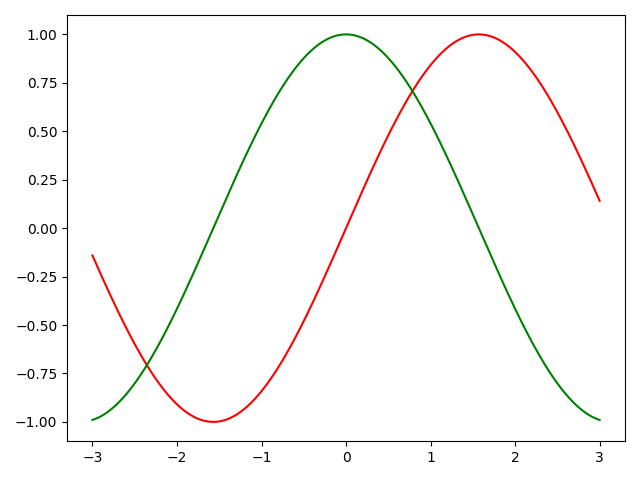
Example 1: By using ax.get_legend().set_visible(False) method, legend can be removed from figure in matplotlib.
Output :
We can see that there is no legend in the above figure.
Example-2. More than one subplots :
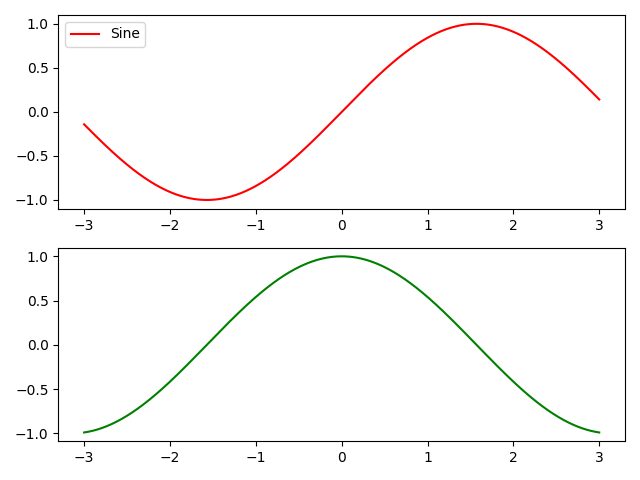
In case of more than one subplot, we can mention the required subplot object for which we want to remove the legend. Here, we have written axs[1].get_legend().set_visible(False) which means we are removing legend for second subplot specifically.
Output :
👁 ImageIn the above figure, we removed legend for the second subplot specifically. The first subplot will still have legend.
Method 3: Fix legend_ attribute of the required Axes object = None :
Example 1: By using ax.legend_ = None, legend can be removed from figure in matplotlib.
Output:
👁 ImageWe can see that there is no legend in the above figure.
Example 2: More than one subplot:
In the case of more than one subplot, we can mention the required subplot object for which we want to remove the legend. Here, we have written axs[0].legend_ = None which means we are removing legend for the first subplot specifically.the
Output:
👁 ImageIn the above figure, we removed legend for the first subplot specifically. The second subplot will still have legend.
Method 4: Using label = _legend_
Example 1: By sending label = '_nolegend_' argument in ax.plot(), legend can be removed from figure in matplotlib.
Output:
Example-2. More than one subplots :
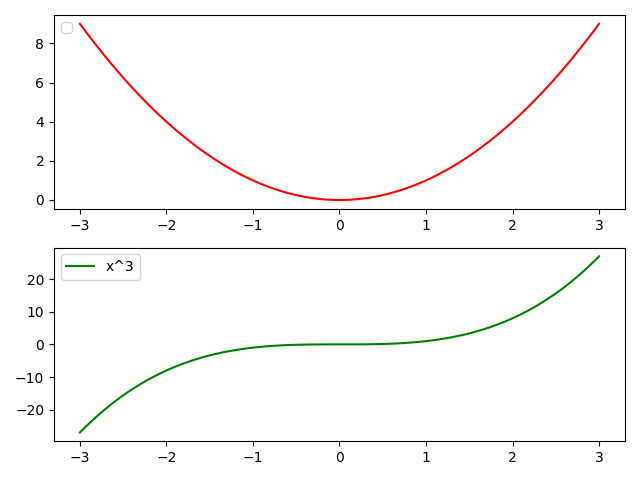
In case of more than one subplot, we can mention the required subplot object for which we want to remove the legend. Here, we have written axs[0].plot(x,y1,c='r',label = '_nolegend_') which means we are removing legend for first subplot specifically.
Output :
👁 Image
In the above figure, we removed legend for the first subplot specifically. The second subplot will still have legend.