|
VOOZH | about |
|
VOOZH | about |
Image rotation in Python rotates an image around its centre by a specified angle using forward or inverse methods. When the angle isn’t a multiple of 90 degrees, parts of the image may move outside the visible boundaries and get clipped. To avoid losing important content during rotation you need proper handling. Let’s explore different methods to perform this efficiently.
Generates a transformation matrix to rotate an image around a specific centre point by any angle and scale. It provides precise control over rotation but requires manual matrix computation and application.
Output
This code sets the rotation angle to 45 degrees with a scale of 1.0 no scaling. Then it creates a rotation matrix using cv2.getRotationMatrix2D() and applies it to the image with cv2.warpAffine() hence giving a rotated image of the same size.
A convenient wrapper around OpenCV’s rotation function that rotates an image by a given angle. It’s easy to use but keeps the original image size which can crop rotated corners.
Output
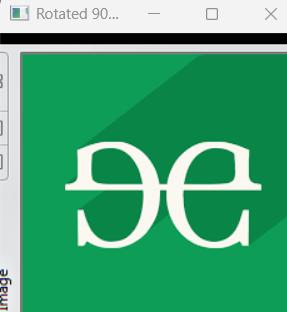
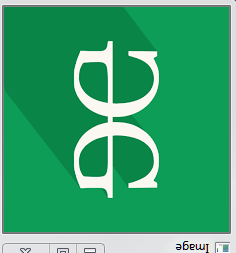
This code reads an image and uses imutils.rotate() to rotate it by 45 and 90 degrees. This function simplifies rotation by handling the transformation internally. The rotated images are then displayed in separate windows until a key is pressed.
Rotates images by any angle with a simple API. Supports an expand=True option to resize the canvas and prevent cropping, making it ideal for flexible rotations.
Output
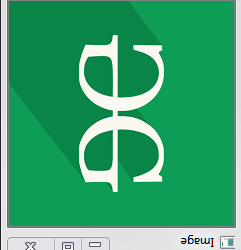
This code opens an image using Pillow and rotates it by 180 and 60 degrees using the rotate() method. It then displays both rotated images in separate windows.
Efficiently rotates images by fixed multiples of 90 degrees (90°, 180°, 270°). It’s very fast, avoids cropping but does not support arbitrary angles.