|
VOOZH | about |
|
VOOZH | about |
In this article, we are going to see how to Rotate and Scale the image. Image Scaling refers to the resizing of the original image and Image Rotation refers to turning off an image with some angle. Rotations in the coordinate plane are counterclockwise. Let's proceed with the methods used and the complete code to perform these tasks.
To scale the image we use the pygame.transform.scale(image, DEFAULT_IMAGE_SIZE) method where we pass the image that we are going to scale and the default image size that we will set manually according to our need.
Example:
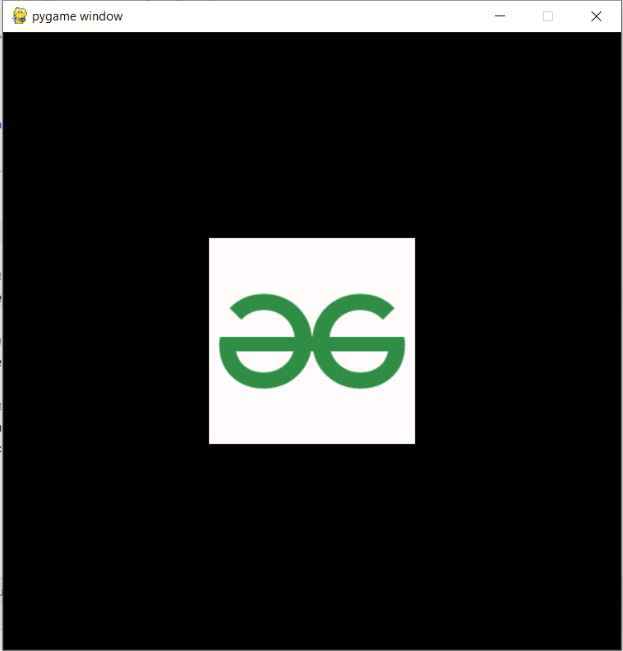
Image Used:
Output:
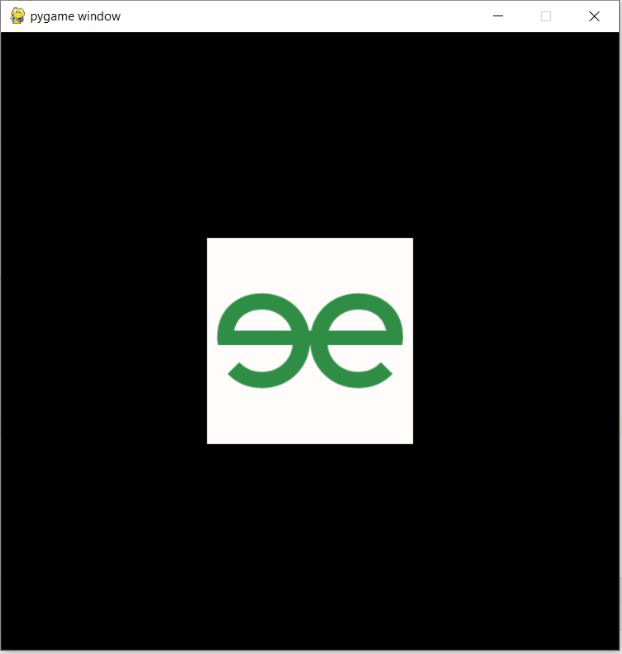
To rotate the image we use the pygame.transform.rotate(image, degree) method where we pass the image that we are going to rotate and the degree by which rotation is to be done.
Example:
Output:
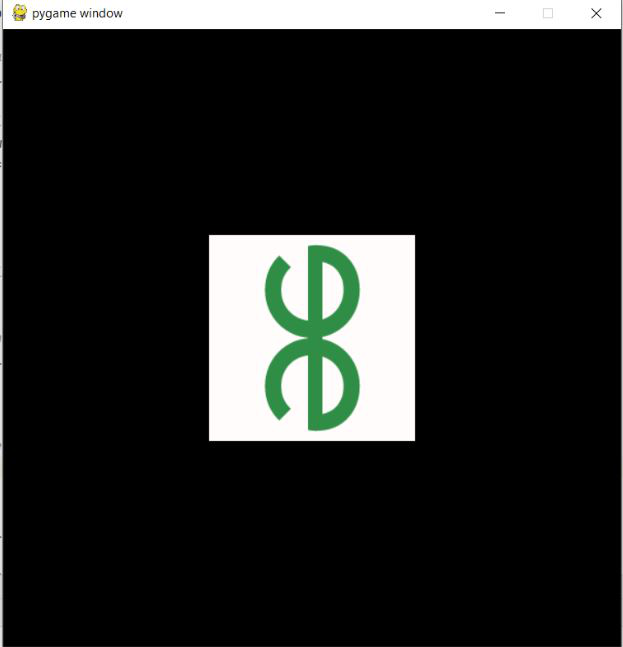
Let us see how to perform the Scaling and Rotation of an image given. We will set the default image size that is agreeable and the default image position where we want to see our image on the window screen. The same methods that are explained above will be used for scaling and rotation the image.
Example:
Output: