|
VOOZH | about |
|
VOOZH | about |
After successfully creating a Flask app, we can run it on the development server using the Flask CLI or by running the Python script.
Execute one of the following commands in the terminal:
- flask --app app_name run
- python app_name
In this example, we have a basic application called helloworld.py. Below is the code for it, and we will run this app with the debugger mode off.
Now let's run the app using both the commands seperately.
Using flask --app <app_name> run
Using the python app_name.py
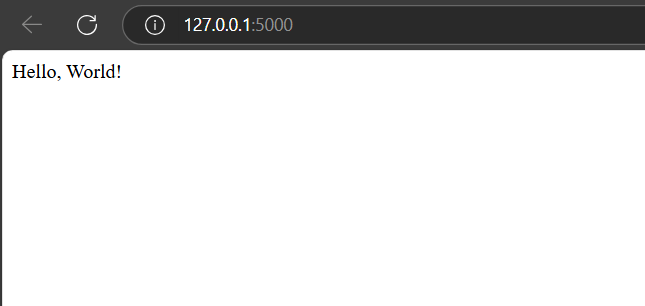
Below is a snippet of the live app running on the development server. You can open it by Ctrl + Click on the link: "http://127.0.0.1:5000" or by typing the URL directly into your browser.
With debug mode on, Flask automatically detects errors and shows a detailed traceback, helping developers quickly find and fix issues. We will use the below command to run the flask application with debug mode as on.
if __name__ == '__main__':
app.run(debug = True)