|
VOOZH | about |
|
VOOZH | about |
There are various methods to Run a Python script, we will go through some generally used methods for running a Python script:
Here is a simple code to print ‘Hello World!’.
To Execute this program, first we have to save it with the '.py' extension. Then we can execute this file with the help of the terminal.
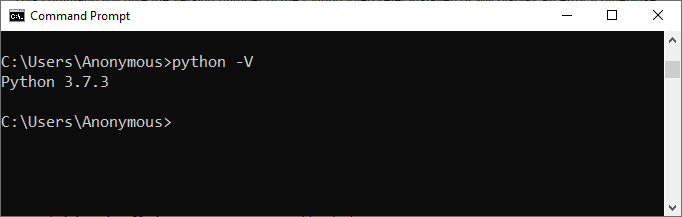
There are various ways to run a script in Python but before going toward the different ways to run a Python script, we first have to check whether a Python interpreter is installed on the system or not. So in Windows, open ‘cmd’ (Command Prompt) and type the following command.
python -V
This command will give the version number of the Python interpreter installed or will display an error if otherwise.
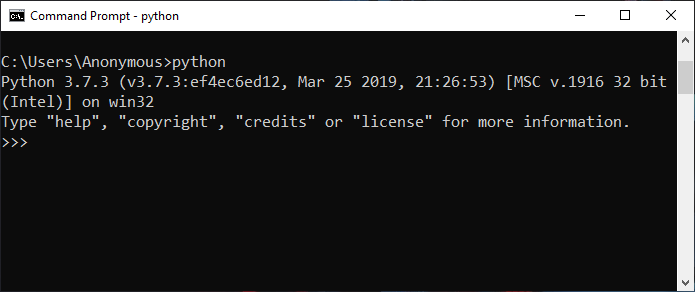
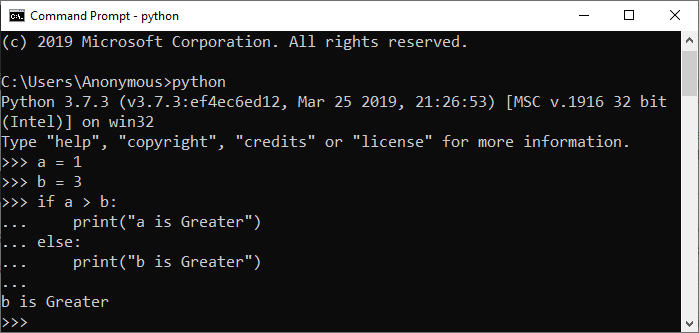
In Python Interactive Mode, you can run your script line by line in a sequence. To enter an interactive mode, you will have to open Command Prompt on your Windows machine, type ‘python’ and press Enter.
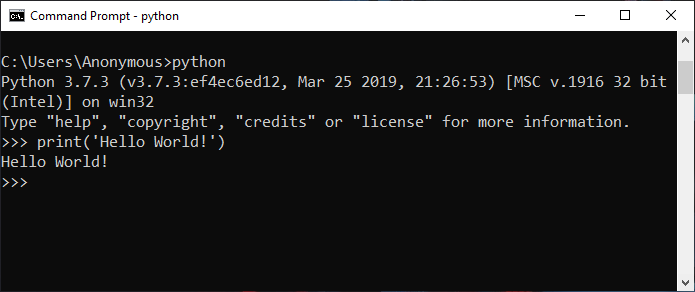
Run the following line in the interactive mode:
print('Hello World !')
Output:
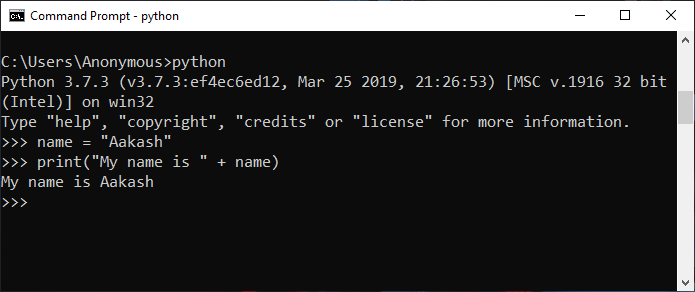
Run the following lines one by one in the interactive mode.
name = "Aakash"
print("My name is " + name)
Output:
Run the following lines one by one in the interactive mode.
a = 1
b = 3
if a > b:
 print("a is Greater")
else:
 print("b is Greater")
Output:
Note: To exit from this mode, press ‘Ctrl+Z’ and then press ‘Enter’ or type ‘exit()’ and then press Enter.
Running Python scripts on Windows via the command line provides a direct and efficient way to execute code. It allows for easy navigation to the script's directory and initiation, facilitating quick testing and automation.
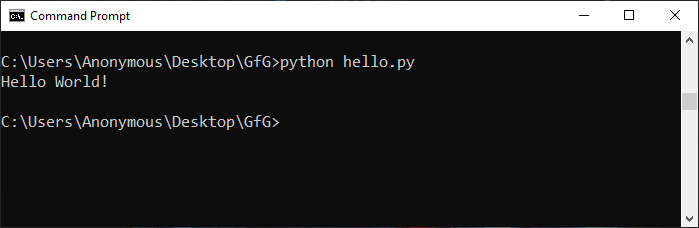
To run Python in the terminal, store it in a ‘.py’ file in the command line, we have to write the ‘python’ keyword before the file name in the command prompt. In this way we can run Python programs in cmd.
python hello.py
You can write your own file name in place of ‘hello.py’.
Output:
To run a Python script in Terminal from the command line, navigate to the script's directory and use the python script_name.py command. Redirecting output involves using the > symbol followed by a file name to capture the script's output in a file. For example, python script_name.py > output.txt redirects the standard output to a file named "output.txt."
Output :
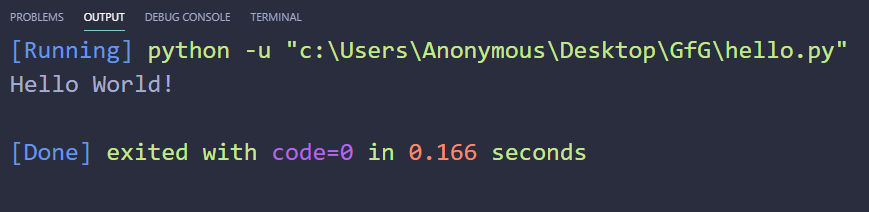
To run Python script on a text editor like VS Code (Visual Studio Code) then you will have to do the following:
print('Hello World!')
Output:
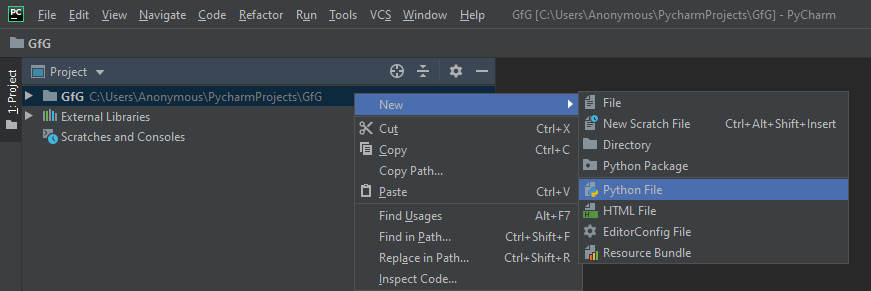
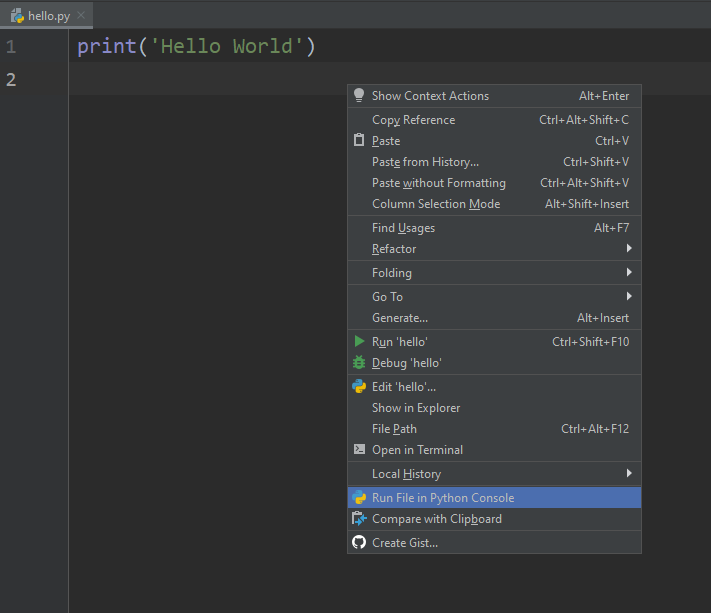
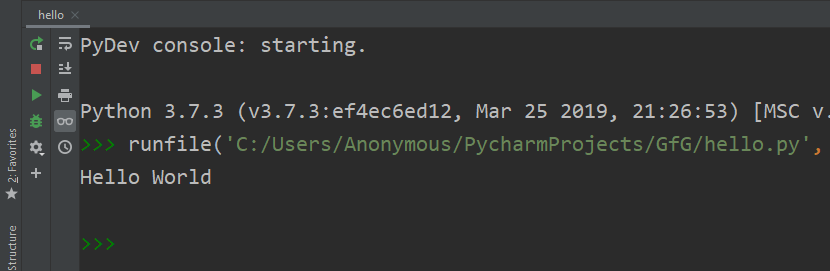
To run Python script on an IDE (Integrated Development Environment) like PyCharm, you will have to do the following:
Note: You don’t have to specify the extension as it will take it automatically.
print('Hello World !')Output:
We have covered 4 different methods to run Python scripts on your device. You can use any of the above methods depending on your device. Running Python scripts is a very basic and easy task. It helps you in sharing your work and accessing other source work for learning.
Similar Reads: