|
VOOZH | about |
|
VOOZH | about |
Python is a widely used general-purpose language. It allows performing a variety of tasks. One of them can be taking a screenshot. It provides a module named
pyautogui
which can be used to take the screenshot.
pyautogui
takes pictures as a PIL(python image library) which supports opening, manipulating, and saving many different image file formats.
pip install Pillow
pip install pyautogui
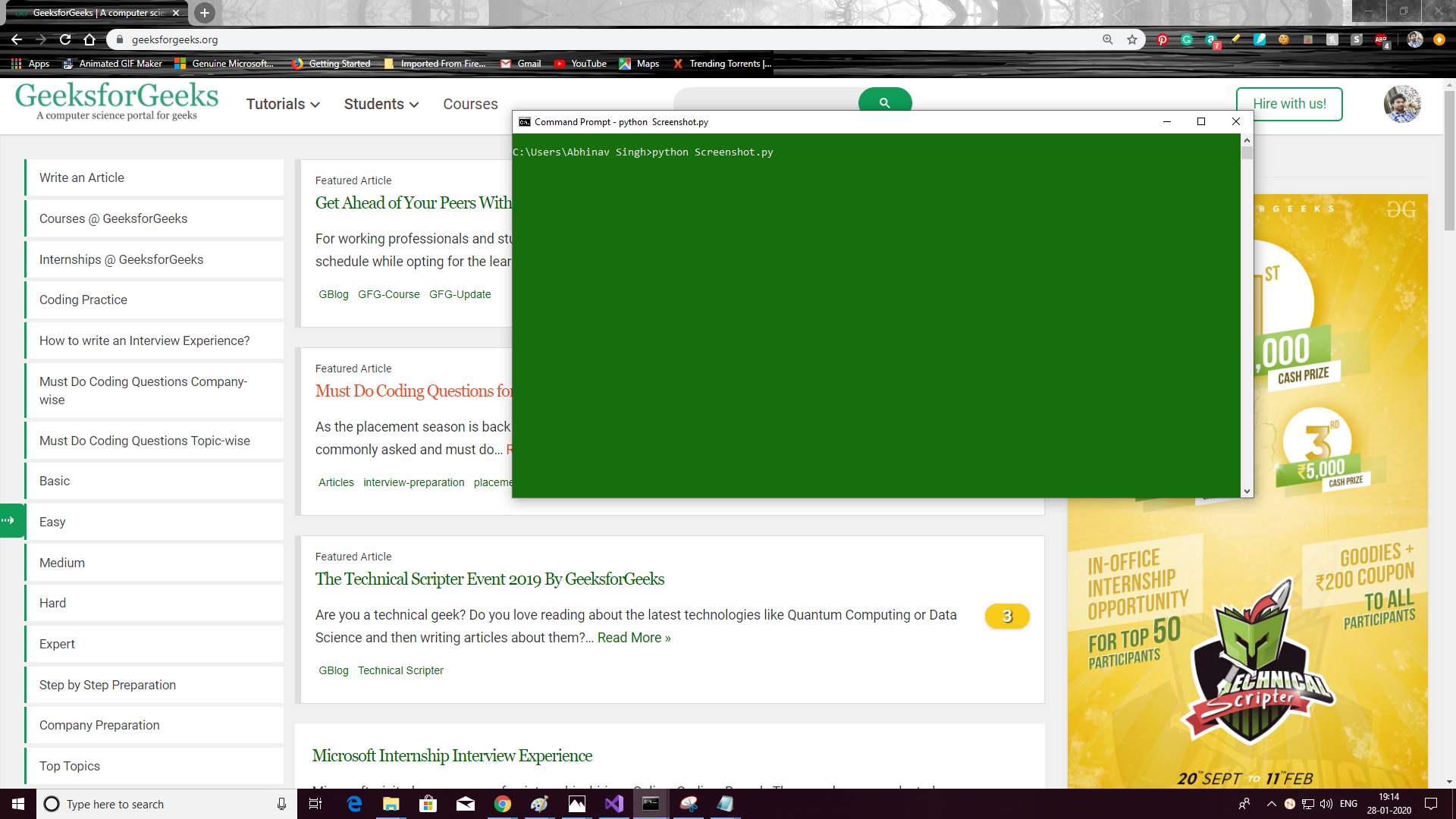
Below is the implementation.
Output:
👁 python-screenshot