|
VOOZH | about |
|
VOOZH | about |
Unit testing is a part of developing robust Django applications. Quite often, there will be many scenarios where a test or some tests require applying different settings. Django provides tools to temporarily change settings for testing so that a developer can isolate test cases and make sure the code works properly under certain conditions. In this article, we will see how you can use various settings in your Django unit tests.
This override_settings decorator is a very useful tool in Django to make temporary changes in settings for the lifetime of a test case. This will be particularly useful in the case that you might want to test how your code performs under different configurations—and not just permanently alter your settings.
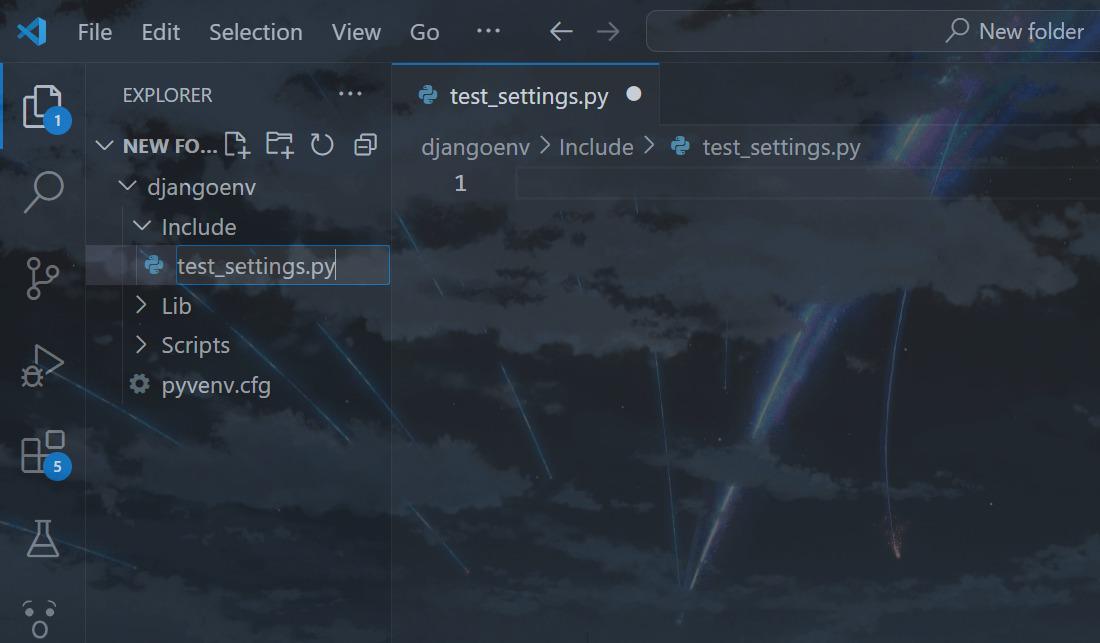
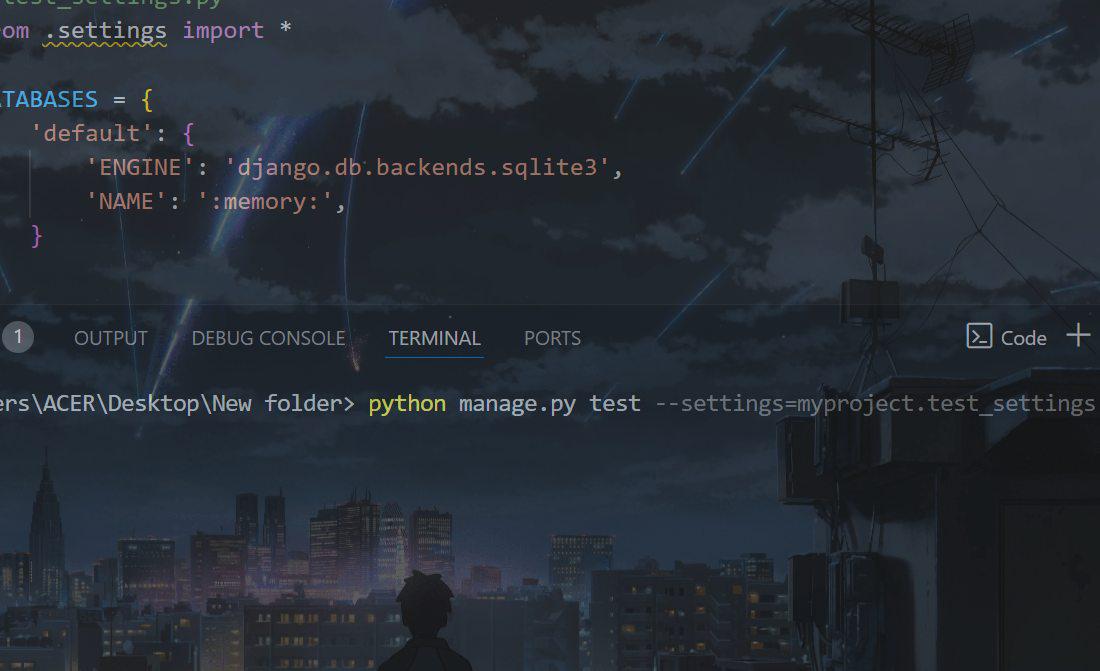
Apart from using override_settings, Django lets you write a separate settings module for testing. This is beneficial where you need to use a quite completely different configuration for your test suite.
2. Specify the Test Settings
python manage.py test --settings=myproject.test_settingsOR
DJANGO_SETTINGS_MODULE=myproject.test_settings python manage.py testLet's put it all together in a practical example. Suppose you're working on a Django project where you need to test how your application behaves under different configurations of the cache.
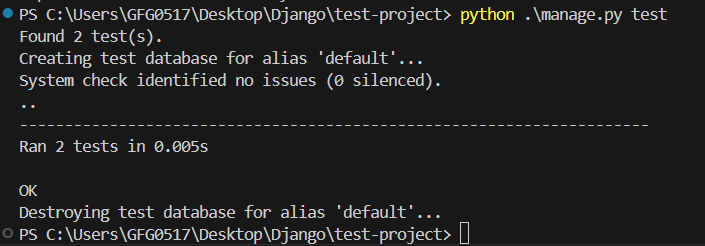
Output:
The tests run successfully. And like this, you can play with your settings variables and test your application smoothly.
Unit testing with different settings in Django is quite important to make sure that your application will work as one would expect it to in various conditions. The override_settings decorator and configuration of test-specific settings enable one to create flexible and solid test cases that help in the coverage of a wide scope of scenarios. Such tools help not only in catching potential issues at an early stage but also in increasing the quality and reliability of a Django project in general.
Ans. Changes made for the test using override_settings are restored right after the test function finishes. This should not have any impact on other tests or on the configuration of the project as a whole.
Ans. In case you need to revert some setting back to its initial value during a test, it's possible to store the old value before overriding it, and then manually set the value back in the test. Normally, it's much easier to just split the test into two separate test cases.