|
VOOZH | about |
|
VOOZH | about |
In this article, we are going to see how to work with images in Bokeh.
For this, we will use the ImageURL Glyph. This glyph renders images that are loaded from the given URLs.
Syntax: ImageURL('url', 'x', 'y', 'w', 'h', 'angle', 'dilate')
Arguments:
- url: The url from where the images needs to be retrieved.
- x = NumberSpec(default=field("x"), the x-coordinates to locate the image anchors.
- y = NumberSpec(default=field("y"), the y-coordinates to locate the image anchors.
- w = NullDistanceSpec, the width of the plot region that the image will occupy in data space.The default value is ``None``, in which case the image will be displayed at its actual image size.
- h = NullDistanceSpec, the height of the plot region that the image will occupy in data space.The default value is ``None``, in which case the image will be displayed at its actual image size (regardless of the units specified here).
- angle = AngleSpec(default=0), the angles with which the images are to be rotated, as measured from the horizontal.
- global_alpha = Float(1.0), an overall opacity that each image is rendered with.
- dilate = Bool(False), Whether to always round fractional pixel locations in such a way as to make the images bigger.This setting may be useful if pixel rounding errors are causing images to have a gap between them, when they should appear flush.
- anchor = Enum(Anchor), What position of the image should be anchored at the `x`, `y` coordinates.
- retry_attempts = Int(0), number of attempts to retry loading the images from the specified URL. Default is zero.
- retry_timeout = Int(0), timeout (in ms) between retry attempts to load the image from the specified URL. Default is zero ms.
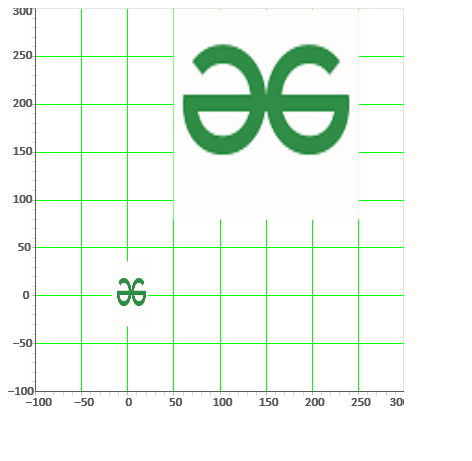
In this example, we are loading the image from the URL given and then rendering the image on the plot. In this example, we are loading the image from the web which can also be loaded locally. Here, we are showing two images on the plot with different parameter values (such as x,y,w,h, etc). You can observe the output to better understand.
Output:
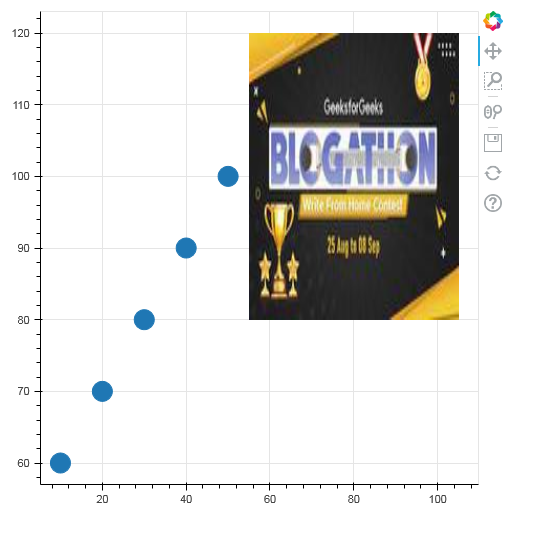
👁 ImageIn this example, we are creating a figure with a circle glyph and then simply rendering the image from the given URL using the glyph ImageURL.