|
VOOZH | about |
|
VOOZH | about |
In this article, we are going to write the output to an HTML file with Python BeautifulSoup. BeautifulSoup is a python library majorly used for web scraping but in this article, we will discuss how to write the output to an HTML file.
Modules needed and installation:
pip install bs4
Approach:
Steps to be followed:
Step 1: Import the required libraries.
Step 2: We will perform a get request to the Google search engine home page and extract its page content and make a soup object out of it by passing it to beautiful soup, and we will set the markup as html.parser.
Note: if you are extracting a xml page set the markup as xml.parser
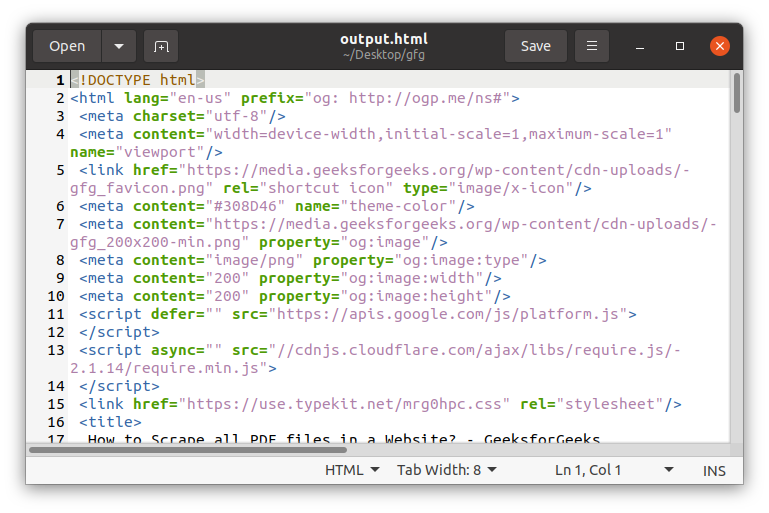
Step 3: We use the file data type of python and write the soup object in the output file. We will set the encoding to UTF-8. We will use .prettify() function on soup object that will make it easier to read. We will convert the soup object to a string before writing it.
We will store the output file in the same directory with the name output.html
Below is the full implementation: